


Product Description
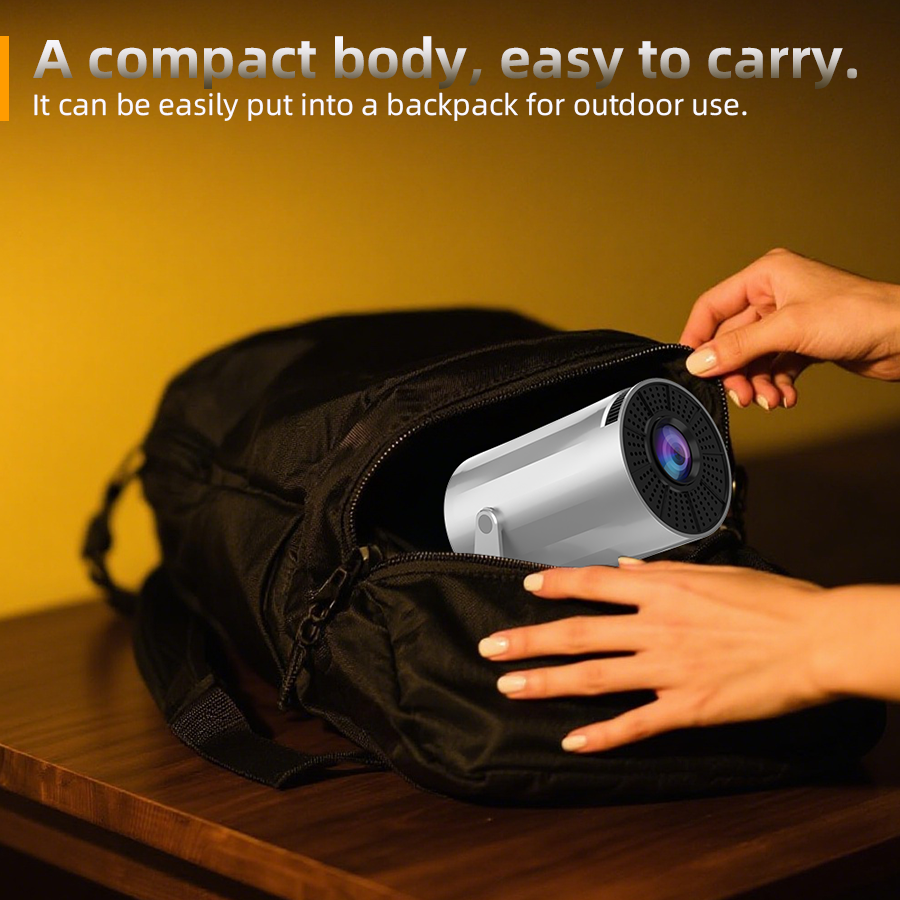
【Portable Projector & 180° Rotation — Enjoy Cinema Experience Anywhere】
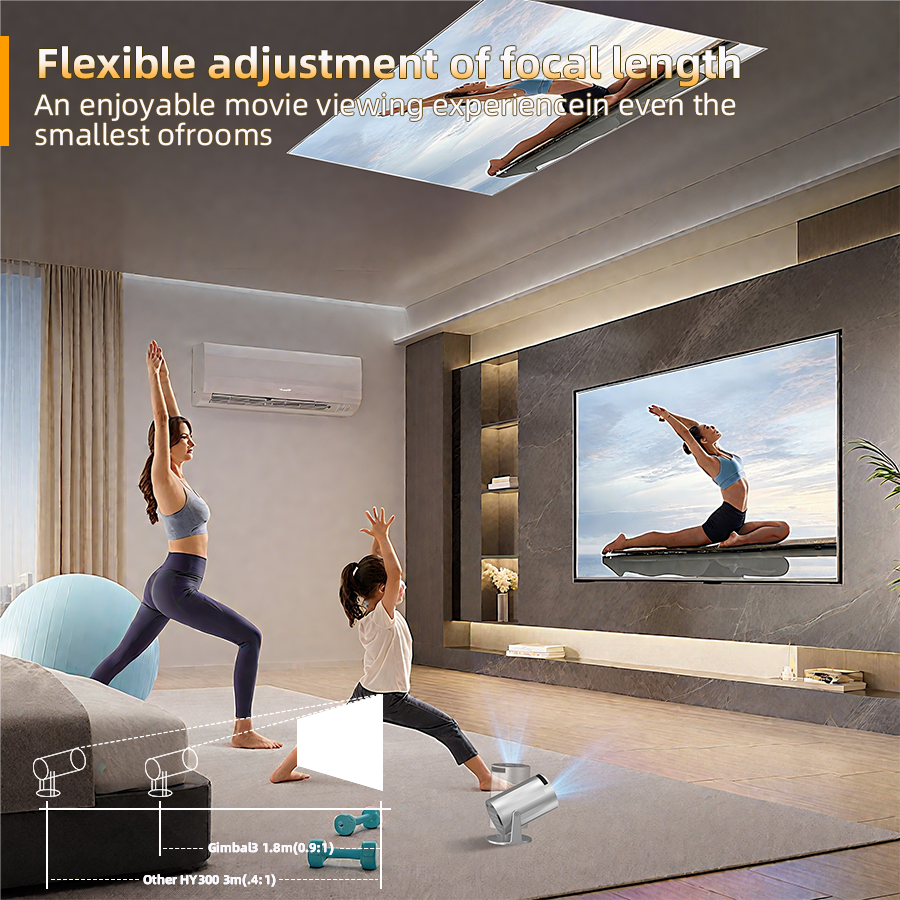
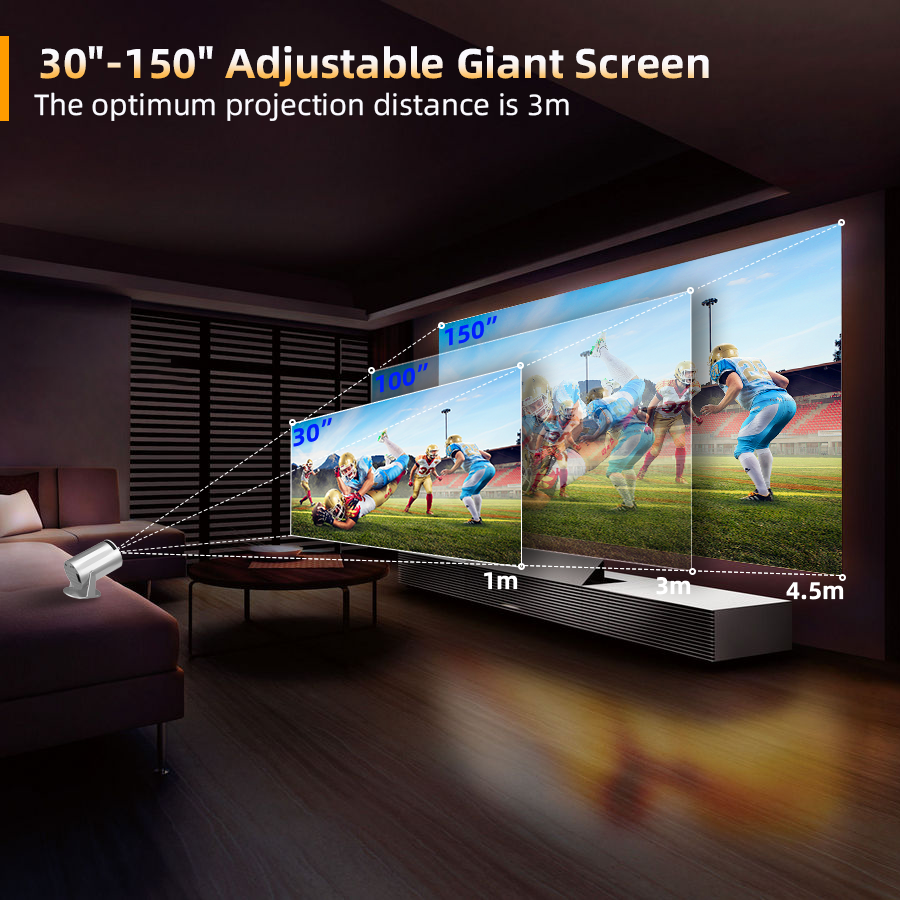
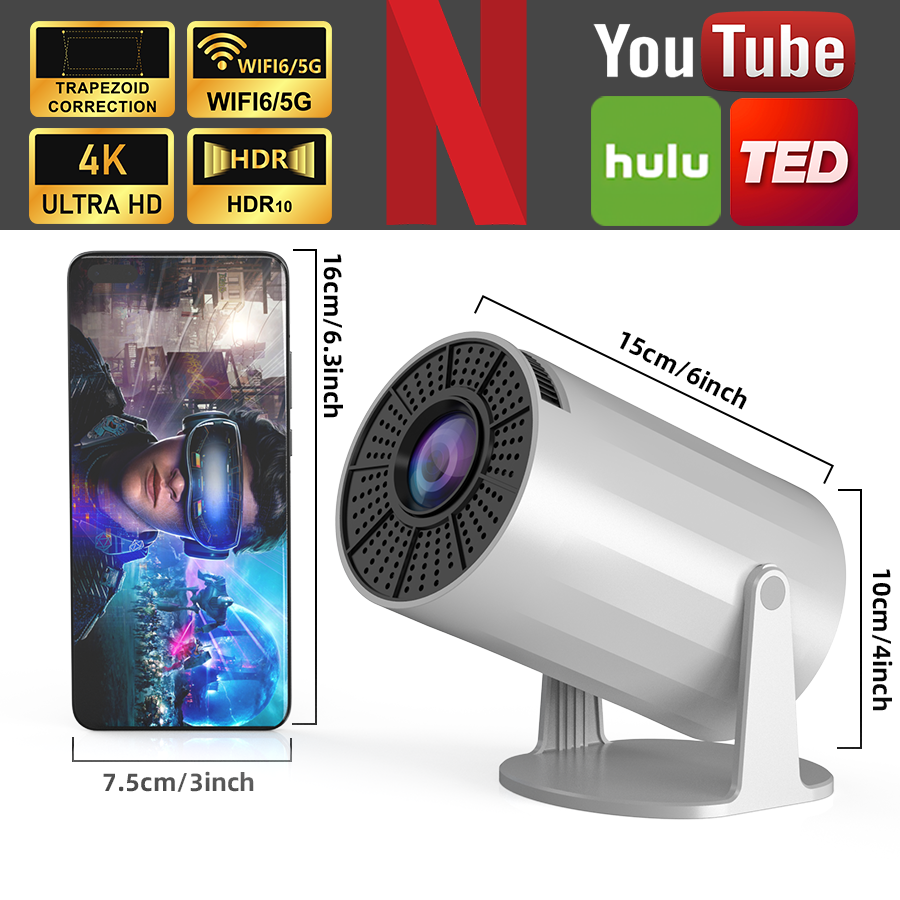
This projector weighs only 1.5 pounds (about 0.68kg) and measures 5.5x4.7x8.6 inches (about 14x12x21.8cm), making it easy to carry in a backpack for a movie night anywhere. Equipped with a 180° vertically rotating base, it supports flexible projection from the floor to walls and ceilings, adapting to various usage scenarios. The projection size ranges from 40 to 130 inches (about 101.6-330.2cm), offering flexible viewing options for different spaces. The recommended projection distance is 5.51 feet (about 1.68m) for a 60-inch (about 152.4cm) screen, providing the best viewing effect. Note: The projector does not come with a battery and must be used with a power supply.
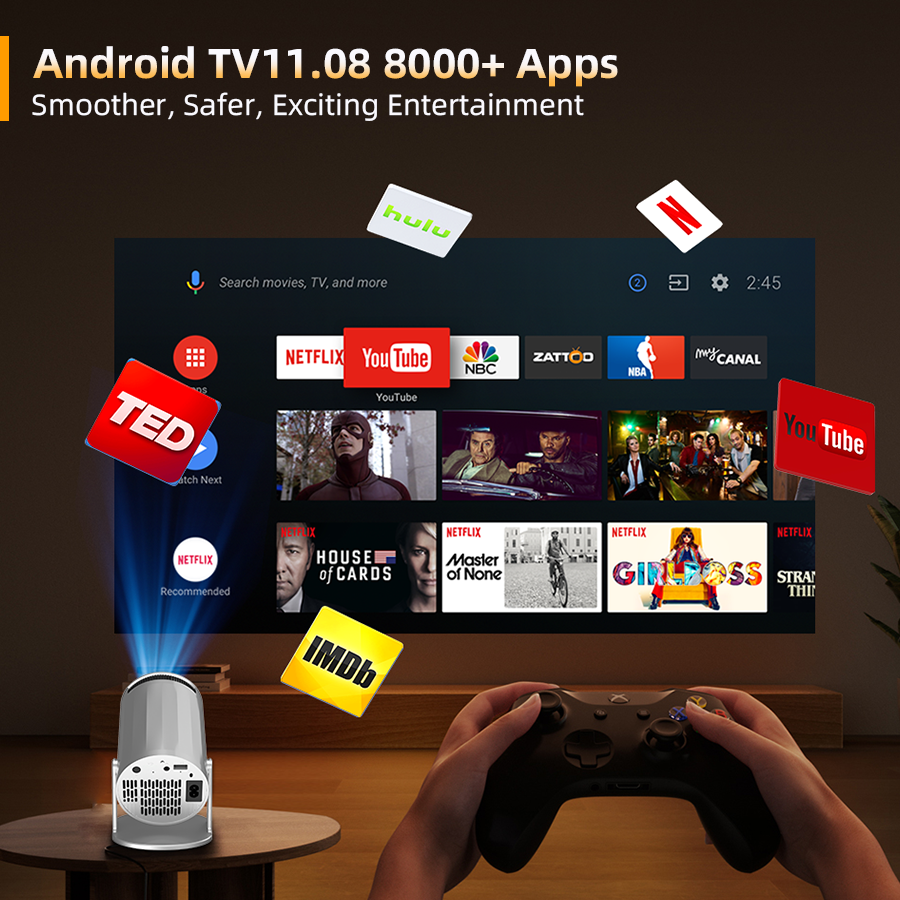
【Built-in Android TV 11.0 & 4K Decoding — Enjoy a Wealth of Movies and TV Shows】
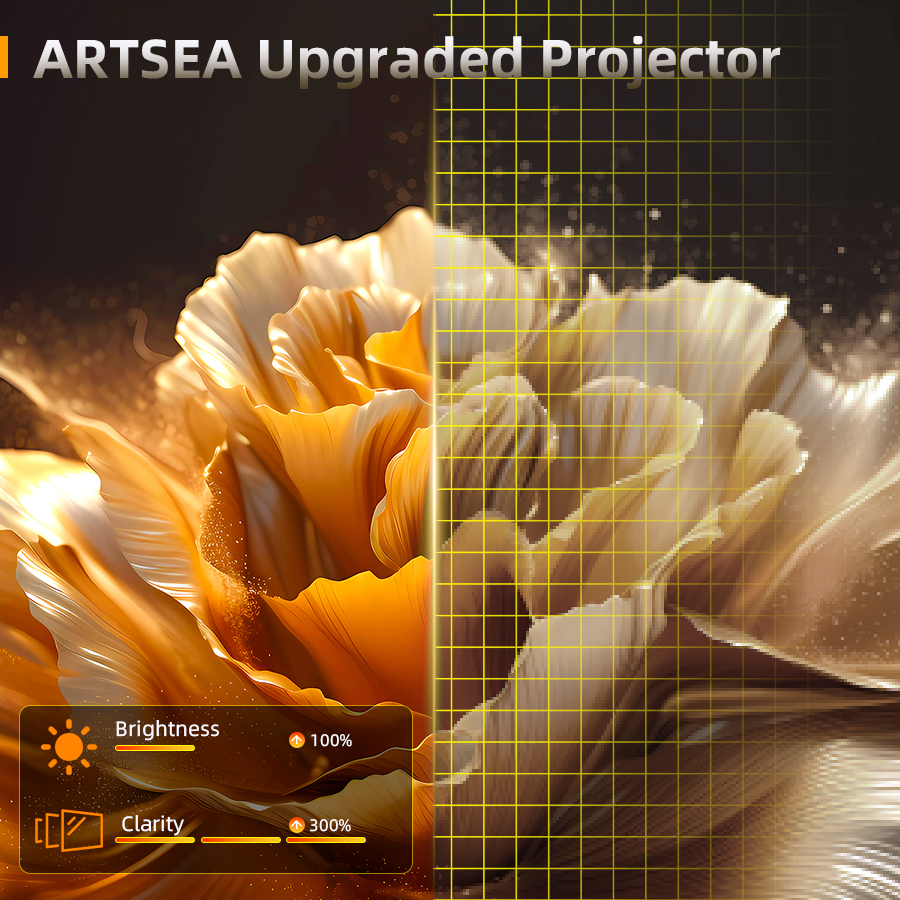
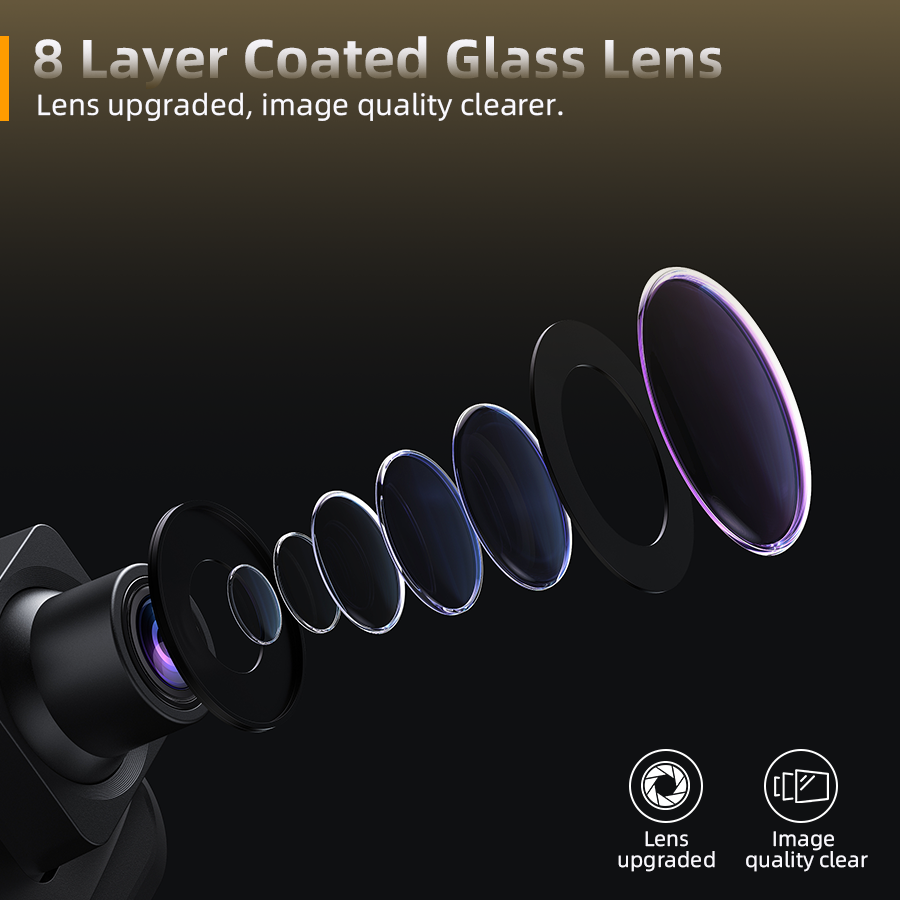
Equipped with Android TV 11.0, you can download your favorite apps and enjoy over 500,000 movies and TV shows. (If you receive a system update notification, please confirm the update in time; otherwise, some apps like Disney+ may not be compatible or usable.) Using LCD projection technology, it features 200 ANSI lumens brightness and a 1300:1 contrast ratio, supporting 1080P/4K decoding and native 720P resolution, delivering vivid and realistic colors that restore the true visual experience.
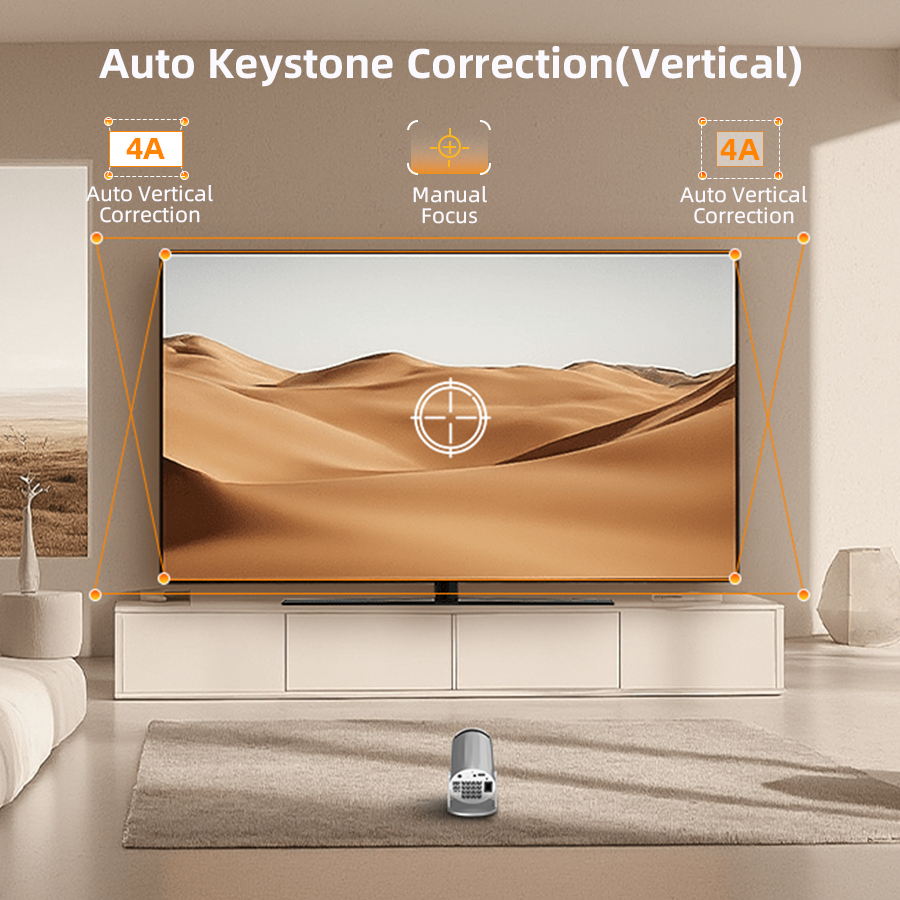
【Auto Vertical Keystone Correction + Manual Focus — Zero Threshold Operation】
It features automatic vertical keystone correction, ensuring a square image at any vertical angle. If the image is blurry, you can manually adjust the focus by rotating the lens ring to quickly optimize the image quality, making it easy for users of all ages to use. Note: It only supports vertical (up and down) correction, not four-point or horizontal keystone correction, and does not have an auto-focus function; focusing is done by manually adjusting the lens ring.
【Dual-Band WiFi 6 + Multi-Protocol Screen Mirroring — Stable and Lag-Free Connection】
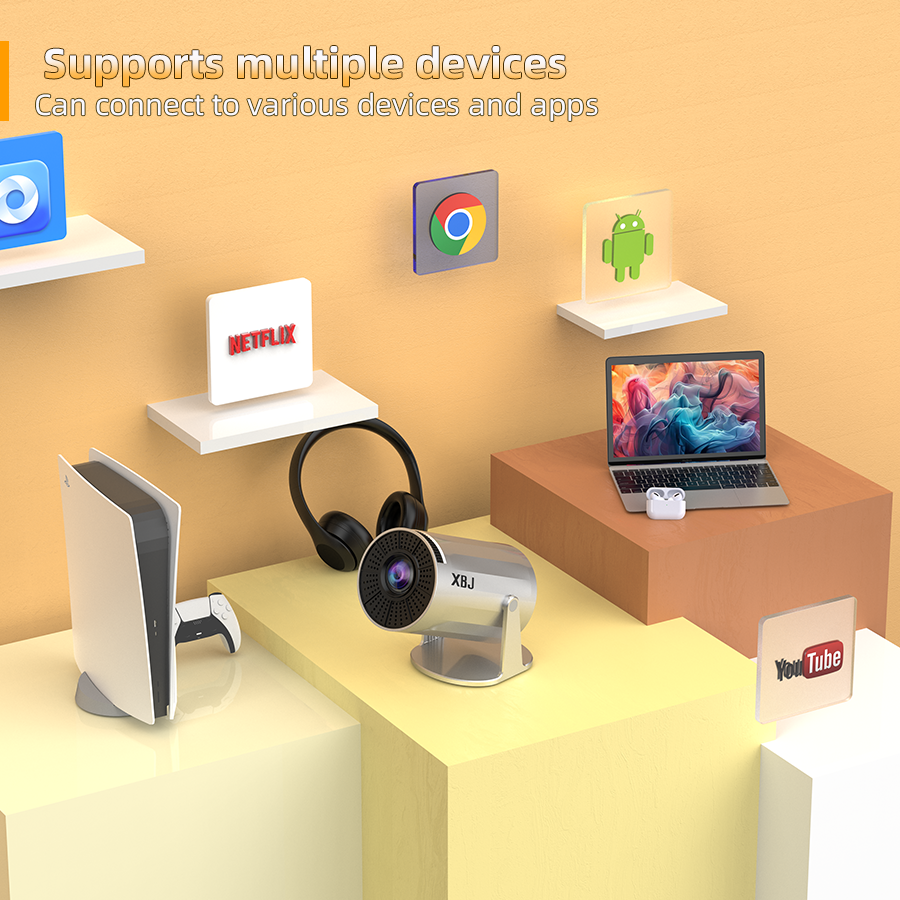
Supports 5G+2.4G dual-band WiFi 6 connection, providing a more stable signal and smoother transmission, completely eliminating lag issues. Compatible with Miracast, AirPlay, DLNA, and other wireless screen mirroring protocols, making it easy to connect to smartphones and tablets. To use AirPlay screen mirroring, you need to open the "AICast" app on the projector first. Reminder: Due to HDCP copyright restrictions, direct wireless mirroring of streaming services from smartphones is not supported; it is recommended to use with a TV Stick Lite (not included).
【Bluetooth 5.0 + Built-in Speaker — Immersive Sound Experience】
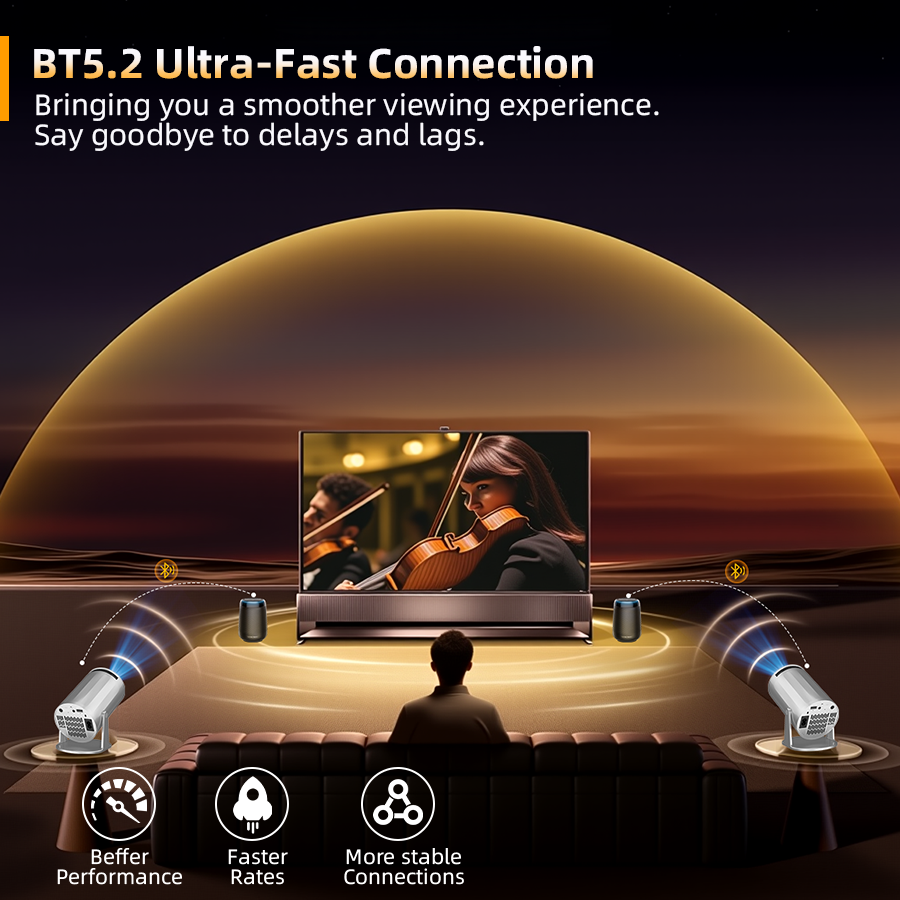
Equipped with Bluetooth 5.0 module and a built-in speaker, it provides an immersive audio experience. For richer and more powerful sound, you can connect to a Bluetooth speaker. Note: Bluetooth is only used for audio transmission between devices and does not support smartphone screen mirroring.
【Multi-Device Compatibility — All-in-One for Work and Entertainment】
It comes with HDMI, USB, and 3.5mm audio ports, allowing easy connection to laptops, TV sticks, USB drives, and other external devices (note: HDMI and USB cables are not included). After connecting the HDMI cable, use the remote control to switch to the HDMI input for normal use. This mini projector, with both WiFi and Bluetooth capabilities, is affordable and suitable for home viewing, outdoor night entertainment, yoga screen mirroring, and more, making it practical and cost-effective.
Usage Instruction
Setup:
Place the projector on a stable surface and use the rotatable base to find your desired angle. For the sharpest image, use the manual focus ring located near the lens after the auto-keystone has leveled the frame
App Management:
Sign in to the Google Play Store via the Android 11 interface to update streaming apps. Ensure your WiFi 6 router is within range for the best high-definition playback stability
Outdoor Use:
When using outdoors, ensure a stable power source is available and project onto a dedicated screen or a flat, light-colored wall for maximum 200 ANSI brightness performance
Safety Warning
Eye Safety:
Never look directly into the projector lens while the lamp is on, as the intense light can cause permanent eye damage. Ventilation: Do not block the air intake or exhaust vents; allow at least 10cm of space around the unit to prevent overheating. Power Caution: Use only the provided power adapter and unplug the device during lightning storms or long periods of inactivity