Product Description
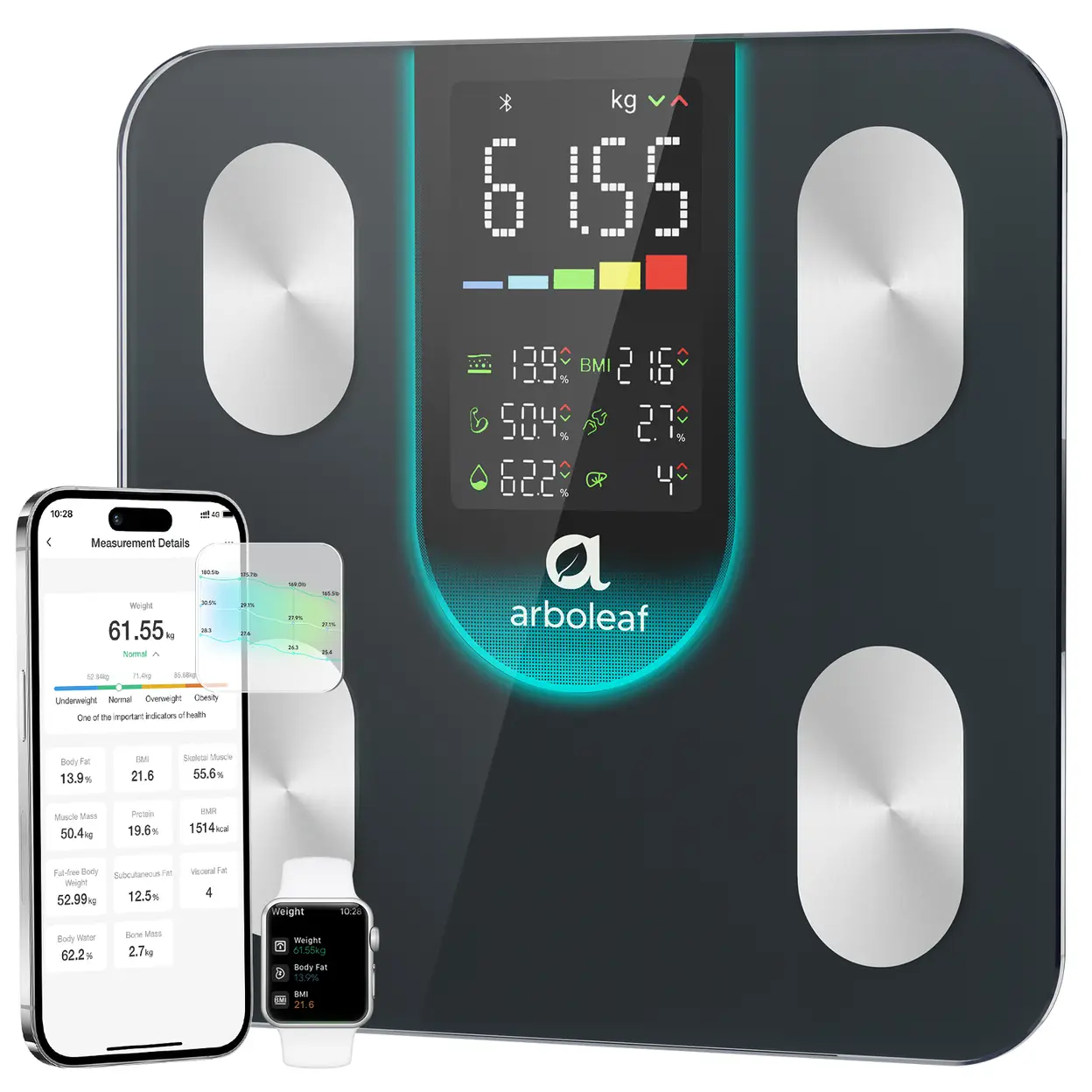
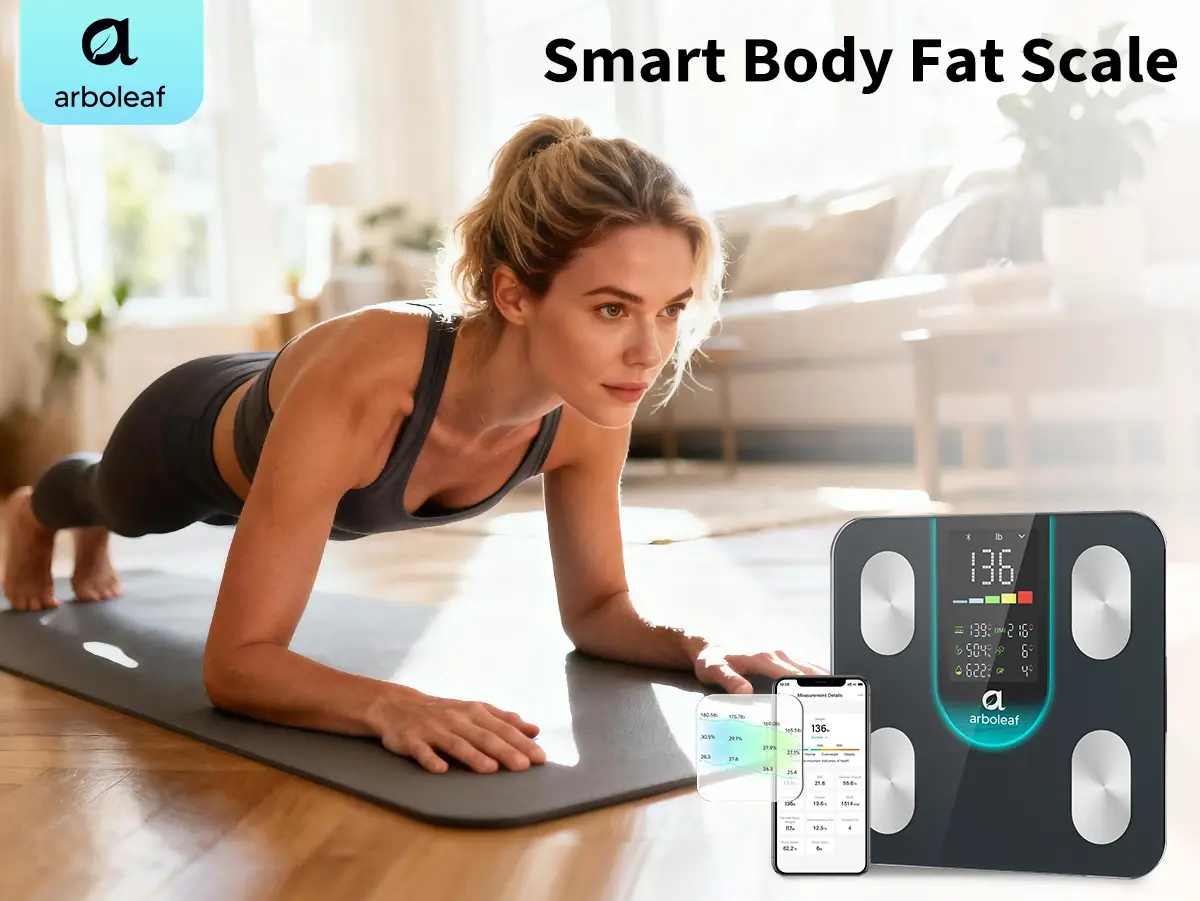
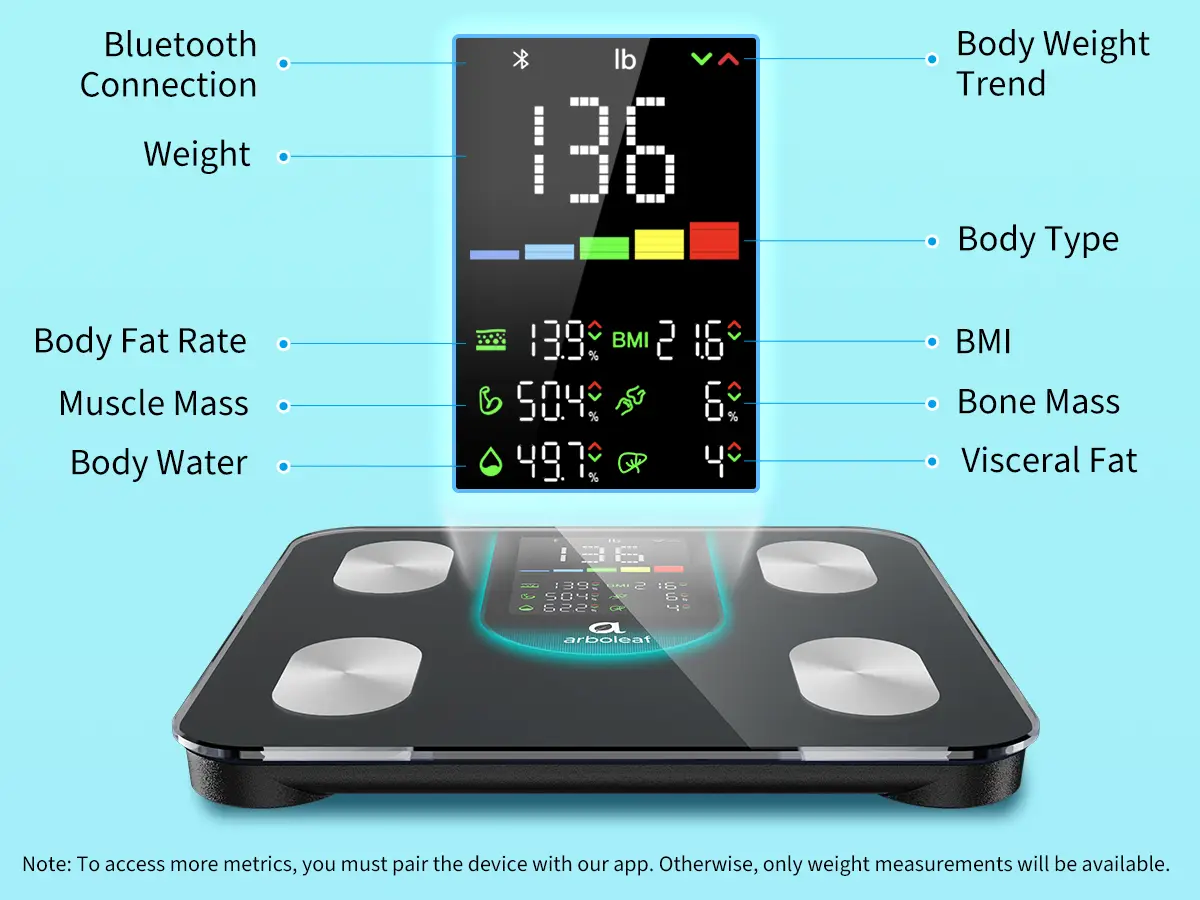
4.6-Inch Color LED Display
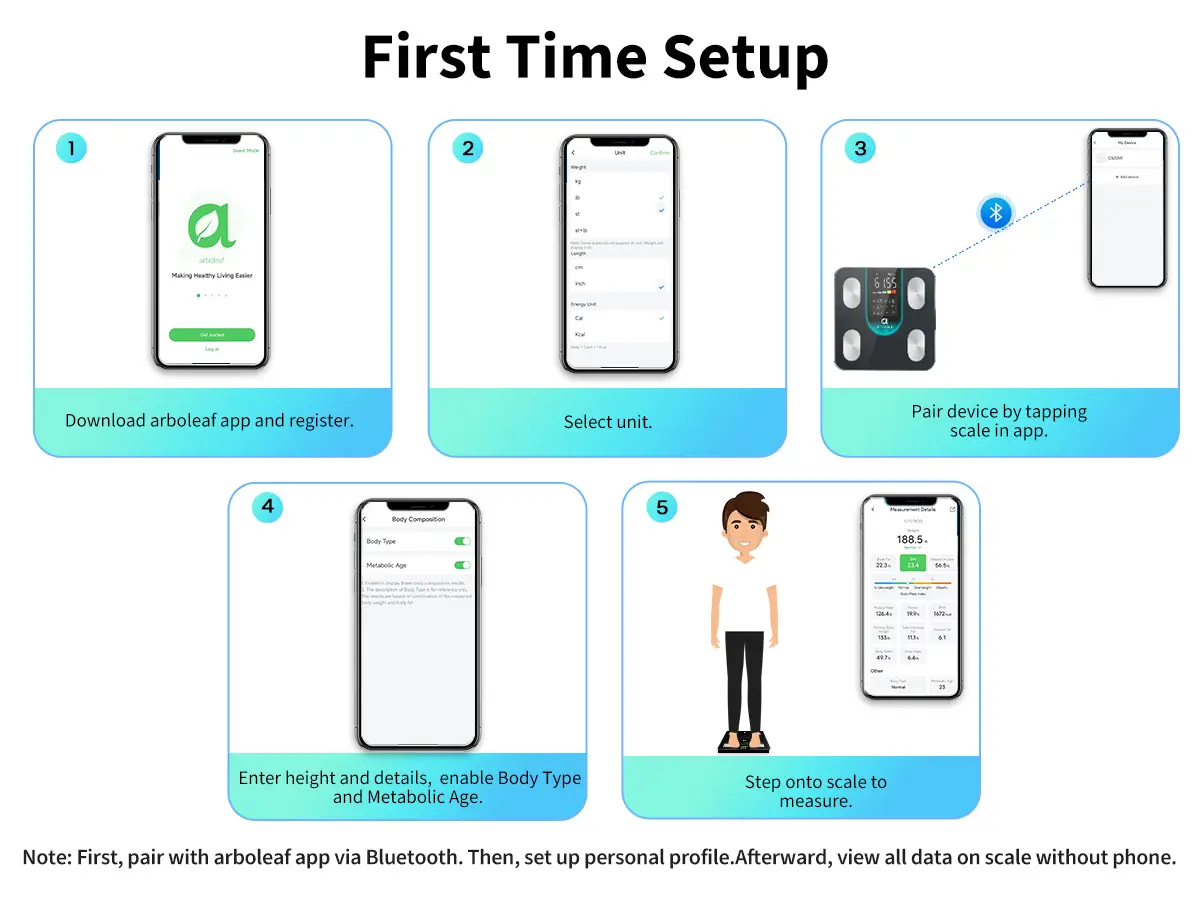
View key measurements including weight, BMI, body fat and muscle mass directly on the bright, easy-to-read display. Complete the initial setup in the Arboleaf app, then step on the scale for convenient daily tracking
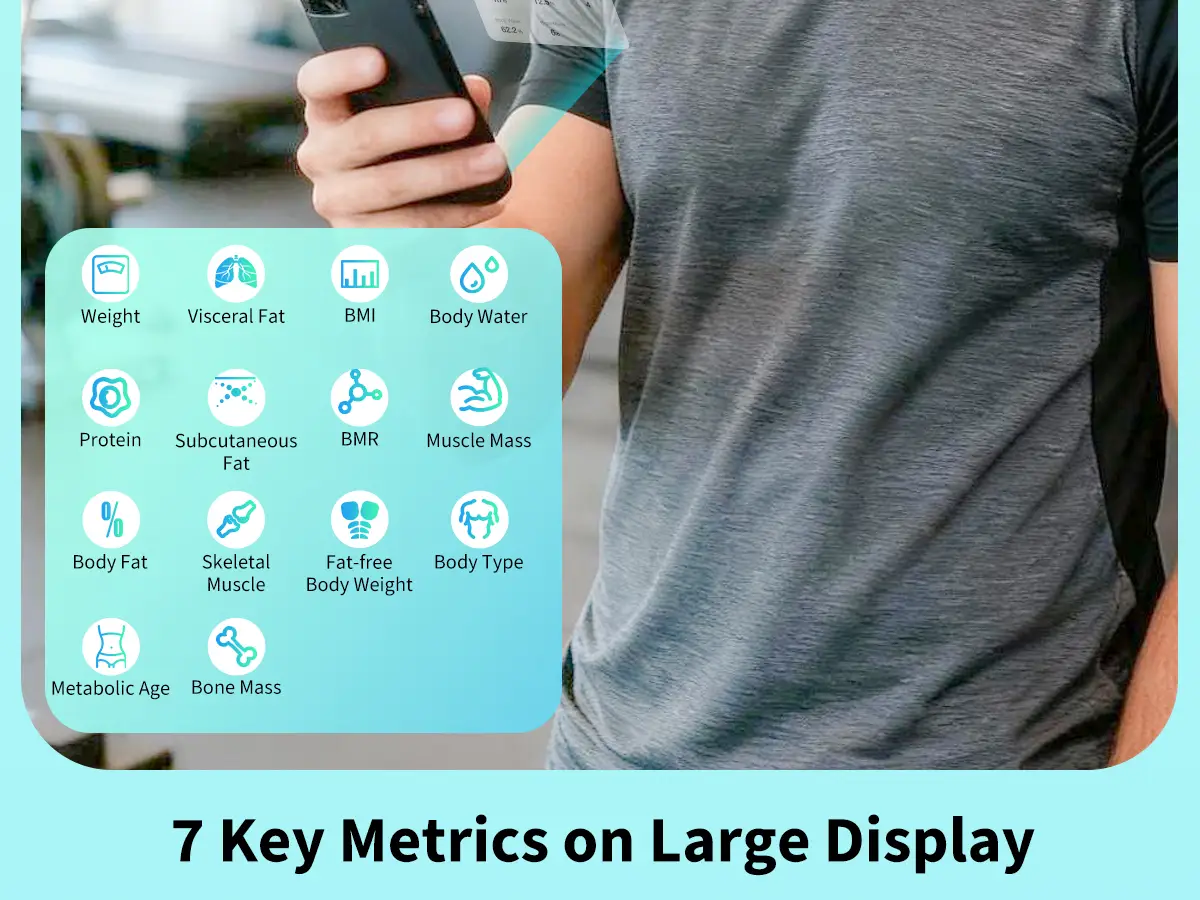
14 Body Composition Metrics
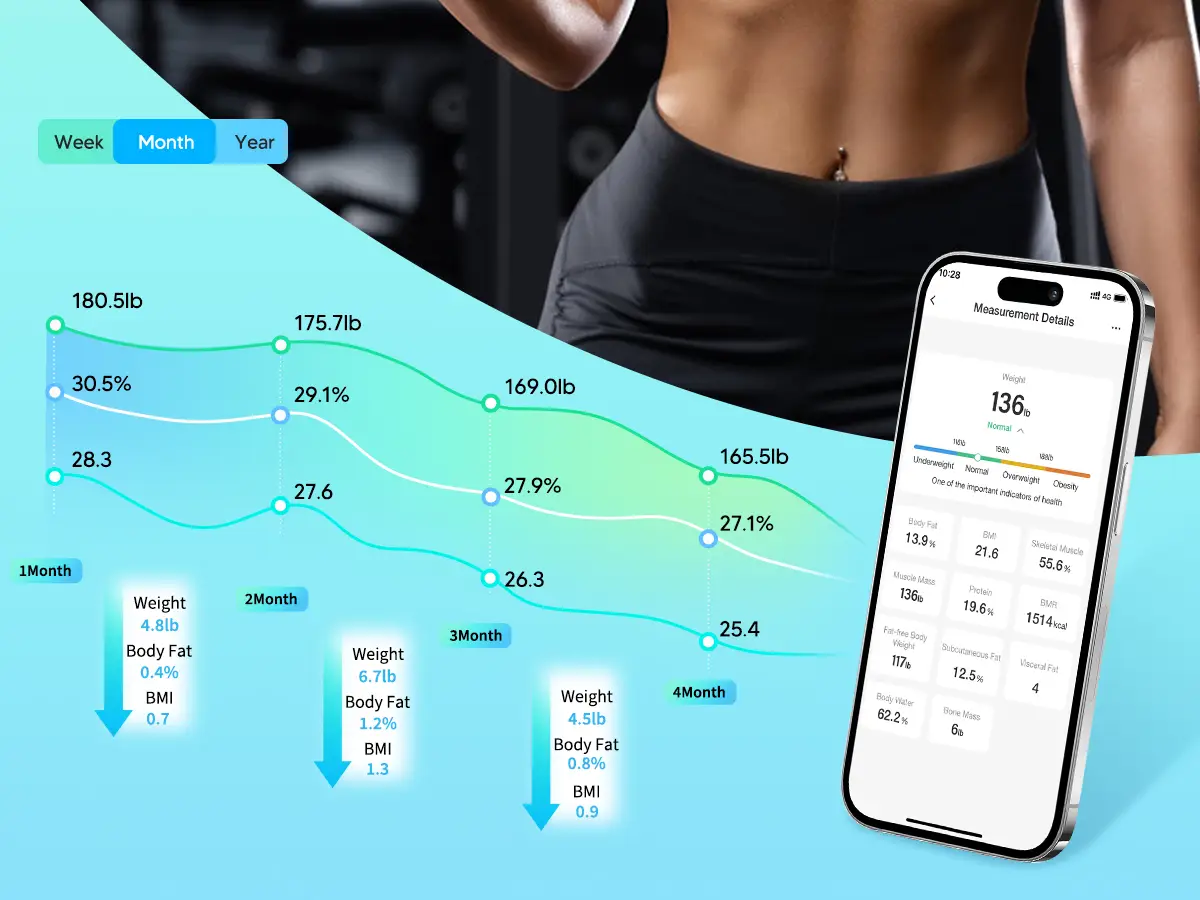
Gain a more complete picture of your body with up to 14 measurements, including weight, BMI, body fat, muscle mass, visceral fat, body water, bone mass, protein, BMR, body age and more. Ideal for monitoring long-term changes in your fitness and wellness routine
High Precision Measurement
Equipped with 4 high-sensitivity electrodes and precision sensors, the scale measures weight in increments of 0.1 lb/0.05 kg and supports users up to 400 lb/180 kg. Choose between lb, kg, st and st in the app
Smart App Tracking
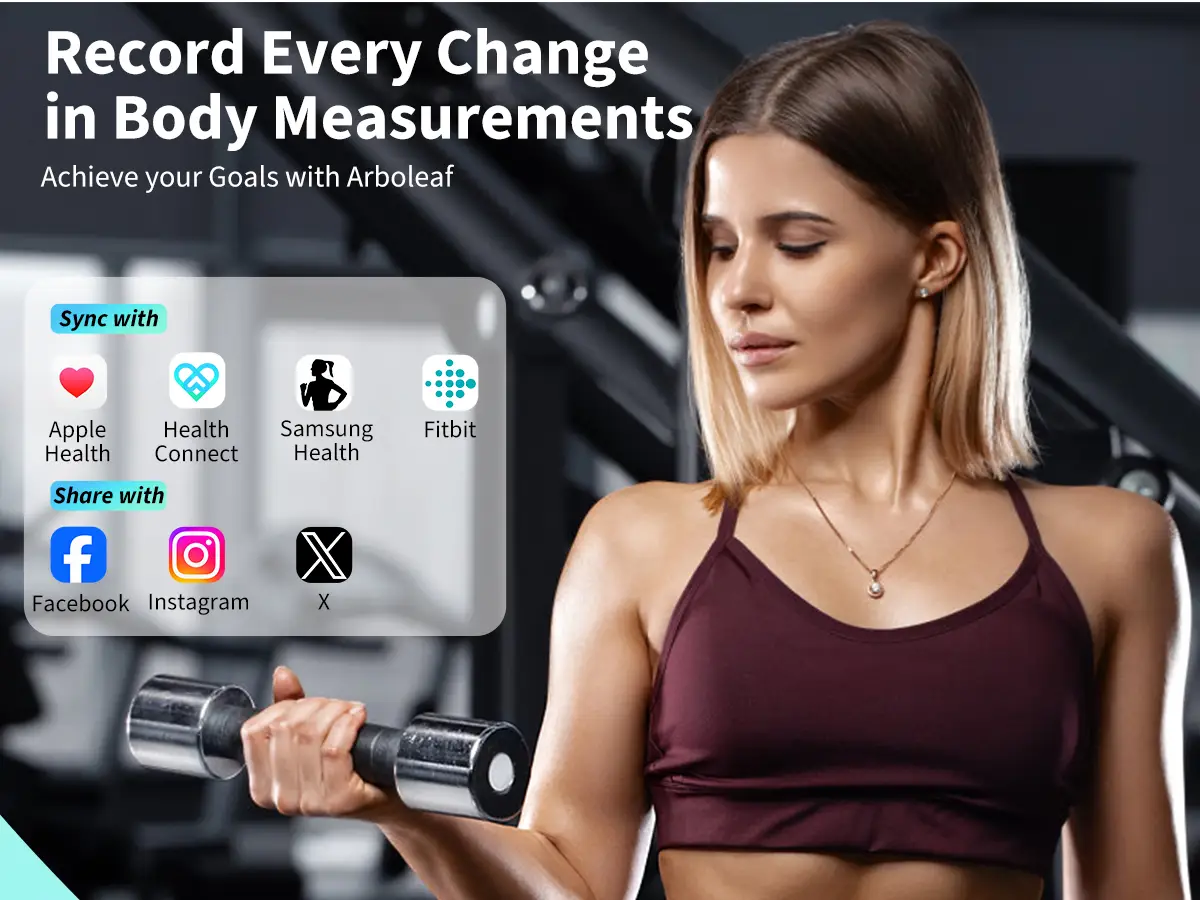
Connect via Bluetooth to the Arboleaf app to view detailed body composition data, follow changes over time and keep track of your progress. Your data can also sync with Apple Health, Google Fit and Fitbit for more convenient health management
Designed for Multiple Users
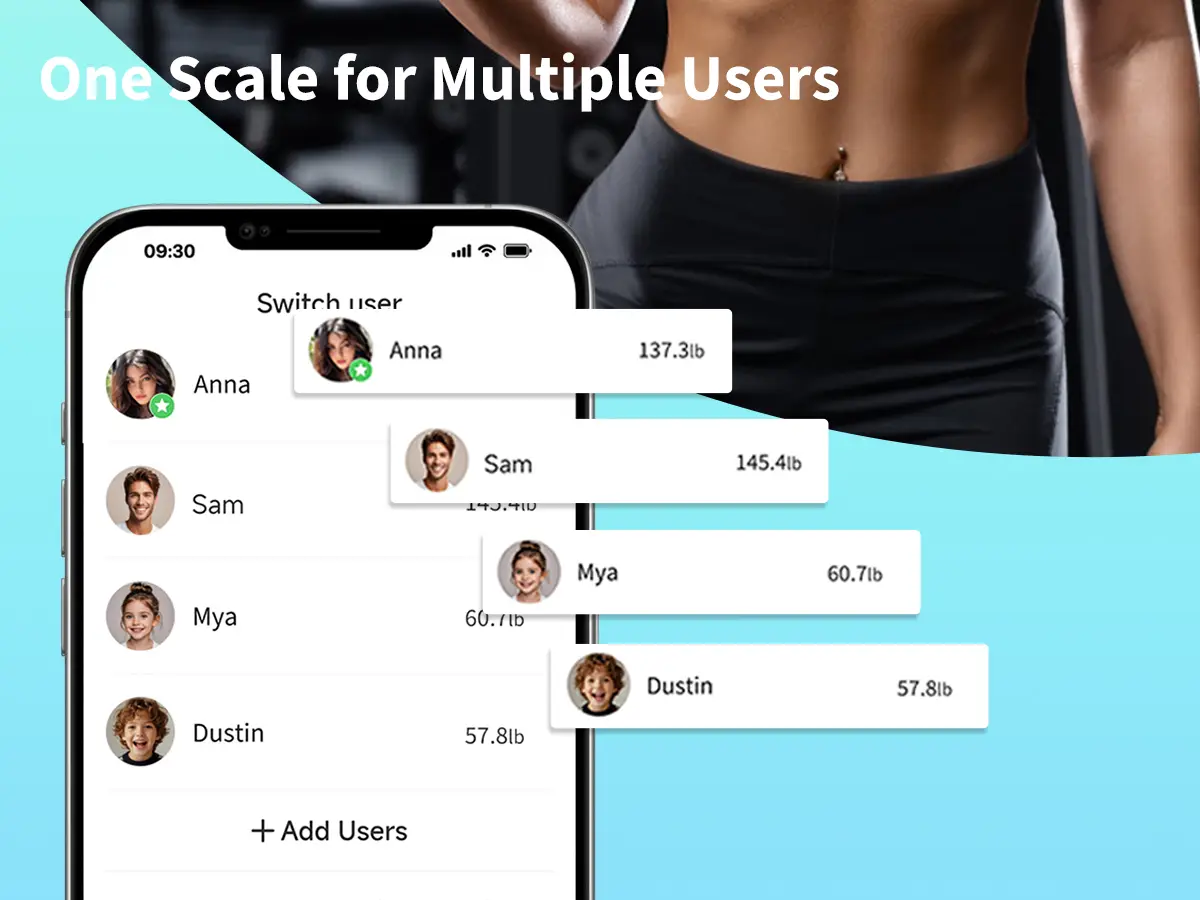
Create up to 8 individual user profiles for family members or friends, with separate progress tracking for each user. Athlete Mode and Visitor Mode provide added flexibility for different users and measurement needs
More Features About CS20L
Important Information
First-Time Setup
What's Included
CS20L Smart Scale ×1
AAA Batteries ×3
User Guide ×1
Important Notes
This scale uses BIA technology to estimate body composition. Please do not use this product if you have a pacemaker or are pregnant.
Measurements are intended for tracking long-term trends and should not be considered equivalent to professional medical analysis.
Warranty
This product is warranted by the manufacturer against defects in materials and workmanship for 1 year, does not cover accidental damage, mistreatment, or unauthorized repair.
Safety Warning
Body Composition Safety:
Children under 10, pregnant individuals, and people with a pacemaker, osteoporosis, artificial joints, portable ECG or other metal implants should use the scale for weight measurement only and should wear shoes when stepping on the scale
Child Safety:
Children should be supervised when using or near the scale. Keep batteries out of reach of children and do not allow children to replace batteries without adult supervision
Safe Use:
Maximum capacity is 400 lb/180 kg. Place the scale on a hard, flat and dry surface for accurate measurement. Do not use a damaged scale, stand on its edges, jump or stomp on it
Care & Storage:
The scale is not waterproof. Keep it dry and never immerse it in water. Clean with a soft damp cloth or suitable glass cleaner; do not use soap or harsh chemical cleaners. Avoid direct sunlight, excessive heat, high humidity and strong electromagnetic fields. Store in a cool, dry place
Battery Safety:
The scale uses 3 AAA non-rechargeable batteries. Insert batteries according to the marked polarity (+/-). Replace all batteries at the same time and do not mix old and new batteries or different battery types. Remove exhausted batteries promptly and remove batteries before long-term storage. Do not recharge, heat, short-circuit, modify, dismantle or dispose of batteries in fire
Maintenance:
Handle the scale carefully as it is a precision measuring device. Do not disassemble or modify the scale. If the scale malfunctions, check the battery level and replace the batteries if necessary
Frequently Asked Questions
1. Why can't I see Metabolic Age?
Open the arboleaf app and go to:
Metabolic Age
Me → Settings → Body Composition →
2. How do I change the measurement unit?
Open the arboleaf app and go to:
Unit
Me → Settings → → kg/lb/st/st:lb
After completing one Bluetooth-connected measurement, the scale will update to the selected unit.
3. Why should the scale be placed on a hard, flat surface?
For more consistent measurements, always place the scale on a hard and flat surface.
carpets
Soft surfaces such as may affect measurement accuracy
4. How do I turn on Athlete Mode?
Open the arboleaf app and go to:
Athlete Mode
Me → Your Profile → Mode Switch →
5. Why does the scale show a number before I step on it?
Remove the batteries and wait for 5 seconds. Reinstall the batteries, then quickly place the scale on a hard, flat surface.
6. How can I report an issue or provide feedback?
Feedback
Open the arboleaf app and go to: Me →
When submitting feedback, we recommend enabling Upload Logs to help us better analyse the issue.