Product Description
MSI MAG 274QPF X30MV
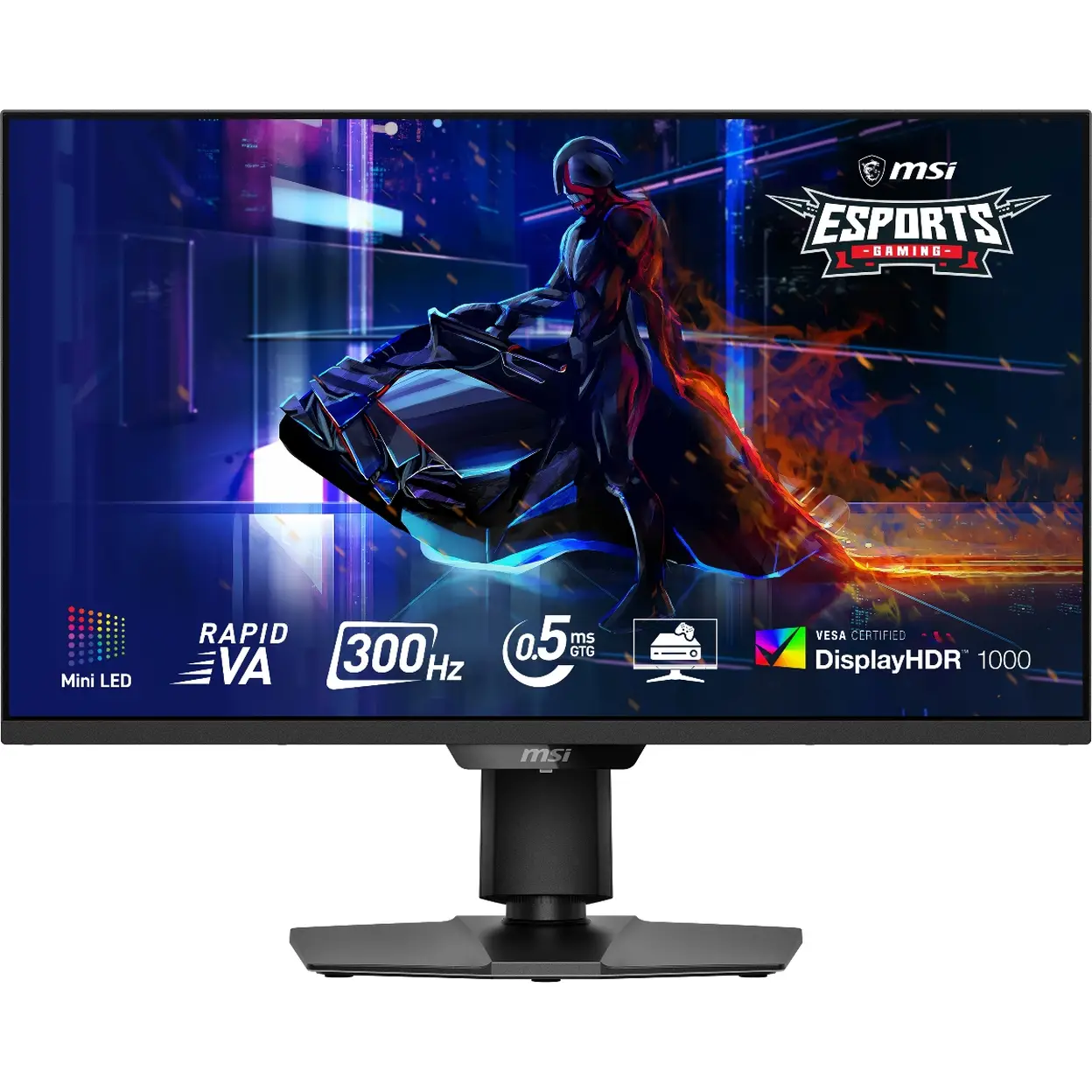
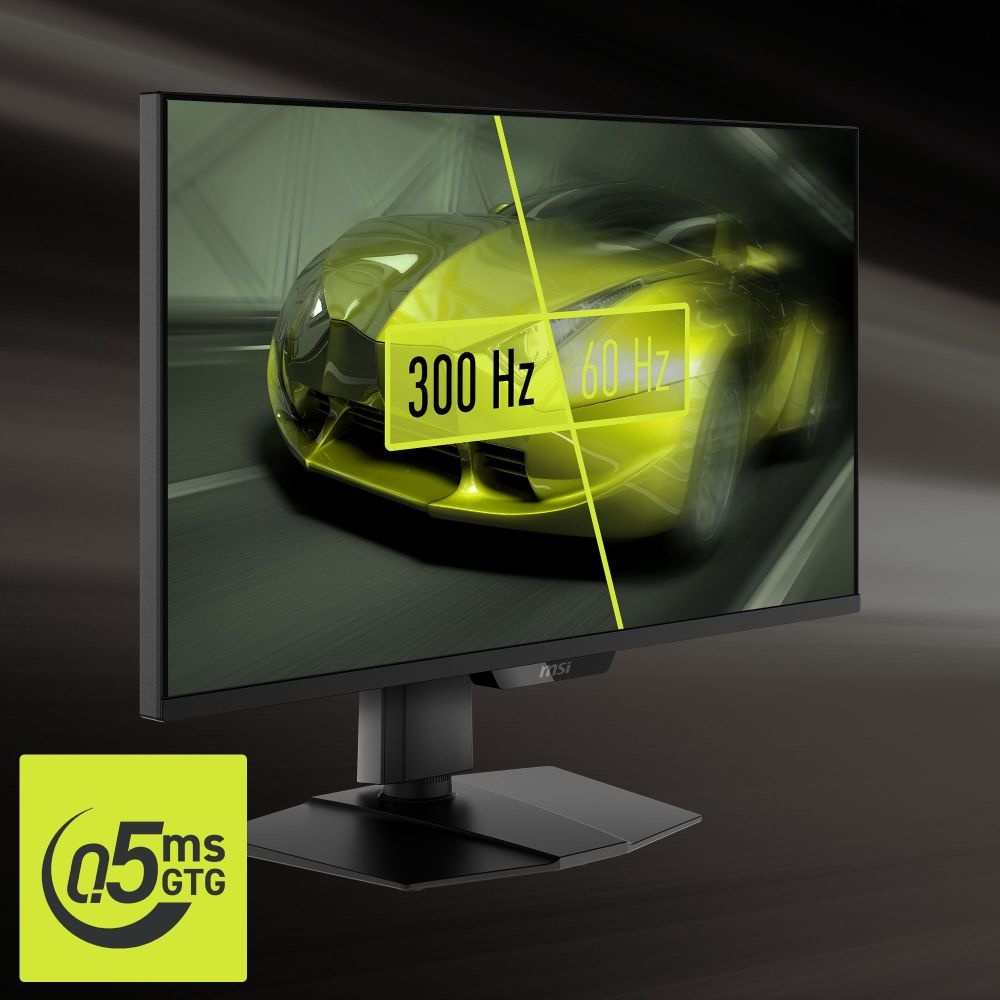
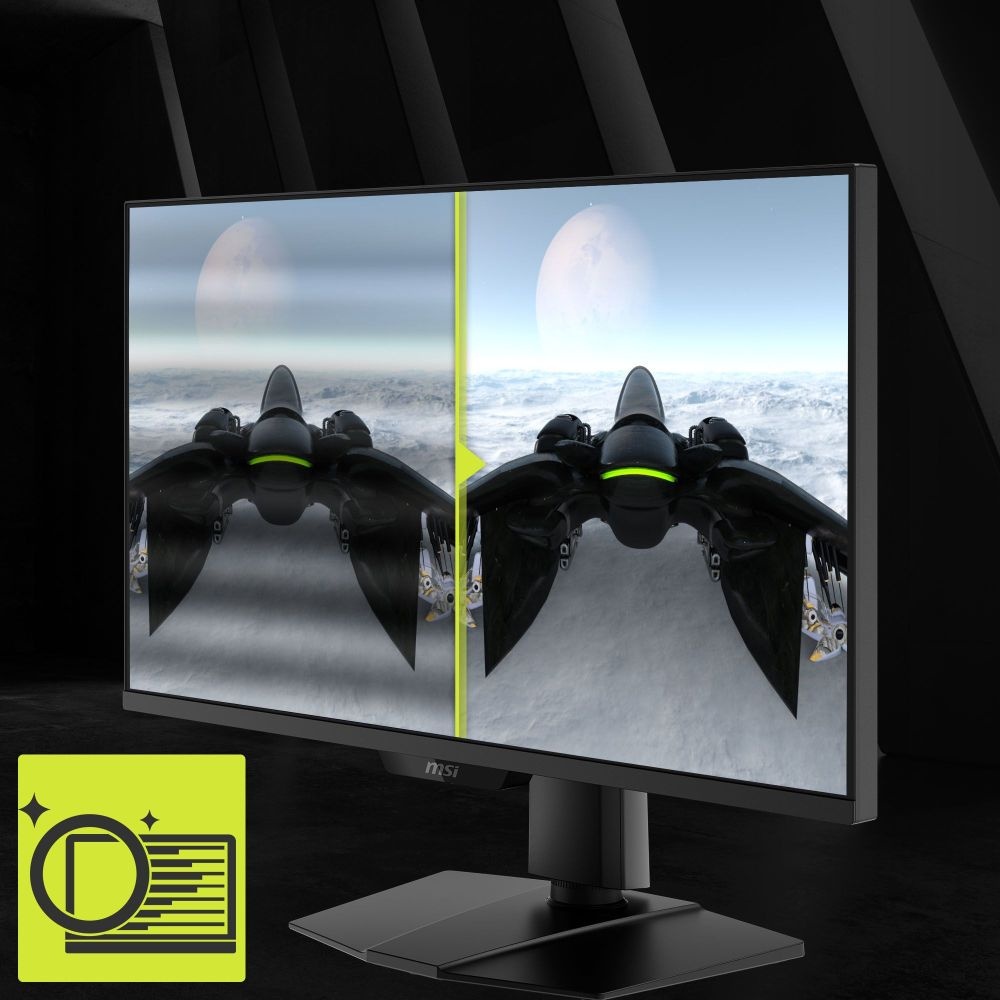
The is a high-performance 27-inch Mini-LED gaming monitor engineered for esports precision and cinematic HDR immersion. Its Rapid VA WQHD (2560 × 1440) panel delivers exceptional speed with a 300 Hz refresh rate and an ultra-low 0.5 ms (GtG, Min.) response time, offering smoother motion and sharper target tracking for competitive shooters and fast-paced titles
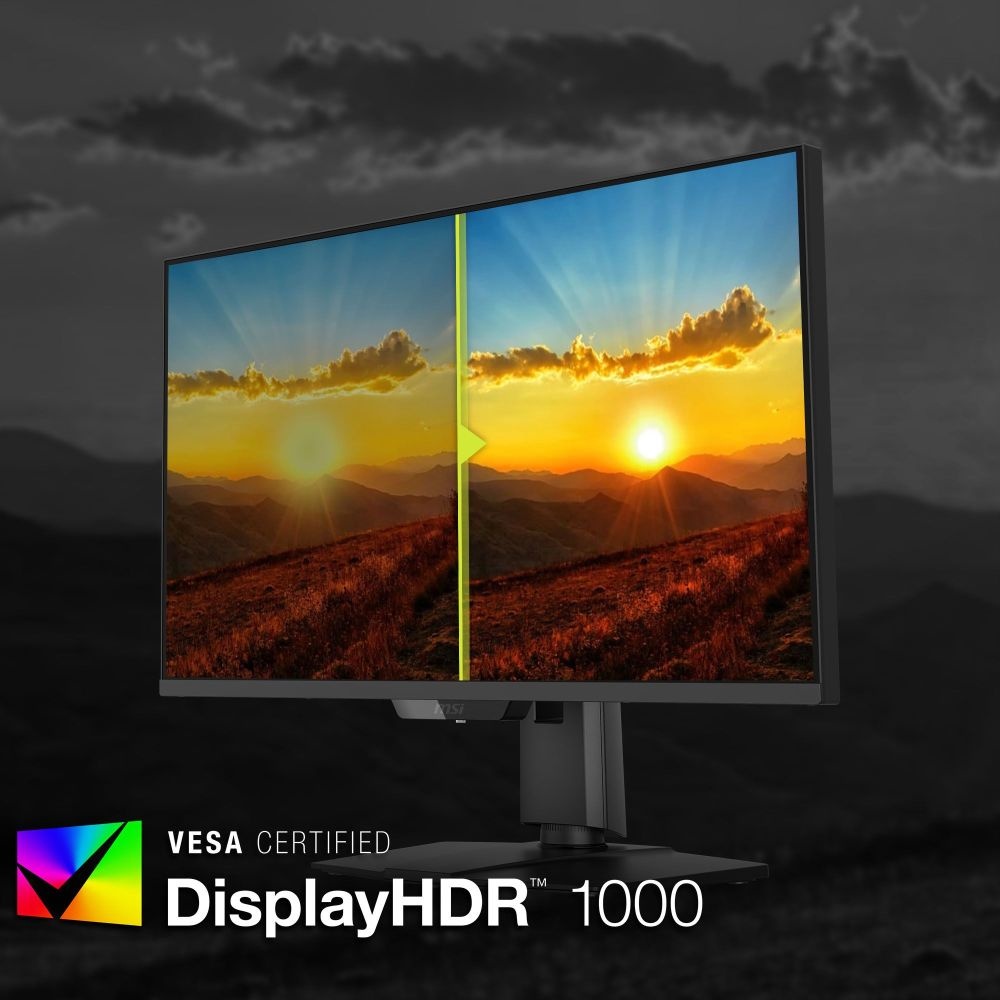
Mini-LED backlighting with 1,152 full-array local dimming zones
Powered by , the display produces deeper blacks, reduced blooming and superior HDR performance — certified VESA DisplayHDR 1000 . With 1.07 billion colors , 152% sRGB and 97% DCI-P3 coverage, the MAG 274QPF X30MV delivers vibrant, accurate colour reproduction suitable for both gaming and creative tasks
TÜV Rheinland-certified Less Blue Light
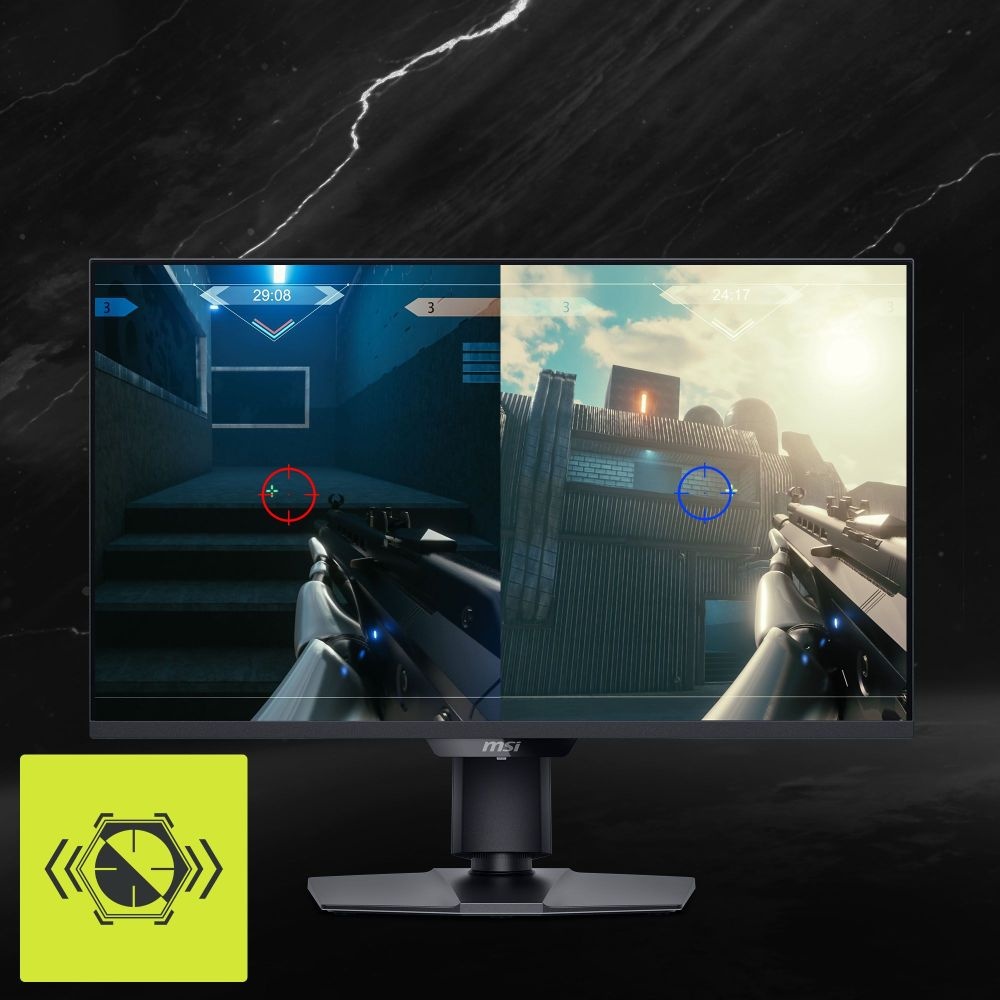
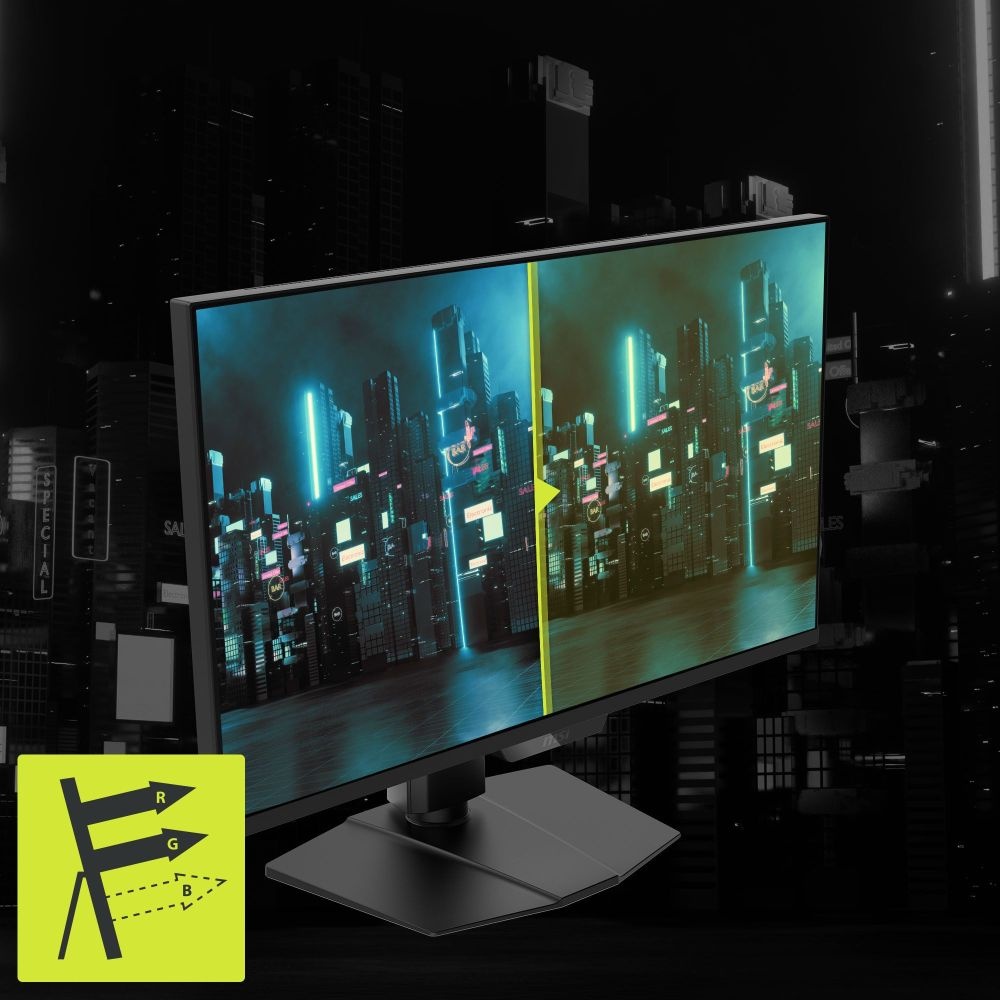
Eye comfort is enhanced with and Anti-Flicker technology , reducing fatigue during long play sessions. The monitor also includes intelligent features like AI Vision for automatic scene enhancement and AI Crosshair , which adapts its colour for better visibility during gameplay
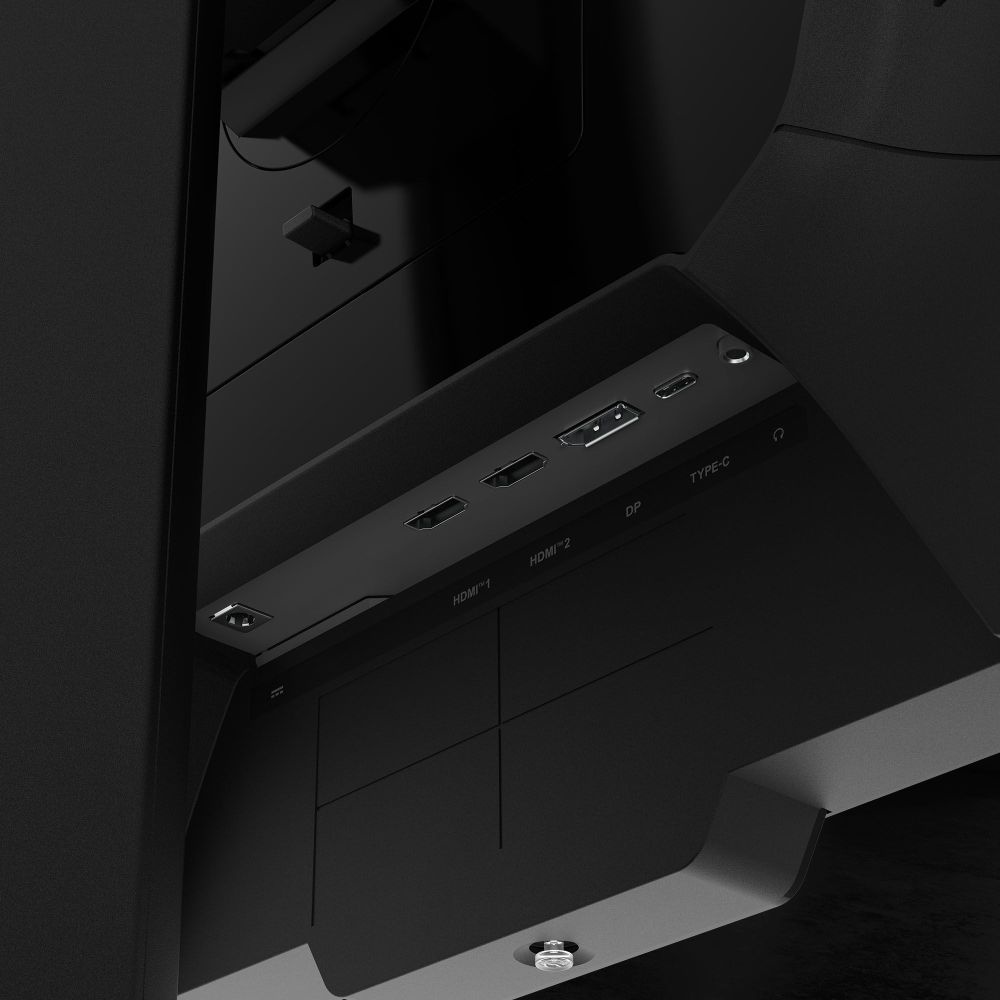
HDMI 2.1
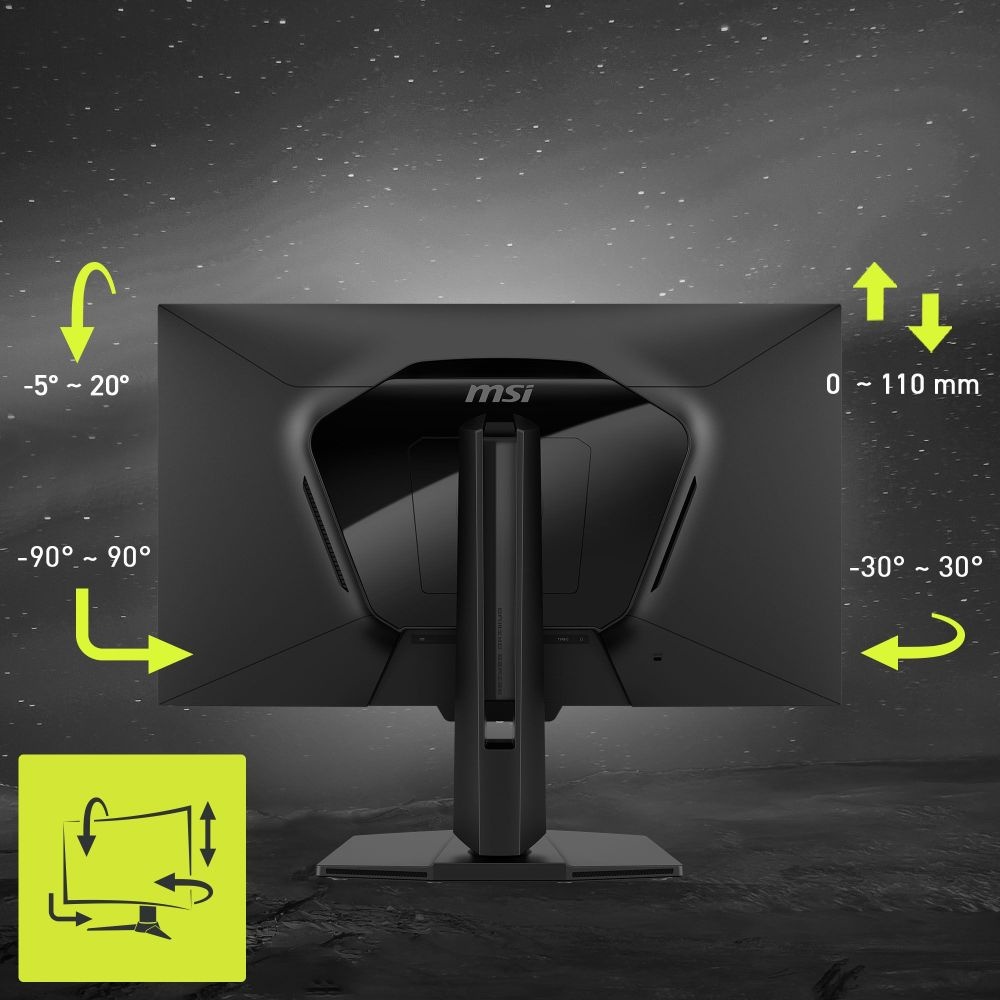
Connectivity is extensive, including , DisplayPort 1.4a and full support for 300 Hz at WQHD across PC and consoles. The 4-way adjustable stand ensures ergonomic comfort with pivot, swivel, tilt and height adjustments
Good to know
27-inch WQHD Rapid VA panel (2560 × 1440)
• • Mini-LED with 1,152 dimming zones & DisplayHDR 1000 • 300 Hz refresh rate + 0.5 ms GtG response • 1.07B colours / 152% sRGB / 97% DCI-P3 • Less Blue Light & Anti-Flicker TÜV-certified • AI Vision enhances brightness, detail & colours • AI Crosshair auto-adjusts for better visibility • 4-way adjustable stand (pivot / swivel / tilt / height) • HDMI 2.1 & DP 1.4a with WQHD 300 Hz support • VESA-compatible (100 × 100 mm)
Why we love it
top-tier esports speed
This monitor delivers with 300 Hz and 0.5 ms , while also providing cinematic HDR brightness and deep contrast thanks to its Mini-LED design. AI features enhance visibility, colours and aiming consistency, and the 4-way ergonomic stand makes it suitable for long gaming sessions. It’s the perfect balance of performance, accuracy and visual immersion
Important Information
Display
300 Hz
• Size: 27 inches • Resolution: 2560 × 1440 (WQHD) • Panel type: Rapid VA, Mini-LED • Refresh rate: • Response time: 0.5 ms GtG (Min.) • Local dimming: 1,152 zones • HDR: VESA DisplayHDR 1000 • Contrast ratio: 4500:1 (native), 100M:1 (dynamic) • Colour depth: 1.07B (8-bit + FRC) • Colour gamut: 152% sRGB / 97% DCI-P3
Features
• AI Vision (scene enhancement) • AI Crosshair • Less Blue Light (TÜV certified) • Anti-Flicker (TÜV certified) • Adaptive Sync • HDMI CEC Profile Sync • Gaming OSD menu
Design
• 4-way adjustable stand: – Pivot: -90° to 90° – Swivel: -30° to 30° – Tilt: -5° to +20° – Height adjustment: 0–110 mm • VESA mount: 100 × 100 mm
Connectivity
• 1 × DisplayPort 1.4a (2560 × 1440 @ 300 Hz) • 2 × HDMI 2.1 (2560 × 1440 @ 300 Hz supported) • Audio out
In the Box
• MSI MAG 274QPF X30MV Monitor • Power cable • DisplayPort cable • User documentation
Usage Instruction
Connect the monitor to power, and link to PC/console via DP1.4a/HDMI2.1 (select WQHD@300Hz output on the device); enable Adaptive-Sync in the monitor OSD and device graphics settings for tear-free gaming.
Adjust the 4-way stand (pivot/swivel/tilt/height) to the most comfortable viewing angle; enable Less Blue Light/Anti-Flicker mode via the OSD for long-session eye protection.
Activate AI Vision/AI Crosshair in the Gaming OSD menu for automatic scene enhancement and optimized in-game crosshair visibility (adjust AI parameters based on game type).
Customize HDR/color settings via the OSD—enable DisplayHDR 1000 for HDR gaming/multimedia, adjust color gamut (sRGB/DCI-P3) for creative design tasks.
Clean the screen with a soft dry microfiber cloth; avoid pressing the panel or using abrasive cleaners; disconnect power before maintenance to prevent electric shock.
Use the VESA mount (100×100mm) for wall/arm installation if needed; ensure the mount is load-bearing to avoid monitor falling damage.
Safety Warning
Do not place the monitor near heat sources, direct sunlight or moisture; keep ventilation slots unobstructed to prevent internal component overheating and damage.
Ensure the monitor is placed on a stable surface or mounted securely (VESA/stand) to avoid tipping and screen/panel damage; do not place heavy objects on the monitor casing.
Unplug the power cord during thunderstorms or long-term non-use to prevent electrical surge damage to internal high-performance components (Mini-LED/control board).
Do not attempt to disassemble the monitor by yourself (especially Mini-LED backlight module); contact MSI official after-sales service for repairs to avoid electric shock and permanent damage.
Use only original/certified power adapters and connecting cables (DP1.4a/HDMI2.1) to ensure stable WQHD@300Hz transmission and avoid component damage from voltage/ signal mismatch.