Product Description
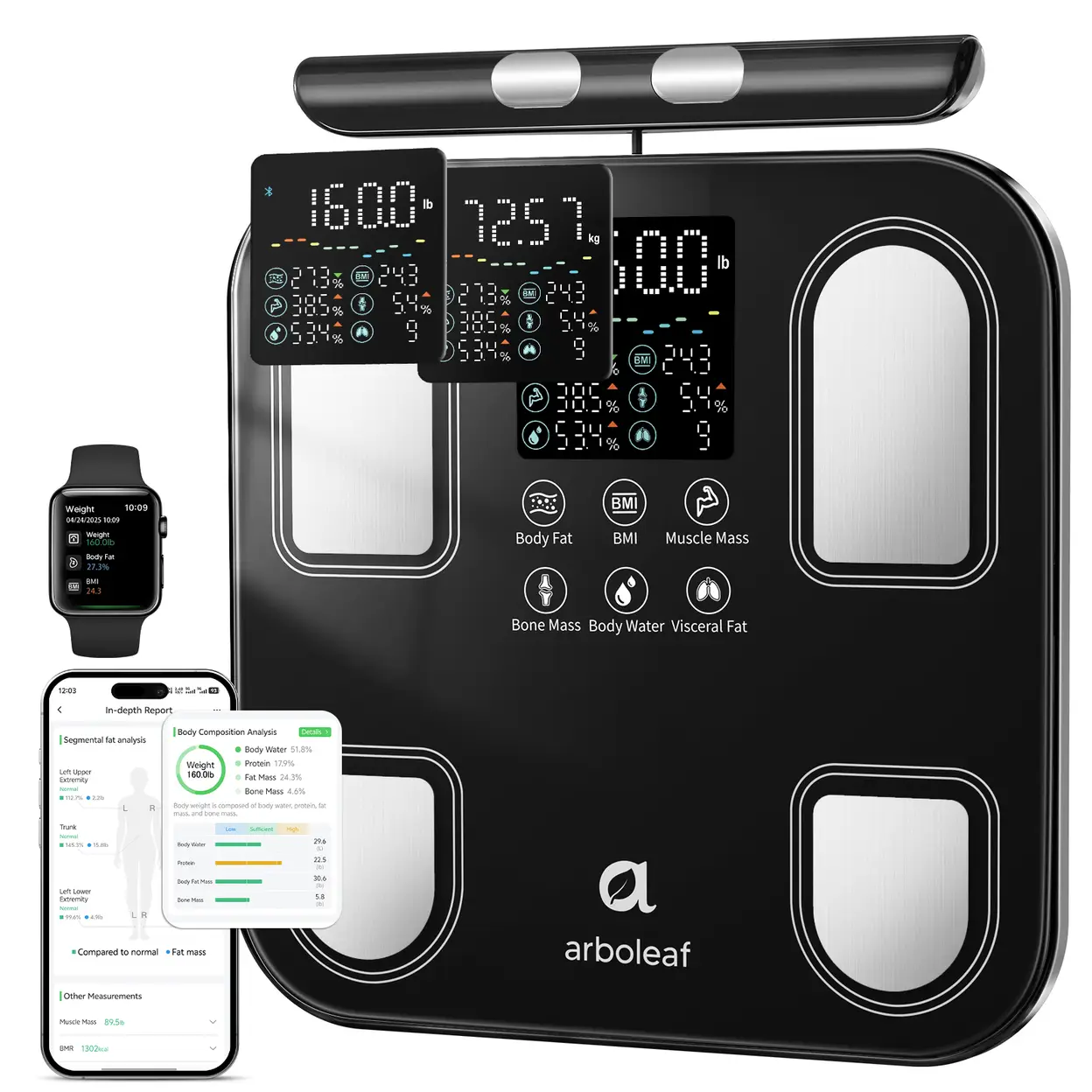
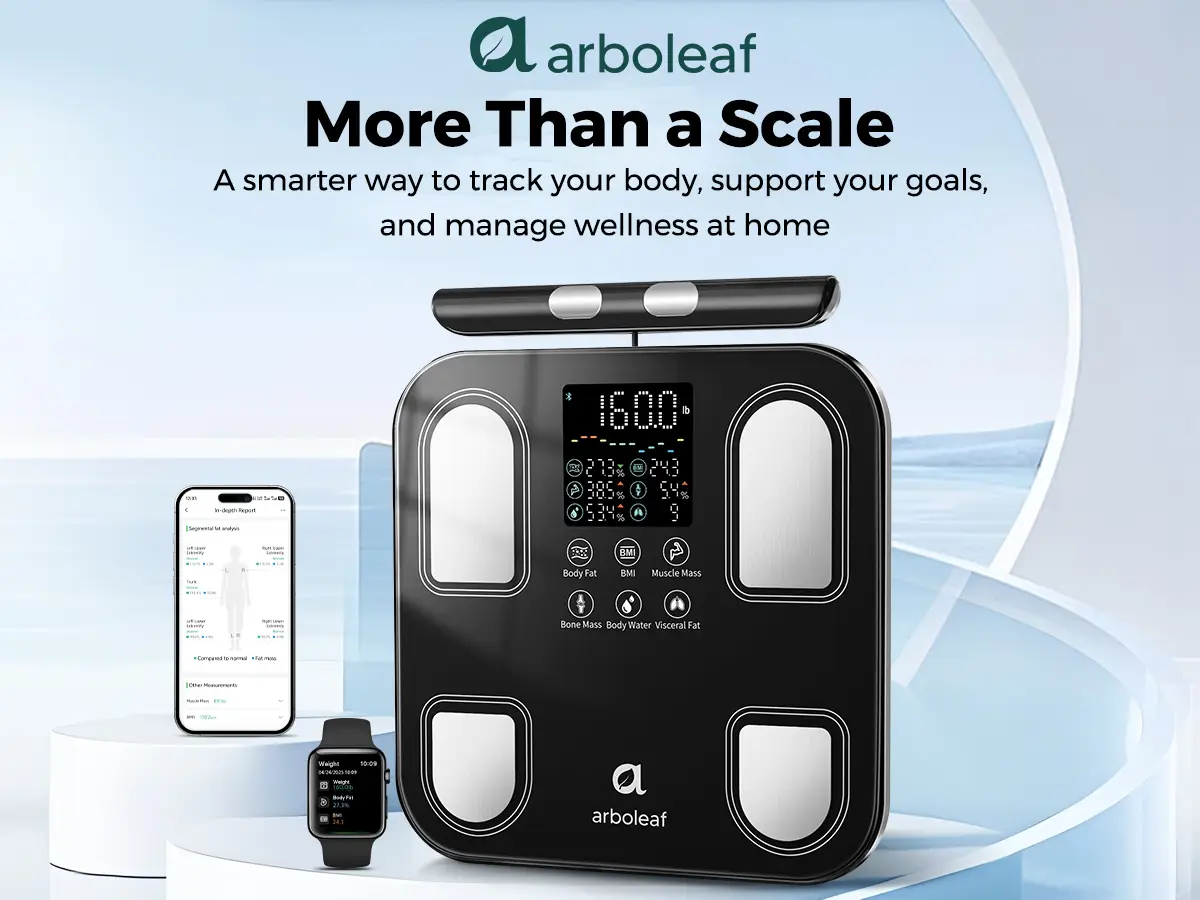
The built-in handle display lets you view key results clearly while standing upright, without having to look down at the scale!Get a more complete view of your body composition with 8-electrode hand-to-foot measurement and 50+ metrics in the arboleaf app!
Key Features
Handle Display for Easy Viewing
View key results such as weight, BMI and body fat directly on the built-in handle display while standing upright, without having to look down at the scale
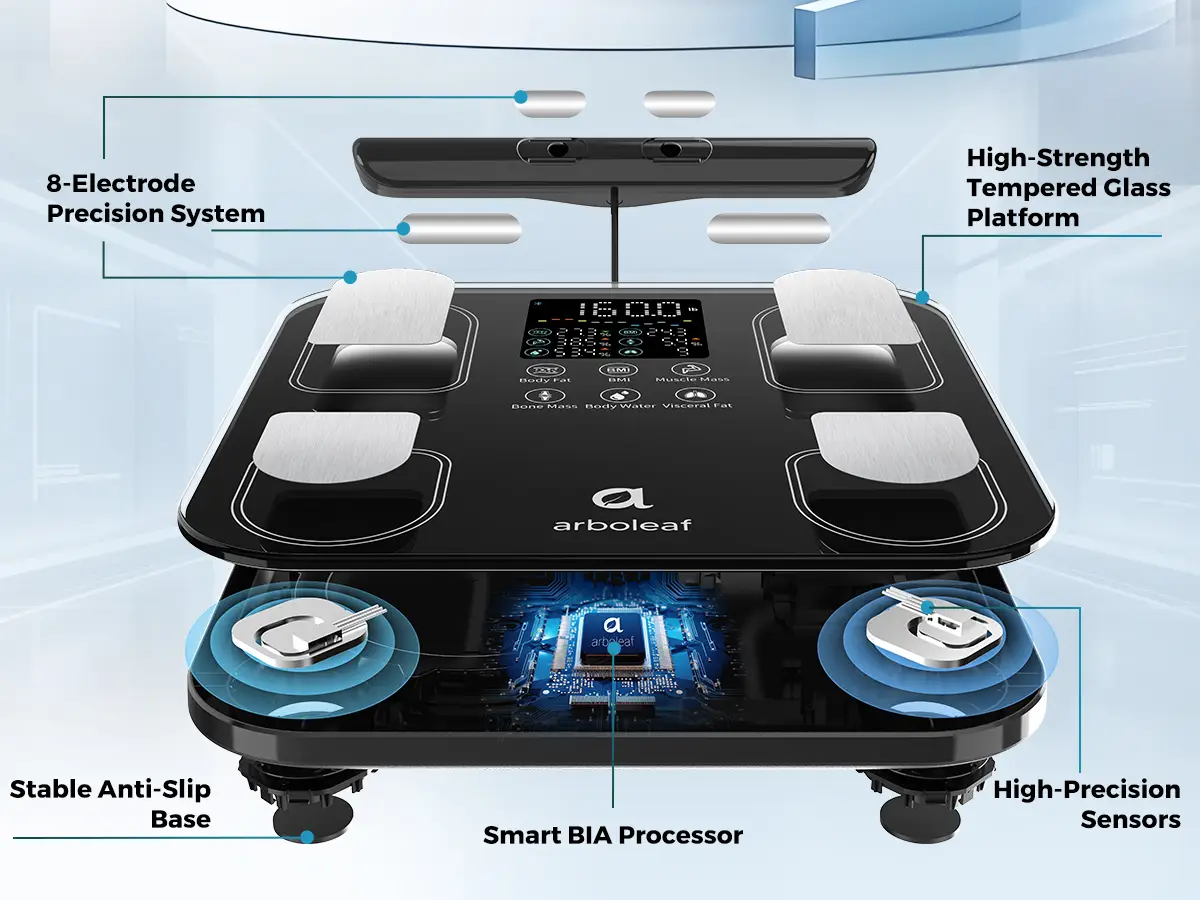
8-Electrode Whole-Body Measurement
Hand and foot electrodes collect measurement data from the upper and lower body, supporting more detailed body composition and segmental analysis of your arms, legs and torso
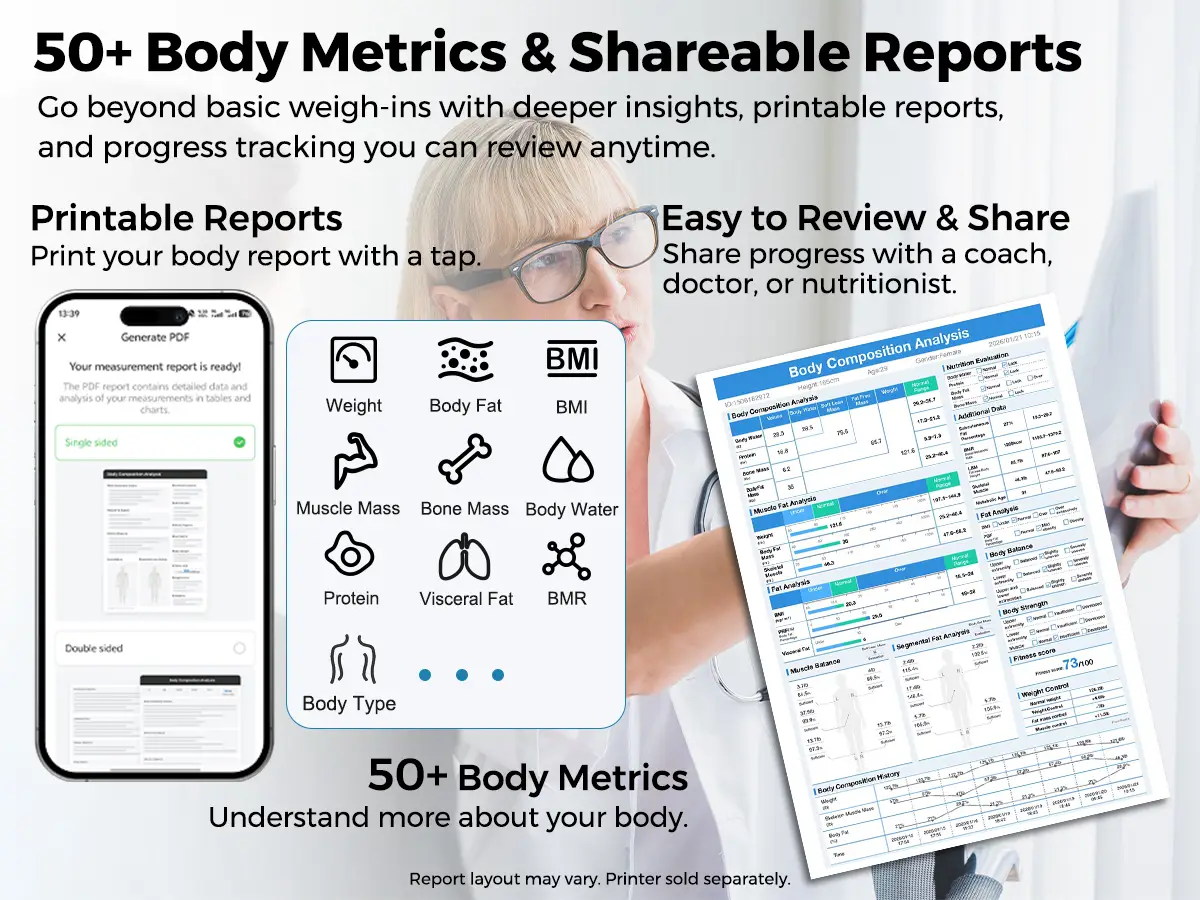
50+ Body Composition Metrics
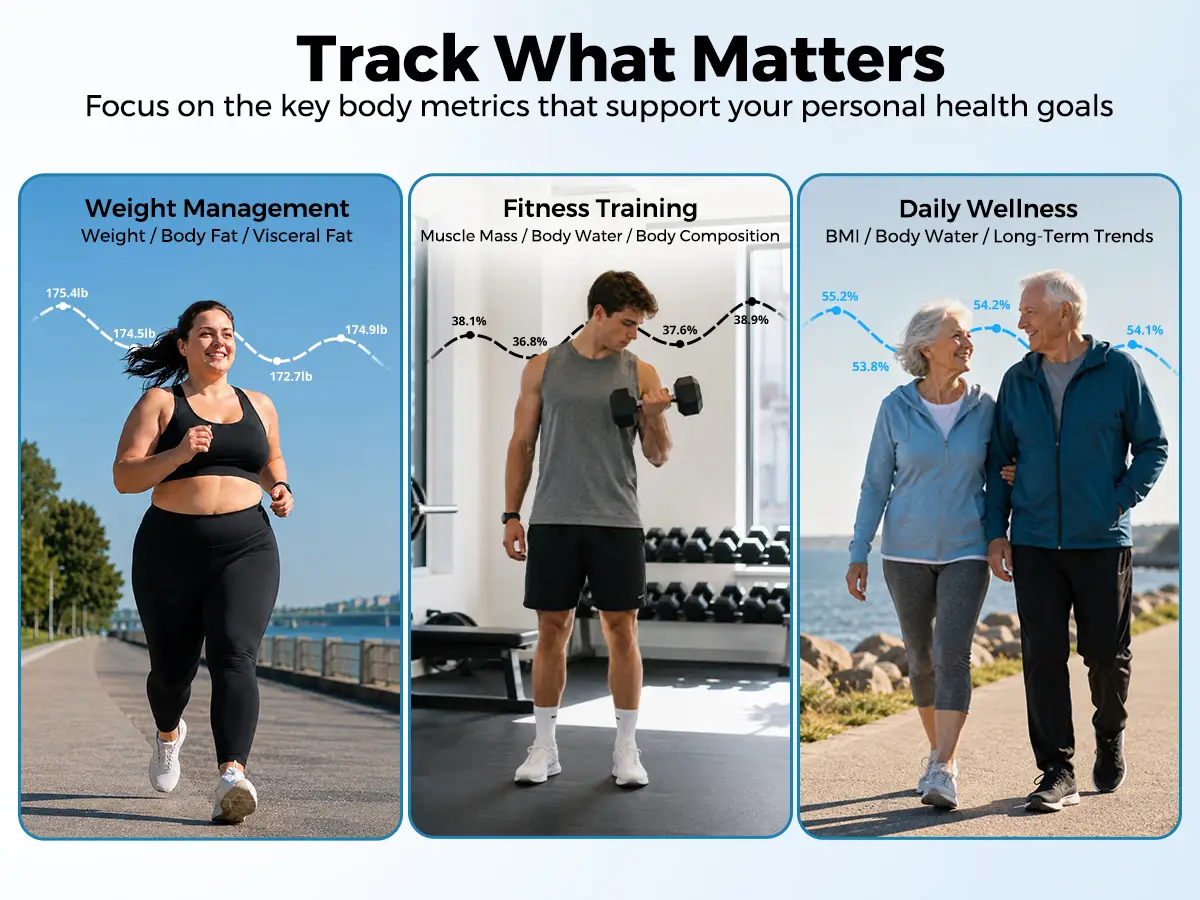
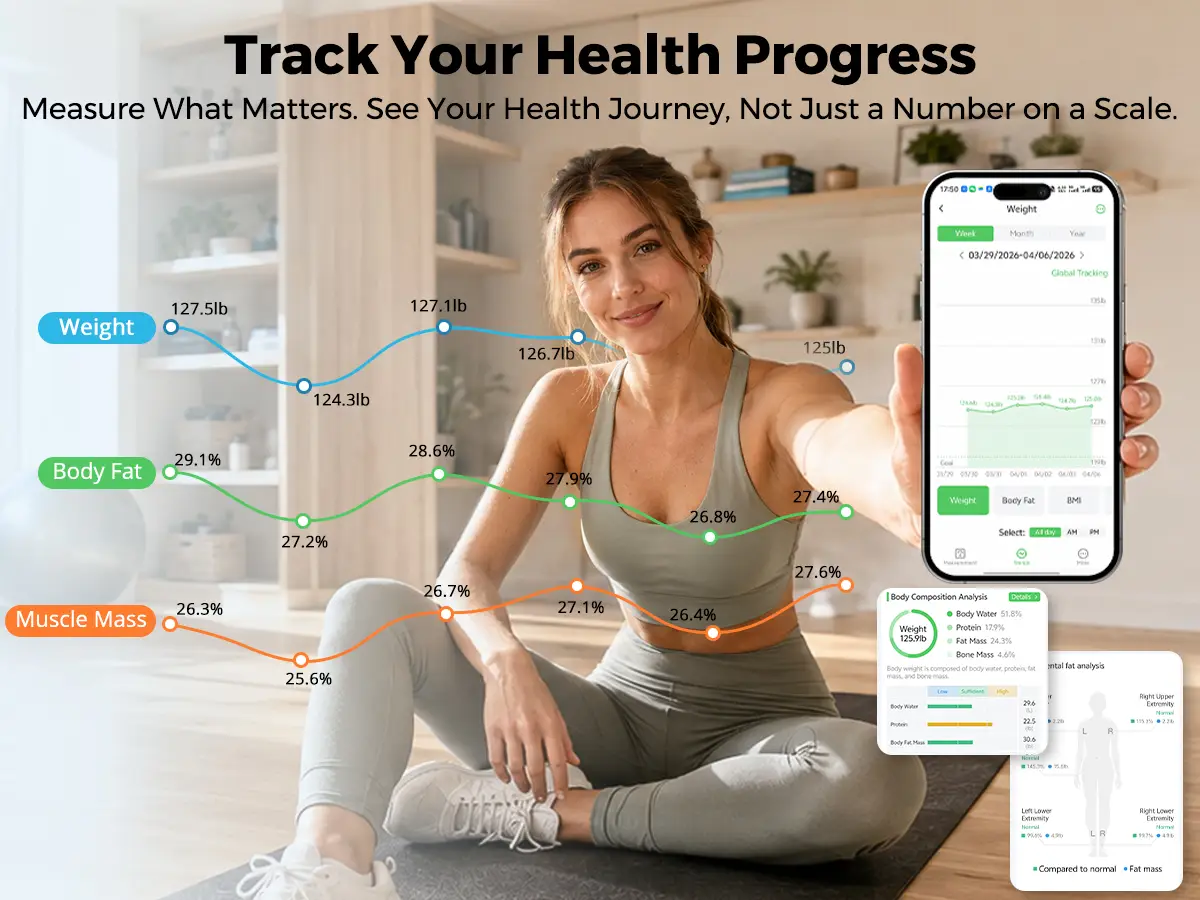
Track 50+ body metrics in the arboleaf app, including weight, BMI, body fat, muscle mass, visceral fat, body water, BMR and body age
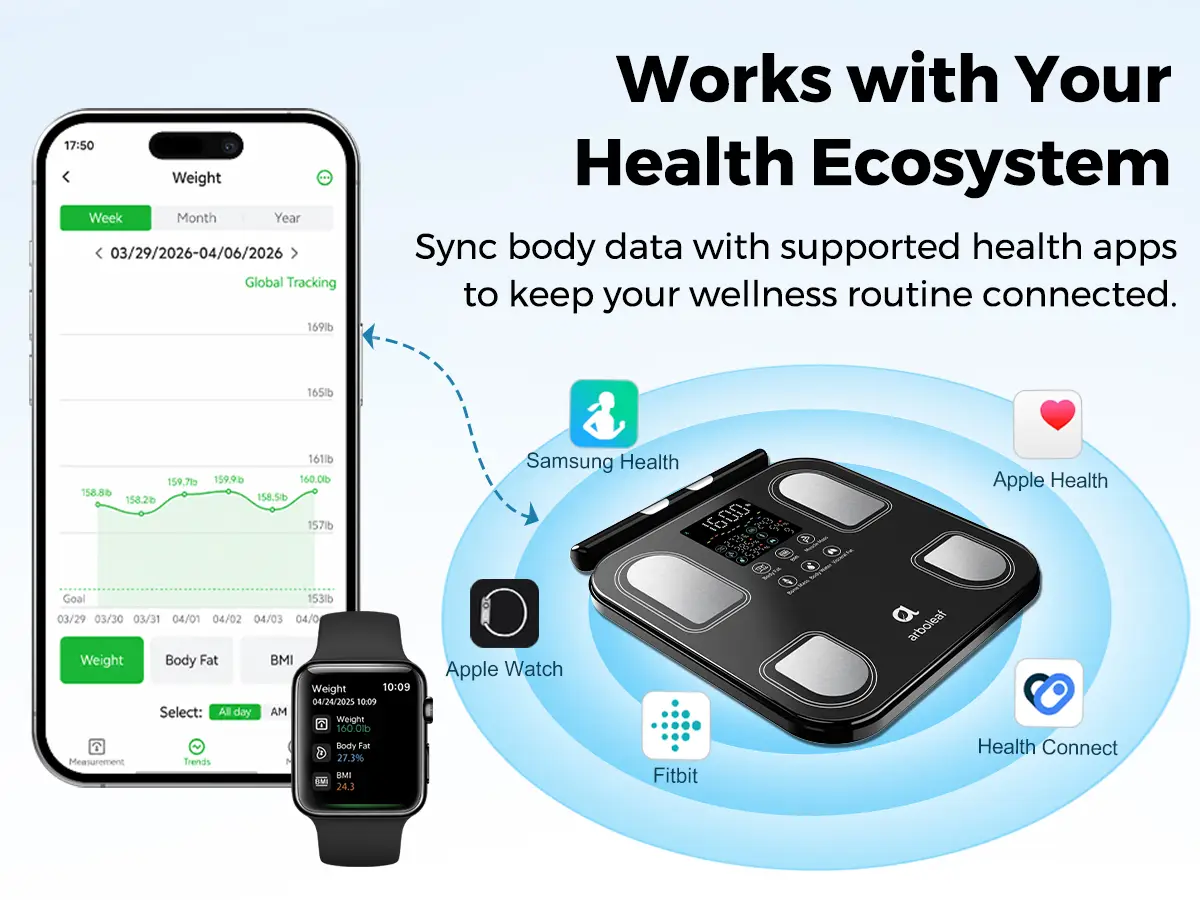
Bluetooth App & Progress Tracking
Measurements sync to the arboleaf app via Bluetooth, where you can review detailed reports and follow changes over time with weekly, monthly and yearly trends
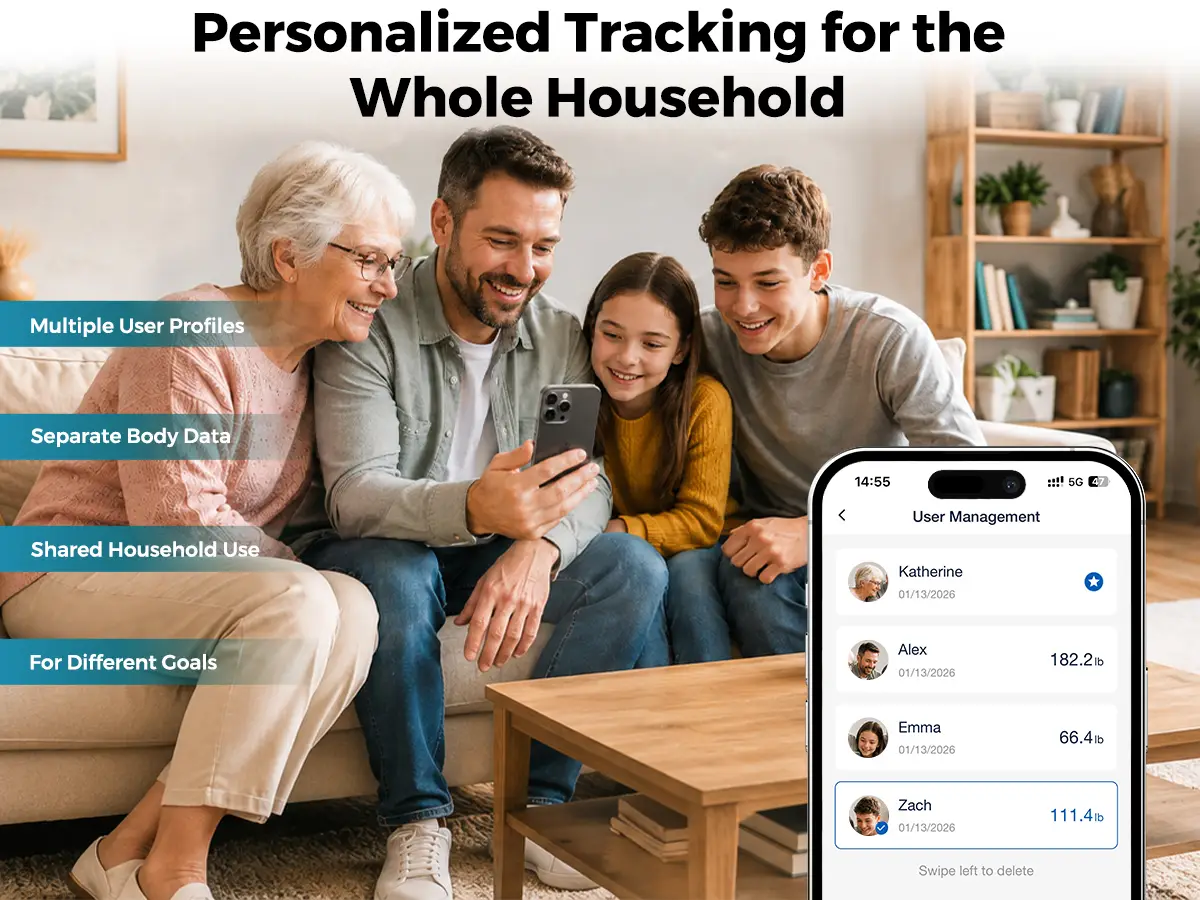
Multi-User Support
Create up to 8 user profiles for individual tracking, making the scale suitable for households, couples and shared fitness routines
Explore More Features
Important Information
What's Included
arboleaf Smart Scale x 1
AAA Batteries x 3
User Manual x 1
Safety Warning
For household use only. This scale is not intended for medical or commercial purposes and should not be used to diagnose or treat any health condition.
Body composition data is for reference only and should not replace professional medical advice.
Children under 10, pregnant individuals, and people with pacemakers, artificial joints, portable ECG devices or other metal implants should use the scale for weight measurement only and wear shoes when stepping on the scale.
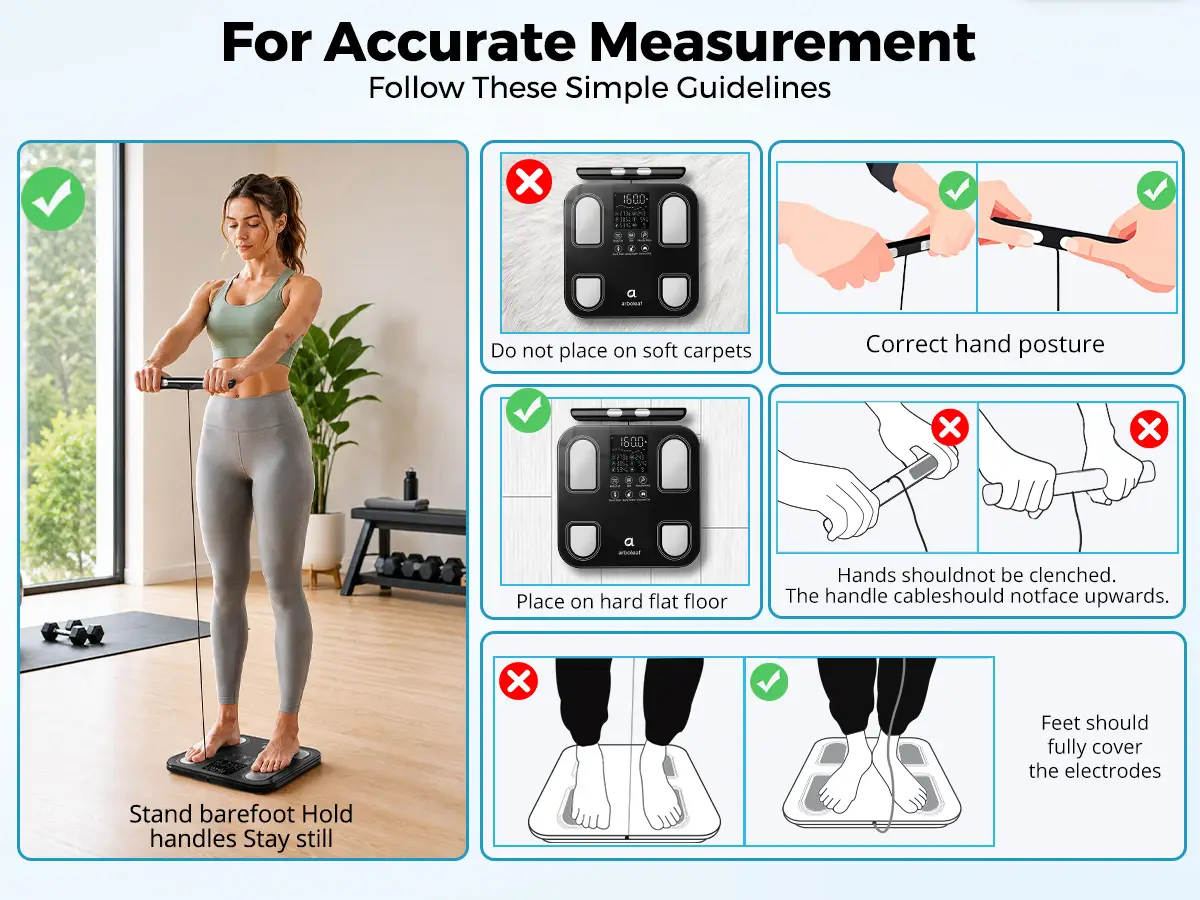
Do not exceed the maximum capacity of 180kg/400lb. Use the scale on a hard, flat and dry surface for accurate measurements.
Do not use the scale if it is damaged. Avoid standing on the edges, jumping on the scale, or applying excessive force.
Keep the scale dry. Do not immerse it in water or use it in high-temperature or highly humid environments.
Handle with care. Do not disassemble the scale, as this may cause damage or affect warranty coverage.
FAQ
1. How do I use the 8-electrode body composition scale correctly?
Stand upright on the scale with your arms naturally hanging down at an angle. Keep your arms away from your waist and avoid touching your body during measurement.
2. Why does the scale only show weight and not body composition data?
Body composition measurements require your personal information, such as gender and height. Please create your profile in the arboleaf app first. After setup, the scale can display body composition results directly without opening the app.
3. What is the difference between 8-electrode and 4-electrode body composition scales?
The 8-electrode design uses both hand and foot electrodes, allowing electrical signals to pass through the upper body, lower body and torso for a more comprehensive body composition analysis compared with traditional 4-electrode scales.
4. How do I change the measurement unit?
Open the arboleaf app and go to:
Me → Settings → Unit → kg/lb/st/st:lb
After completing one Bluetooth-connected measurement, the scale will update to the selected unit.
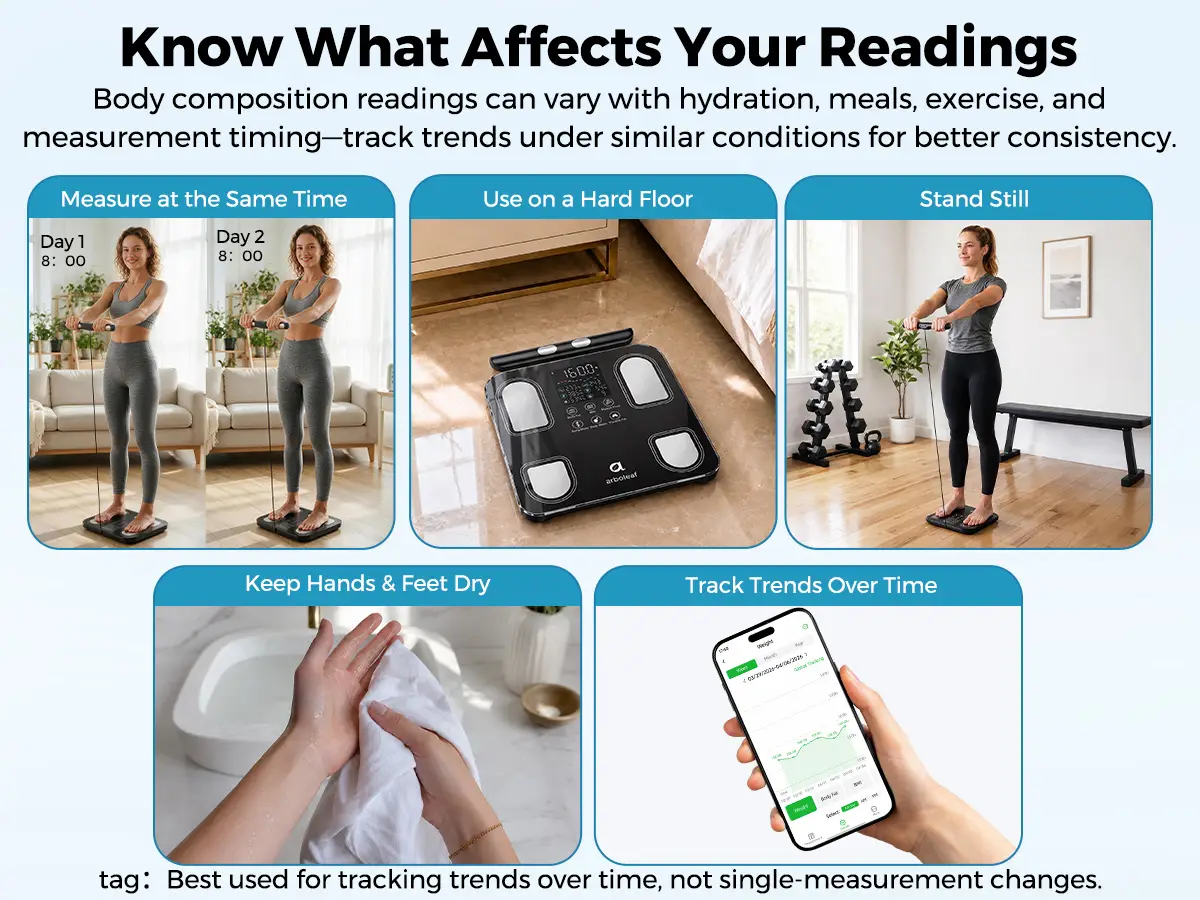
5. Why should the scale be placed on a hard, flat surface?
For more consistent measurements, always place the scale on a hard and flat surface. Soft surfaces such as carpets may affect measurement results.
6. How do I turn on Athlete Mode?
Open the arboleaf app and go to:
Me → Your Profile → Mode Switch → Athlete Mode
7. Why can't I see Metabolic Age?
Open the arboleaf app and go to:
Me → Settings → Body Composition → Metabolic Age
8. Why does the scale show a number before I step on it?
Remove the batteries and wait for 5 seconds. Reinstall the batteries, then quickly place the scale on a hard, flat surface to reset the scale.
9. How can I report an issue or provide feedback?
Open the arboleaf app and go to:
Me → Feedback
Upload Logs
When submitting feedback, we recommend enabling to help us better analyse the issue
Specifications