Key Features & Benefits
Product Highlight
Features
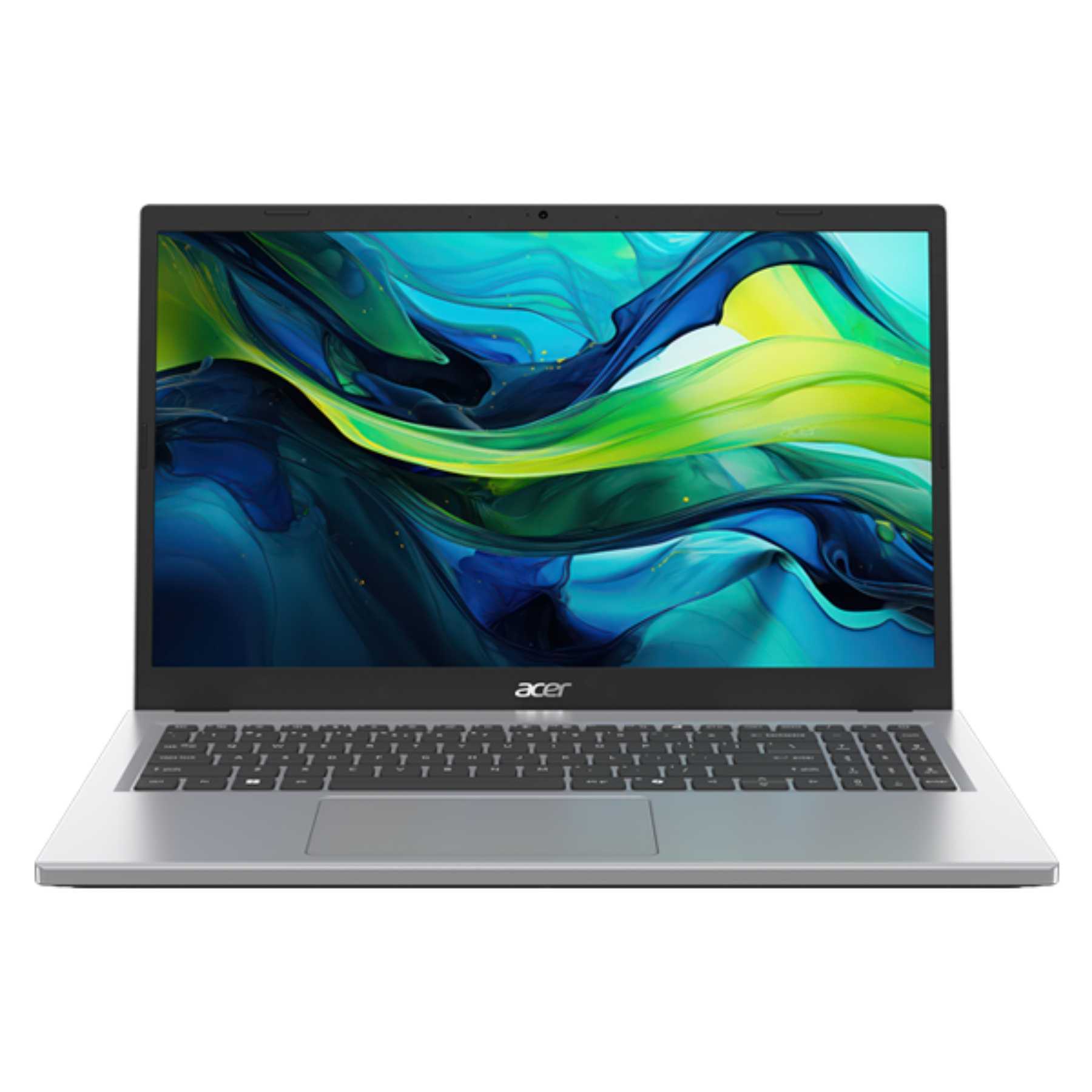
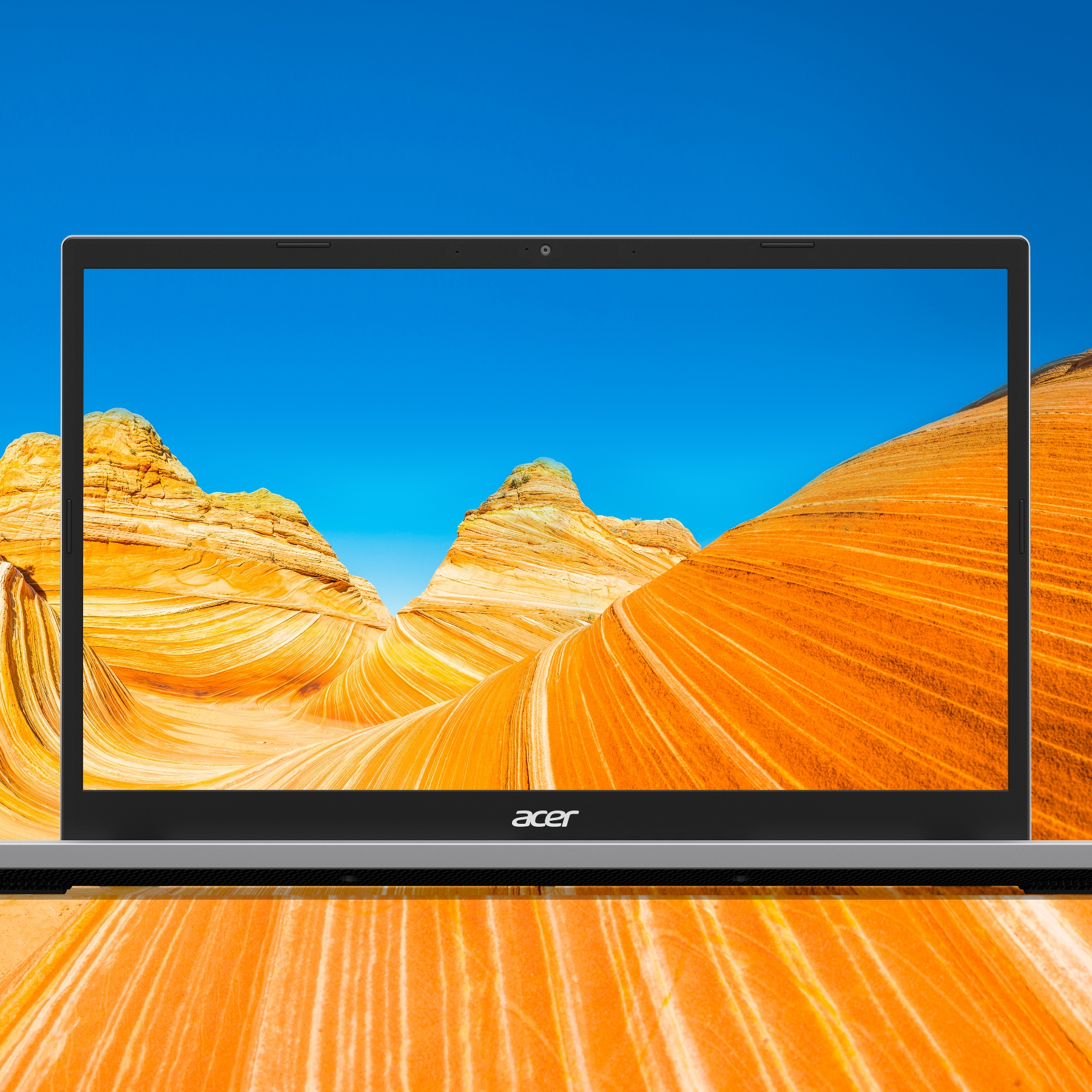
15.6-inch Full HD (1920 x 1080) Display
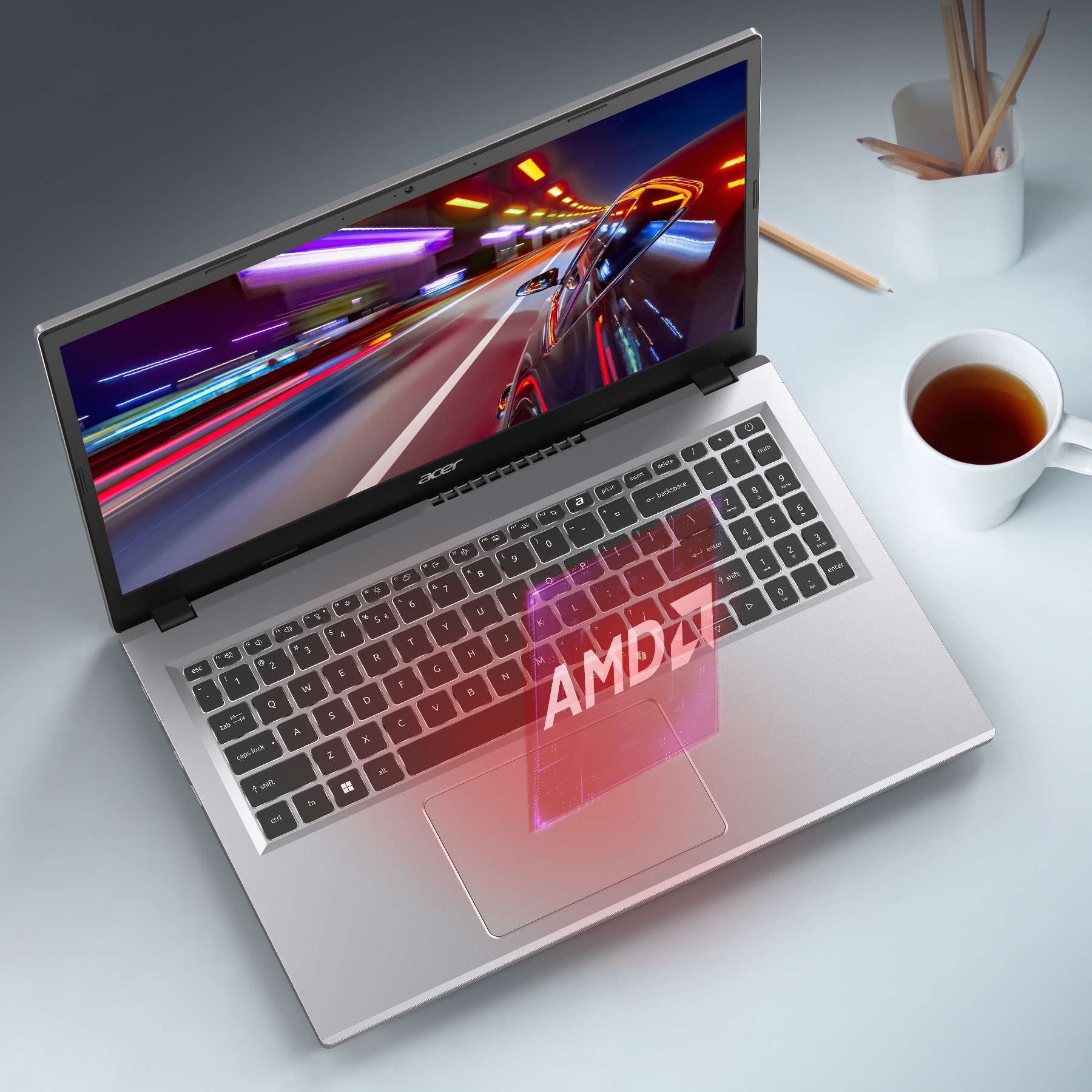
AMD Ryzen 3 processor (typically Ryzen 3 7320U or equivalent)
8GB LPDDR5 RAM
256GB NVMe SSD Storage
Wireless Connectivity with Wi-Fi 6
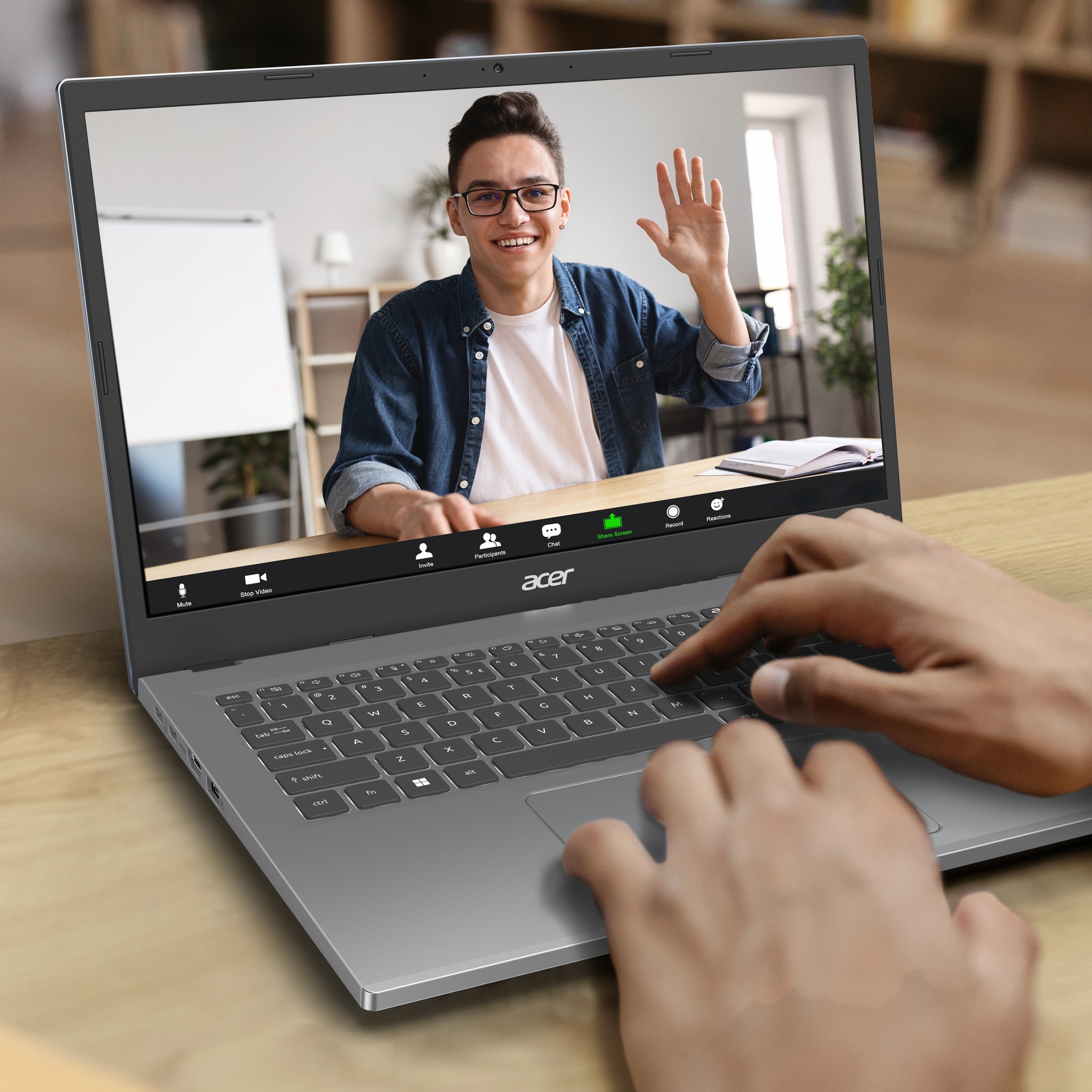
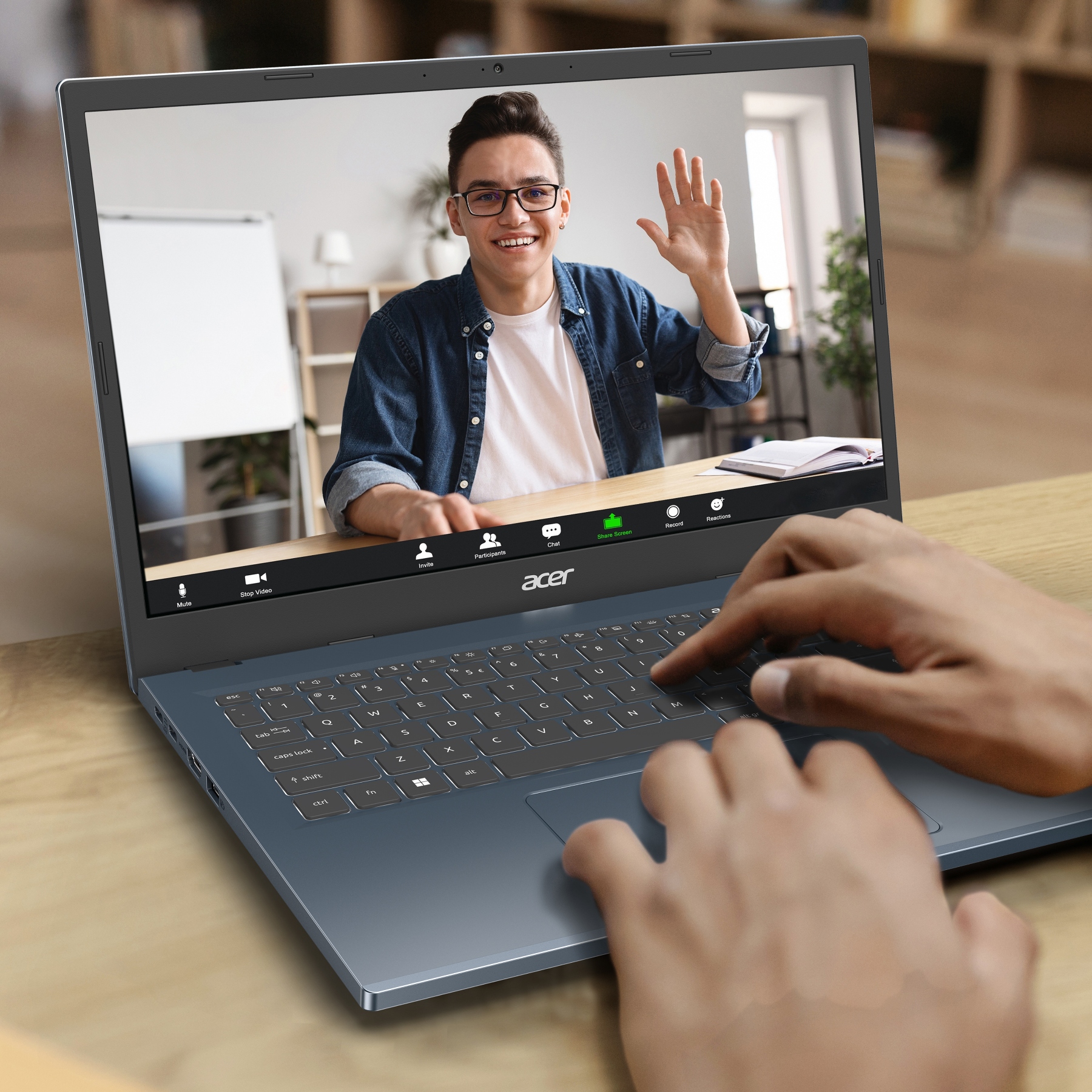
Acer PurifiedVoice with AI Noise Reduction for improved call clarity
Battery life of up to 10 hours
Fingerprint reader (availability may vary by configuration)
Product Details
Product model code
AGO 15 Part Number: NX.J3DEK.01F
Safety Warning
Contains a lithium-ion battery. Do not disassemble, crush, puncture, or expose the device to extreme heat, moisture, or fire. Use only the supplied or certified charging accessories. Ensure proper ventilation during operation. Avoid liquid contact and do not block ventilation openings. Unplug during lightning storms or extended periods of non-use.
Works with
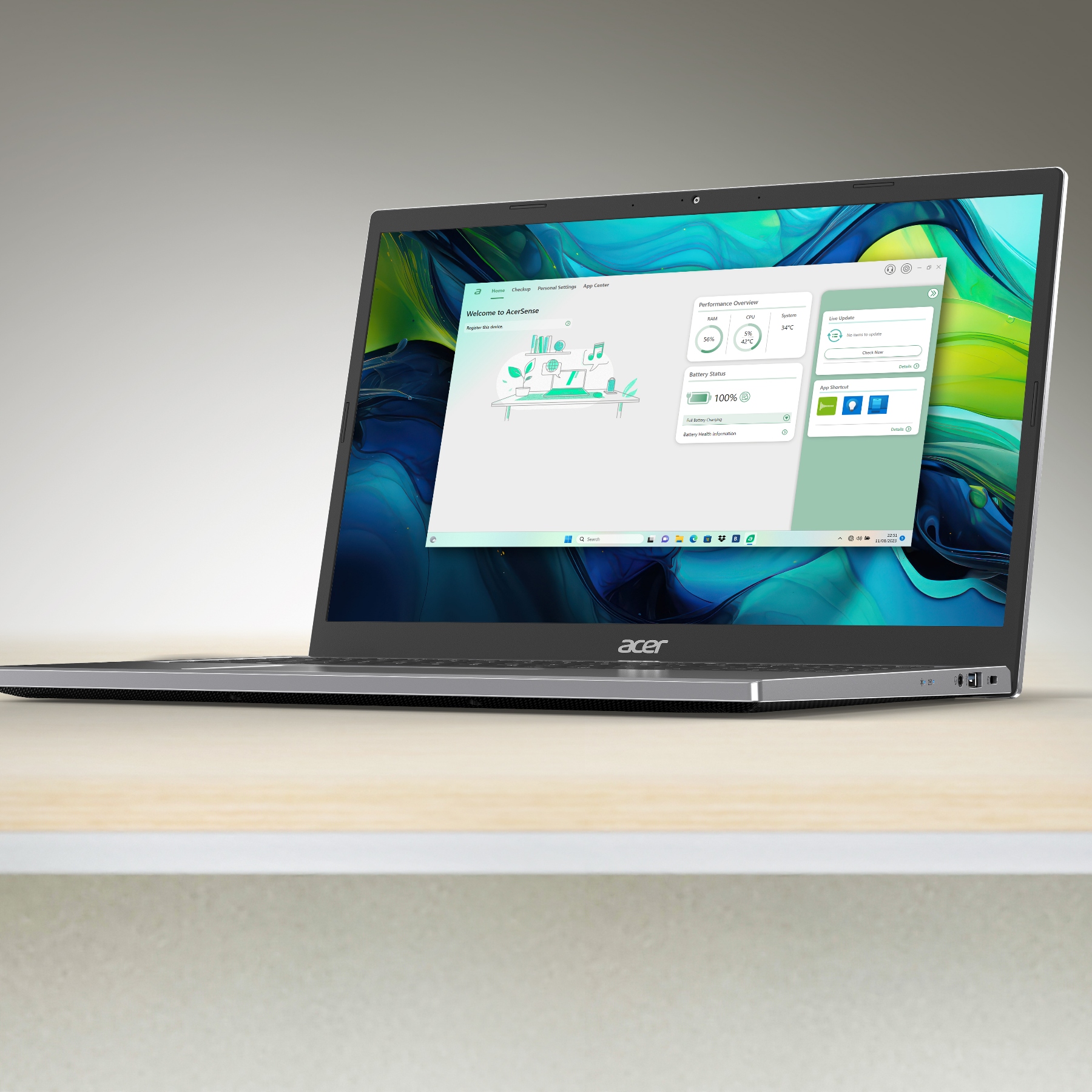
Windows 11 Home (Pre-installed)
Microsoft Office Home & Student 2021 (Pre-installed, requires activation)
Works broadly with everyday productivity, education and web apps
Style
Colour: Typically Pure Silver
Dimensions: Approximately 36.2 x 23.6 x 1.79 cm
Weight: Approximately 1.6 kg
Material: Aluminum top cover, polycarbonate chassis
Connection options
1x USB Type-C port (USB 3.2 Gen 1)
2x USB Type-A ports (USB 3.2 Gen 1)
1x HDMI 2.1 port
1x 3.5mm headphone/microphone combo jack
Wireless: Wi-Fi 6, Bluetooth 5.2
Battery
Type: Lithium-Ion Battery (Integrated)
Battery Life: Up to 10 hours (varies by usage)
Supports Fast Charge
Product Details
Model Number: AGO 15 (specific series may vary)
Part Number: NX.J3DEK.01F
Recommended Use: Everyday Computing, Online Learning, Entertainment, Web Browsing
Unit Count: 1
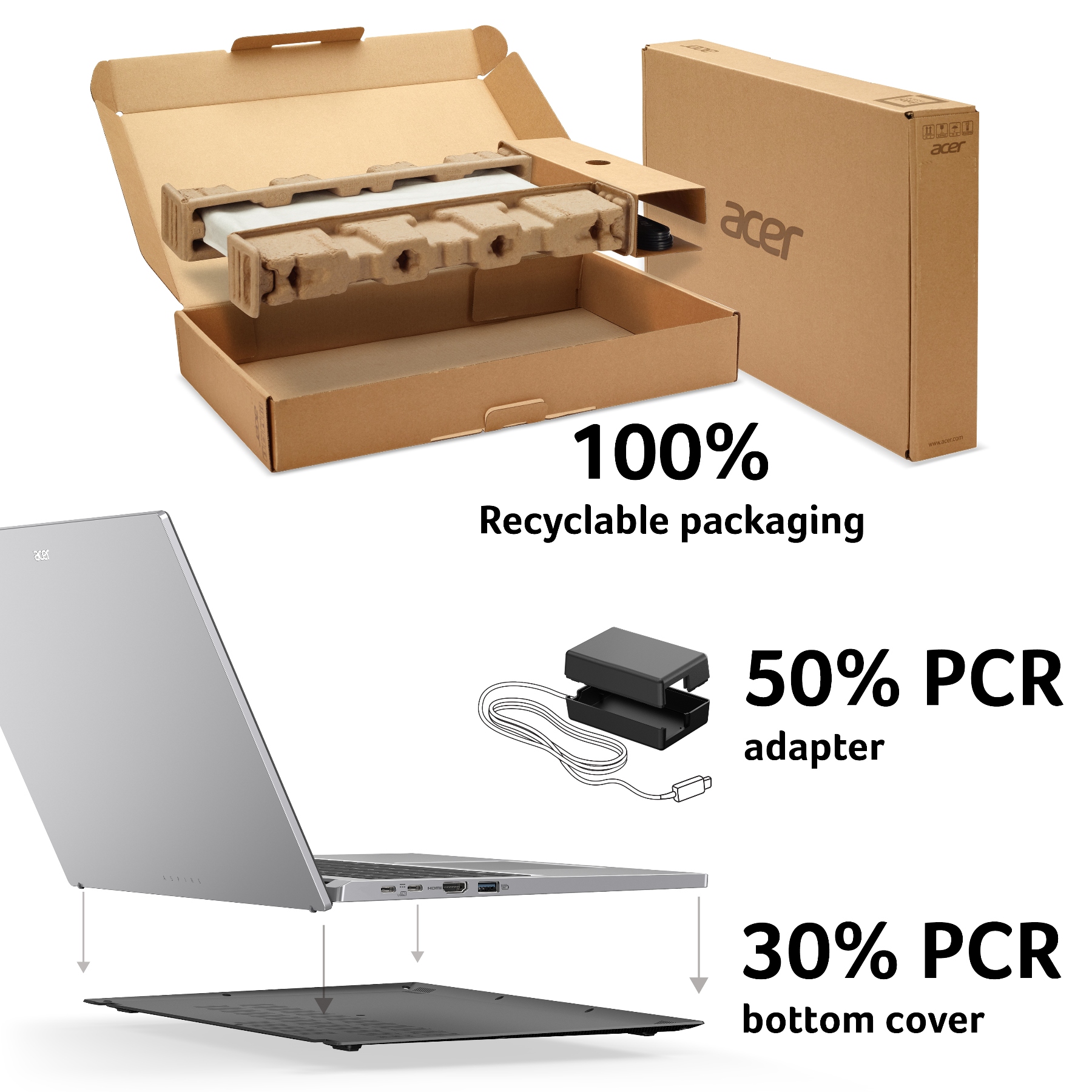
Package Type: Box
In the Box
Acer Aspire Go 15 Laptop
USB-C mains adaptor
Power Cord
Quick Start Guide
Warranty Documents
Setup, Usage & Compatibility
Usage Instruction
Before using it for the first time, charge the laptop completely with the included USB-C power adapter.
Turn the device on using the power button, then complete the Windows setup prompts shown on screen.
For full functionality, join a Wi-Fi network, then log in using your Microsoft account.
For best performance and security, install the necessary software and updates.
During use, set the laptop on a level, secure surface so ventilation can work properly.