Key Features & Benefits
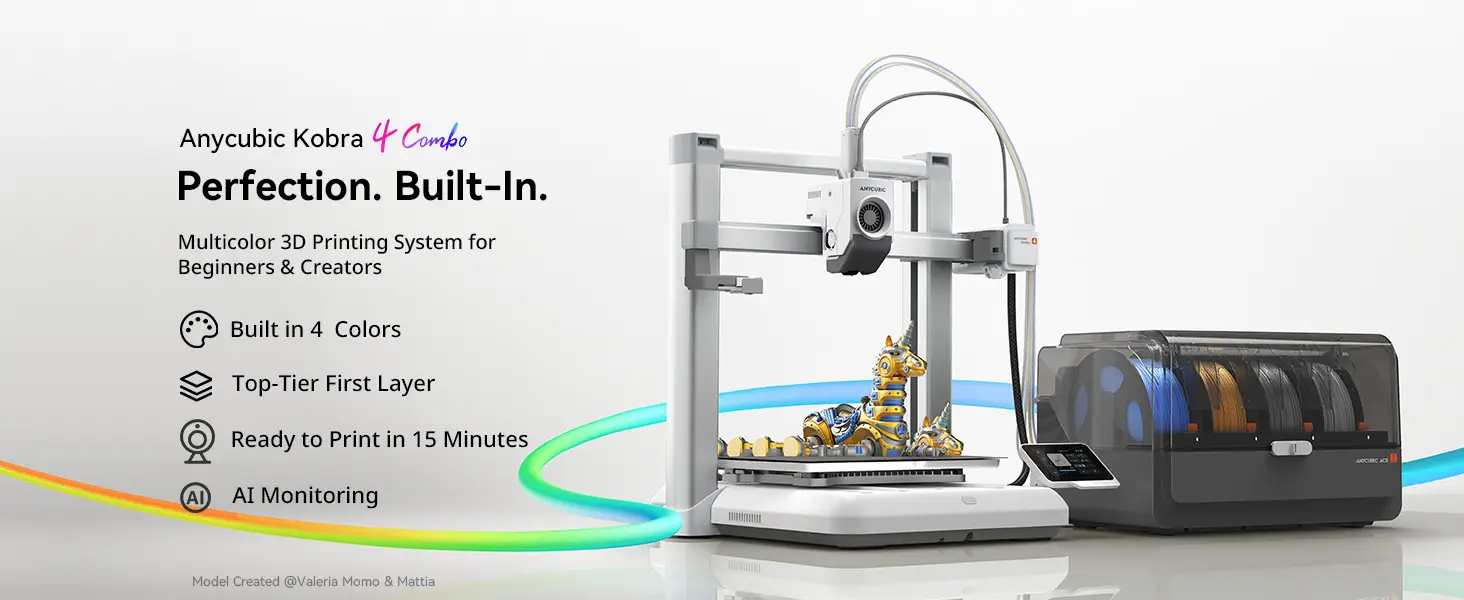
Anycubic Kobra 4 Combo
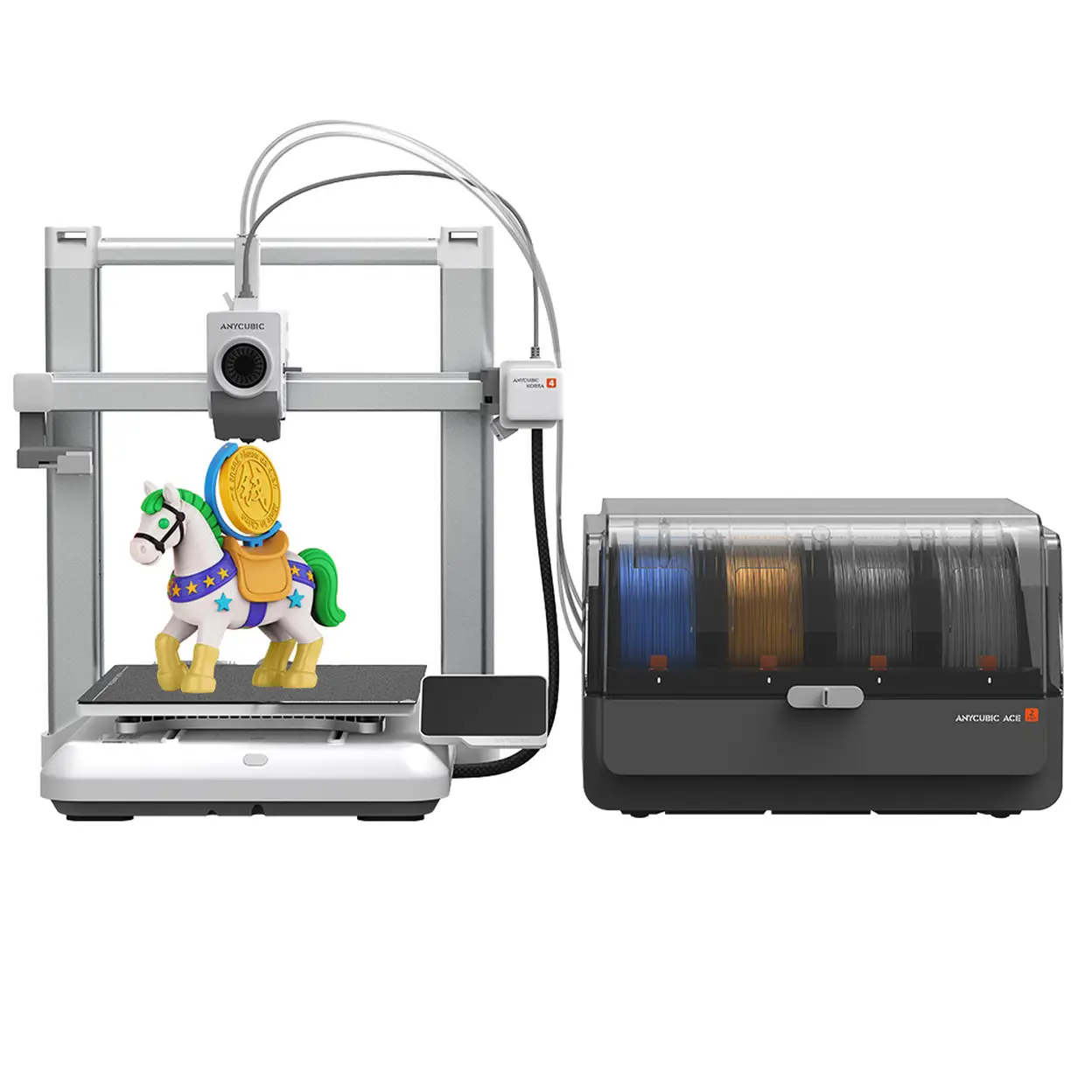
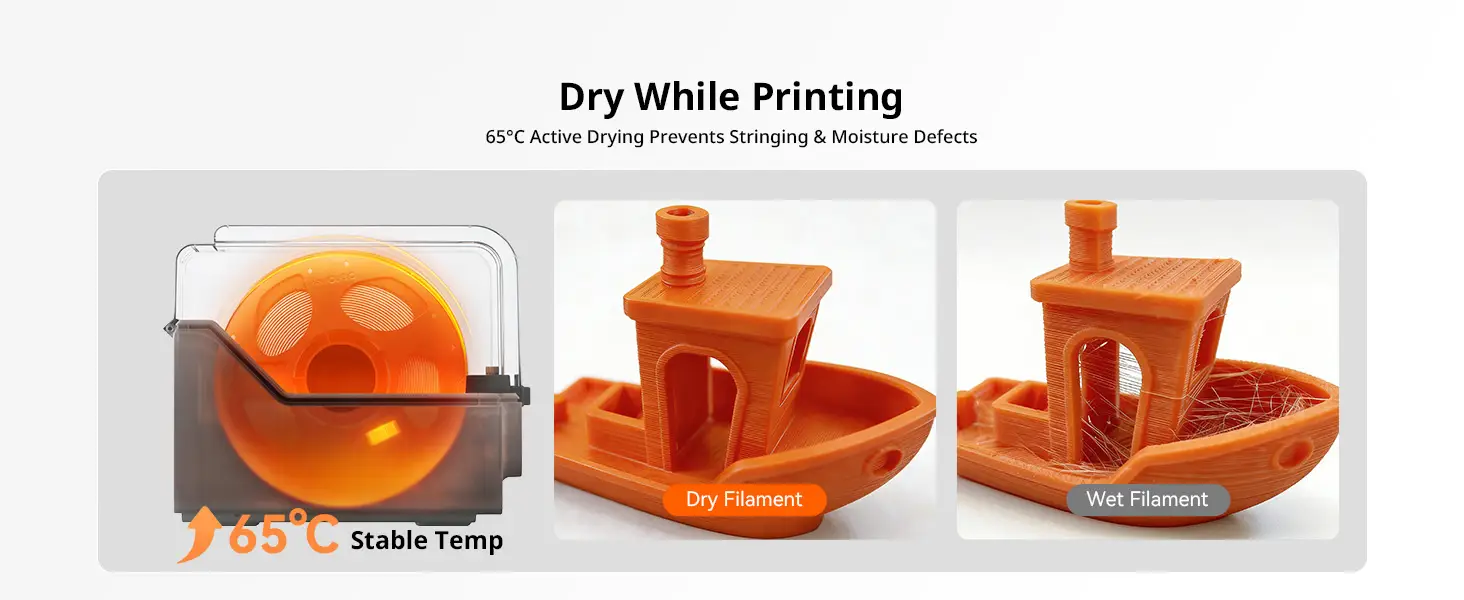
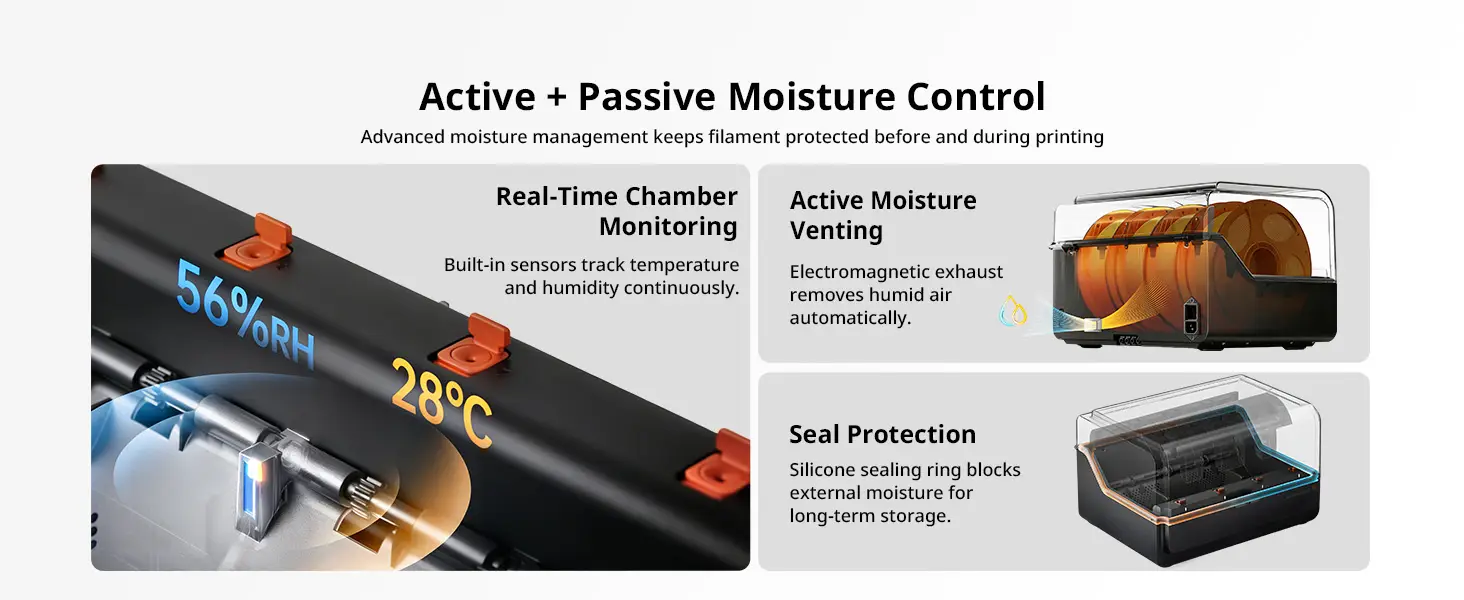
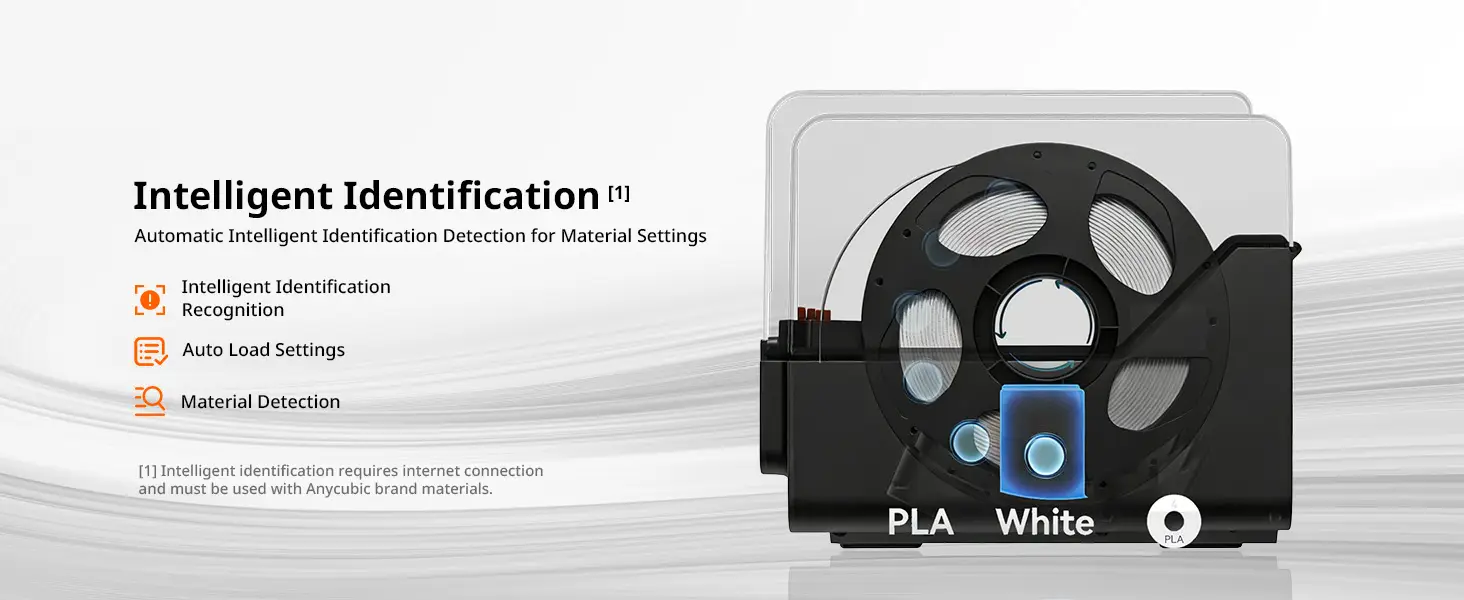
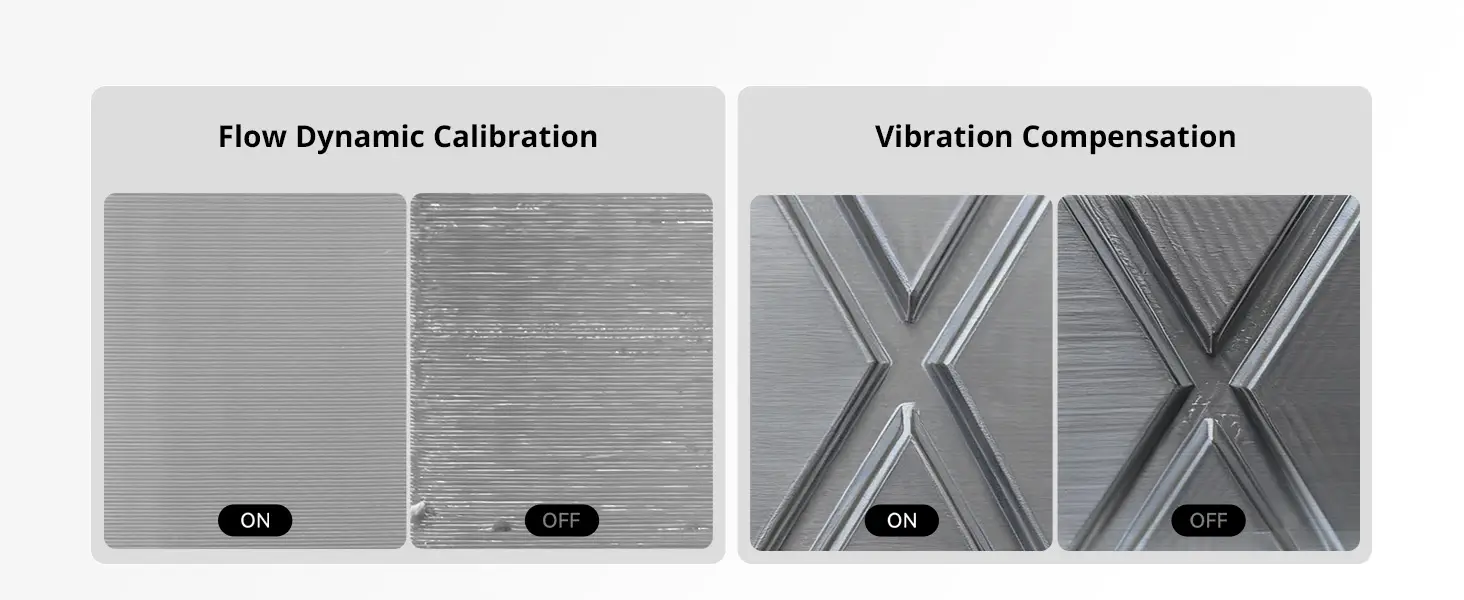
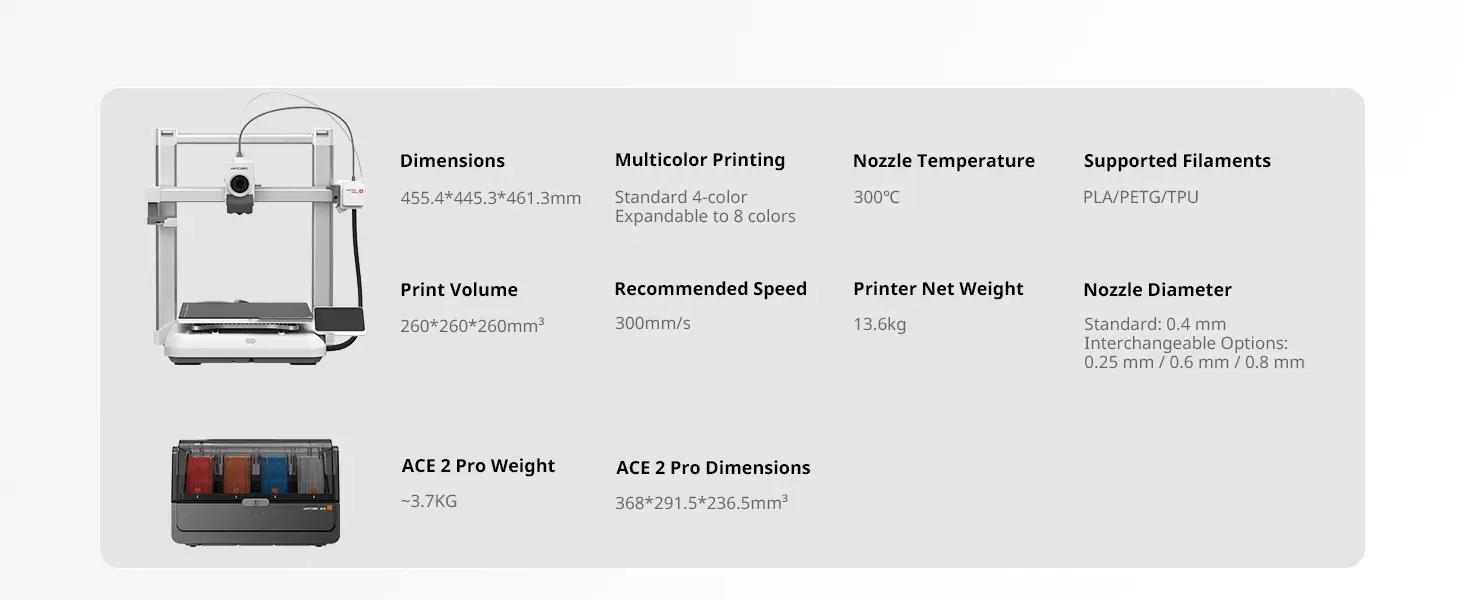
is a high-speed intelligent multicolor FDM 3D printer engineered for creators who value efficiency, precision, and vibrant creativity. Featuring integrated multicolor printing capabilities, advanced motion control, and AI-assisted monitoring, the Kobra 4 Combo delivers professional-grade printing performance with a streamlined user experience.
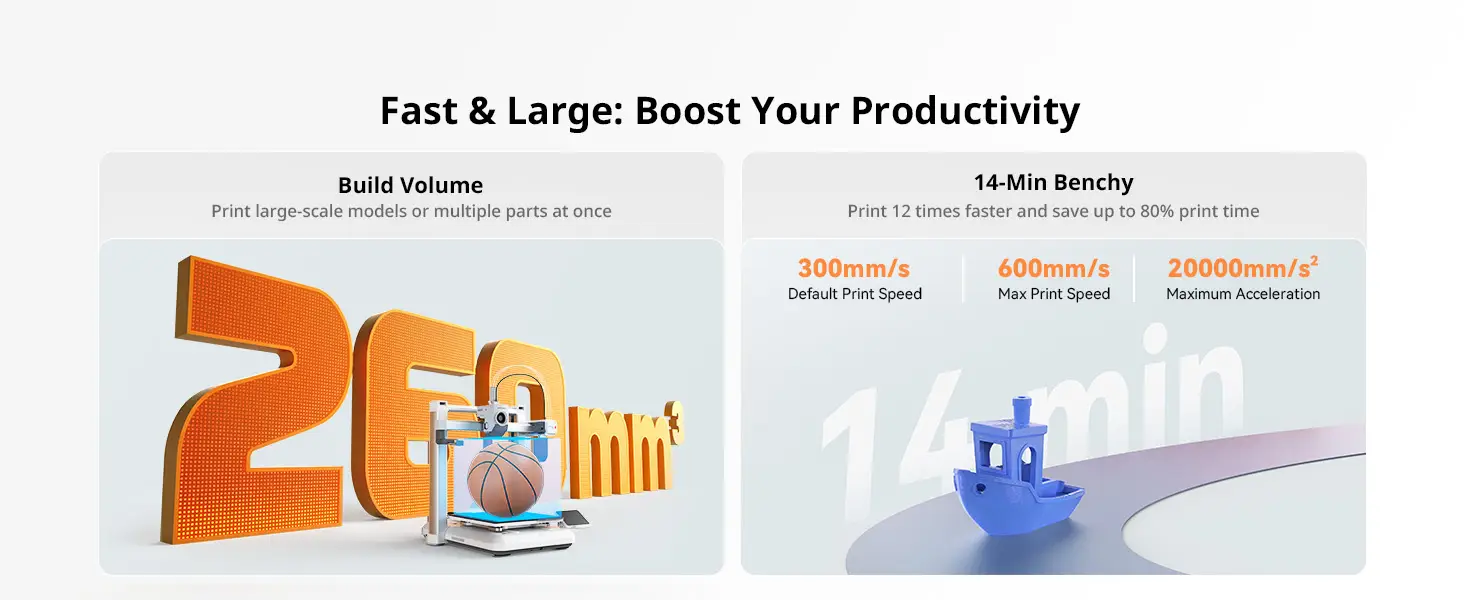
With support for high-temperature materials, ultra-fast printing speeds, and smart ecosystem connectivity, it is designed to handle everything from functional prototypes to colorful artistic models with exceptional reliability.
Key Features
Product Details
What’s in the Box
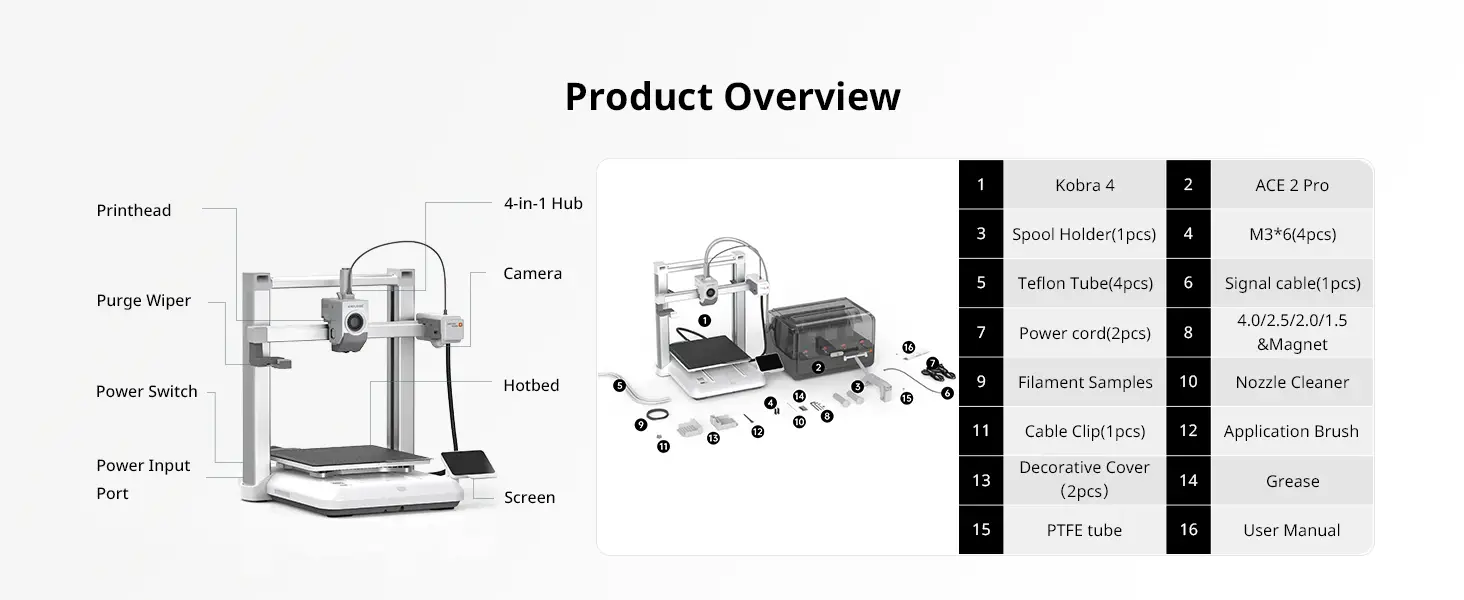
Anycubic Kobra 4 Combo;Printer Base;Multicolor Module;Print Head;Touchscreen;Spool Holder;Power Cable;Filament Tubes;Nozzle Cleaner;Tool Set;USB Drive;User Manual
Manufacturer Details
Name: Shenzhen Anycubic Technology Co., Ltd.
Registered Address: 20F, Building 2, Jinxiu Hongdu Building, Meilong Avenue, Minzhi Sub-district, Longhua District, Shenzhen, Guangdong Province, China
Email: support@anycubic.com
Instructions for Use
Basic Components
Print Head, Build Platform, Multicolor Module, Touchscreen, Filament Feeding System, Heated Bed, Camera System, Wi-Fi Module, and Motion Control System.
Quick Start Steps
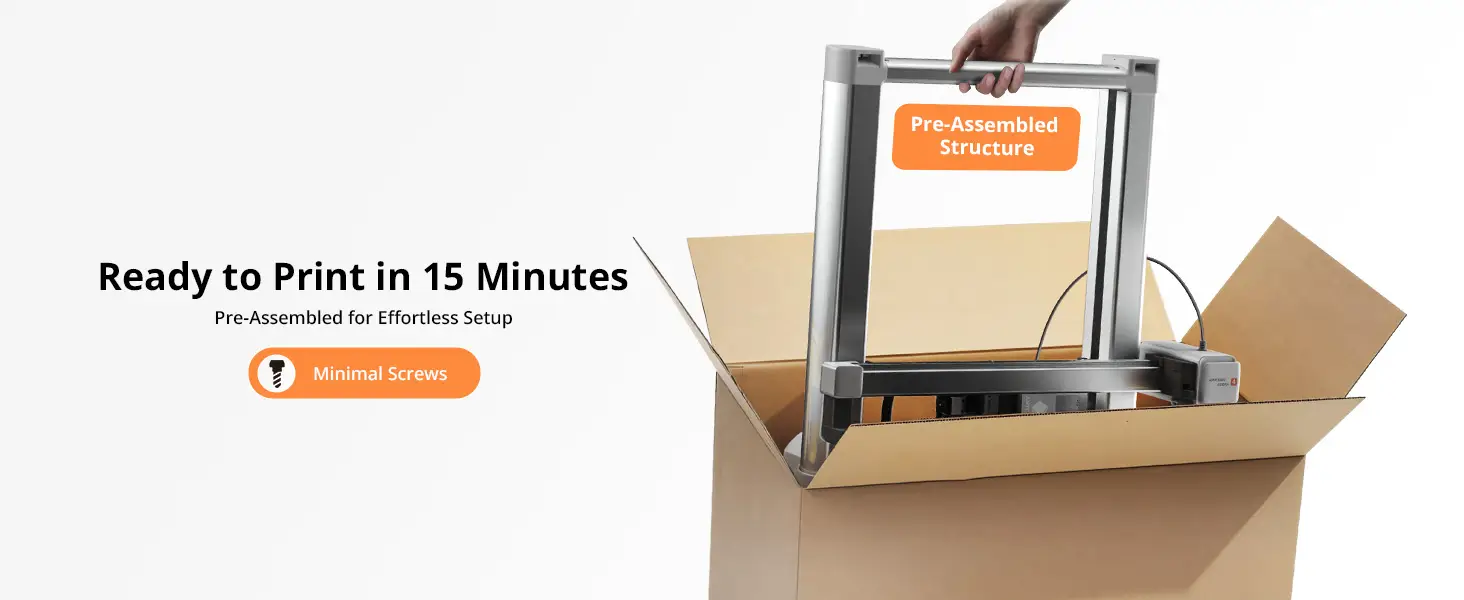
01 Assemble the Printer
Install the printer frame and ensure all cables and modules are securely connected.
02 Install the Multicolor System
Connect the multicolor feeding module and filament tubes according to the installation guide.
03 Power On the Printer
Connect the power cable and start the printer using the touchscreen interface.
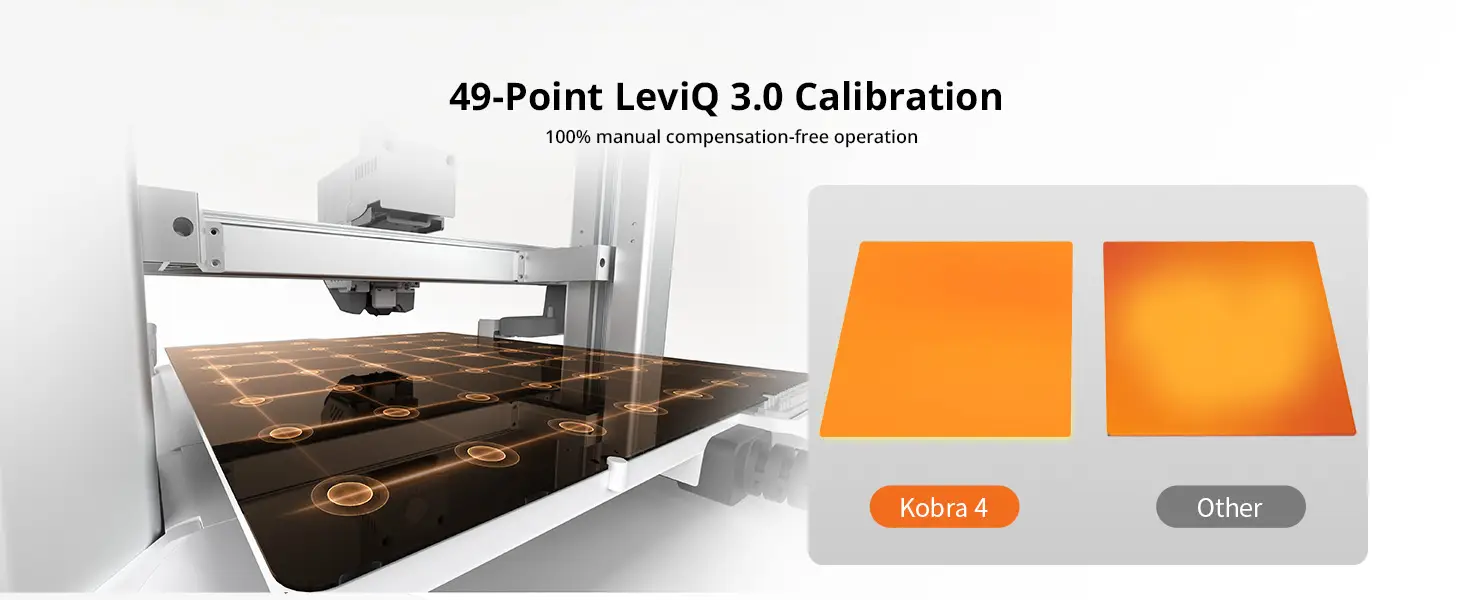
04 Auto-Level the Platform
Run the automatic leveling process to ensure optimal first-layer adhesion.
05 Load Filament
Insert supported filament into the feeding system and confirm successful loading.
06 Connect to Network
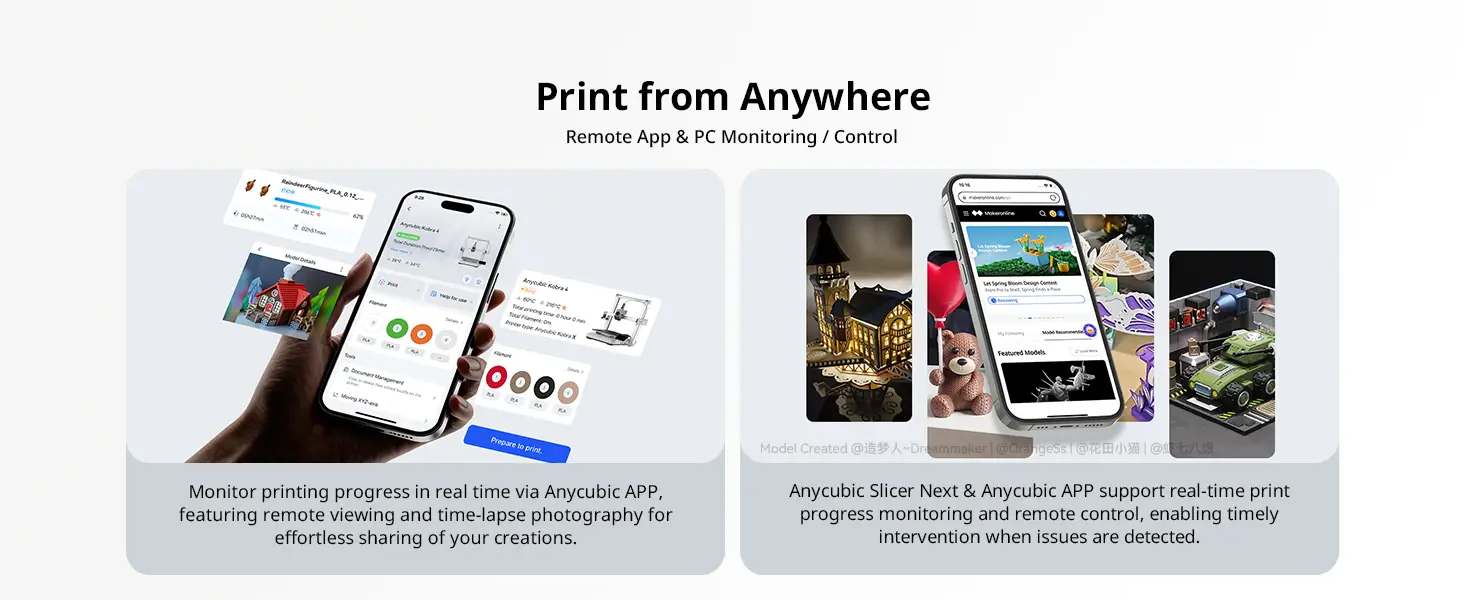
Connect the printer to dual-band Wi-Fi for remote monitoring and printing.
07 Start Printing
Import sliced files through USB, Anycubic Slicer, or Anycubic APP and begin printing.
Safety Notes
Do not touch the nozzle or heated bed during operation.
Use the printer in a well-ventilated environment.
Keep the machine away from children and pets.
Use only compatible power accessories.
Disconnect power before maintenance or nozzle replacement.