Product Description

Unlock Your Welcome Offers: FREE Delivery | Up to 80% OFF | Free 30-day JoyPlus trial

ANYCUBIC
$499.00
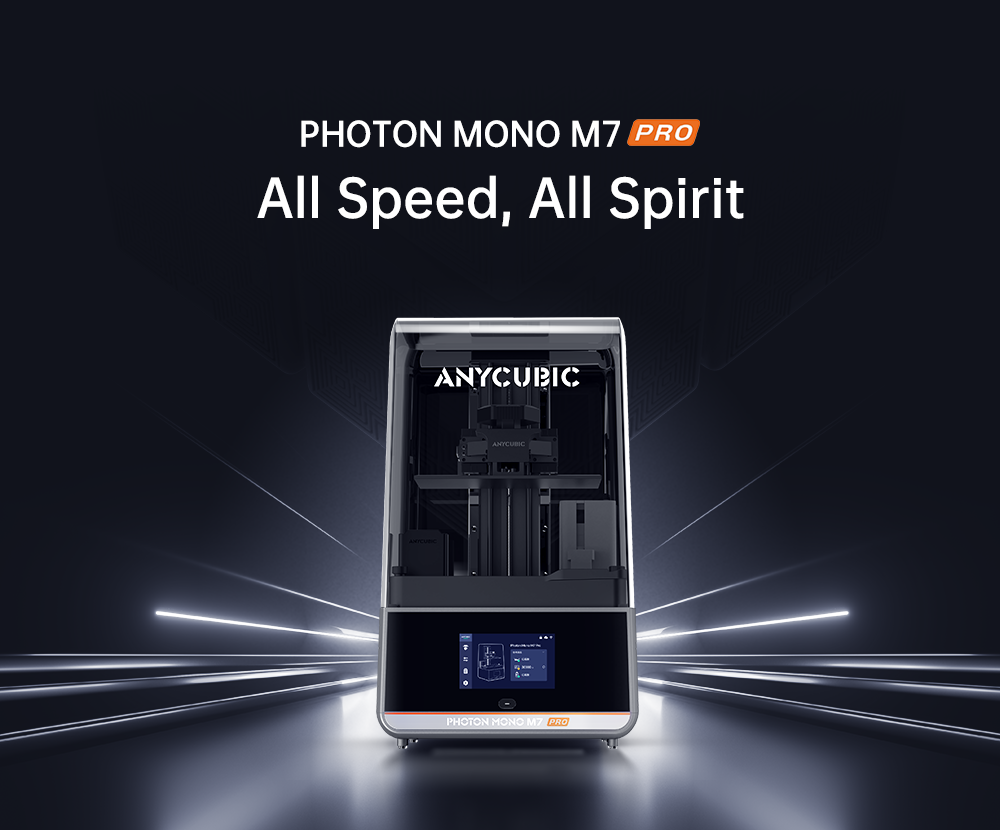
Photon Mono M7 Pro / Photon Mono M7
Sold and shipped by


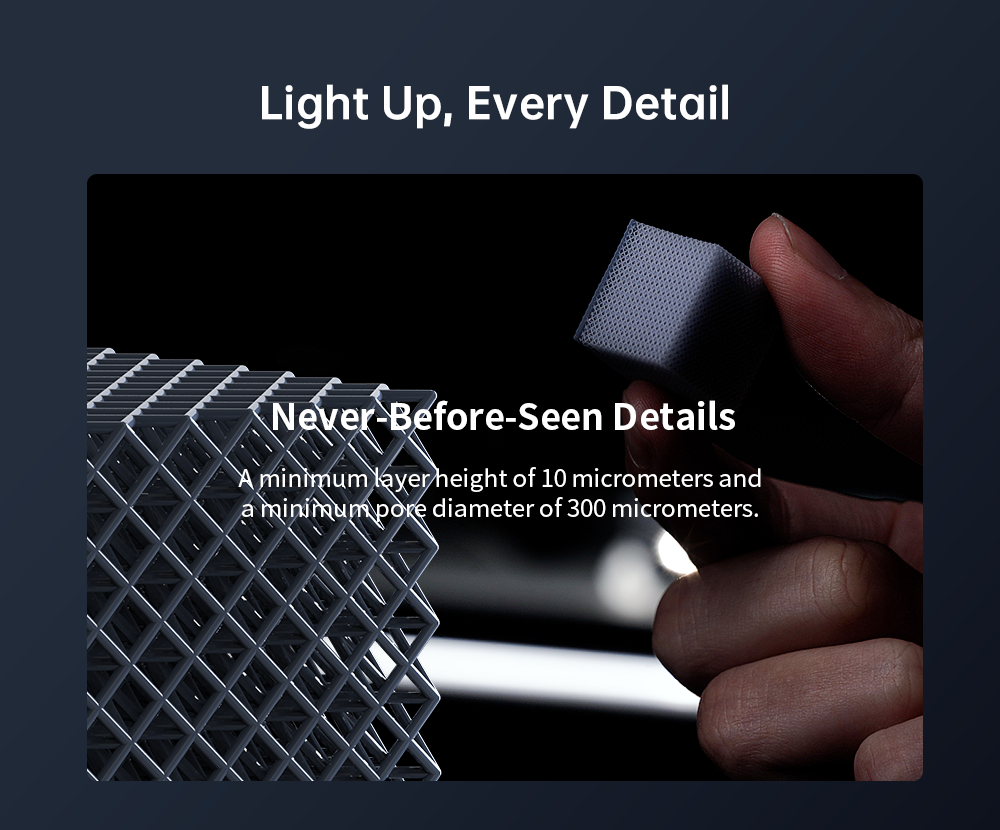
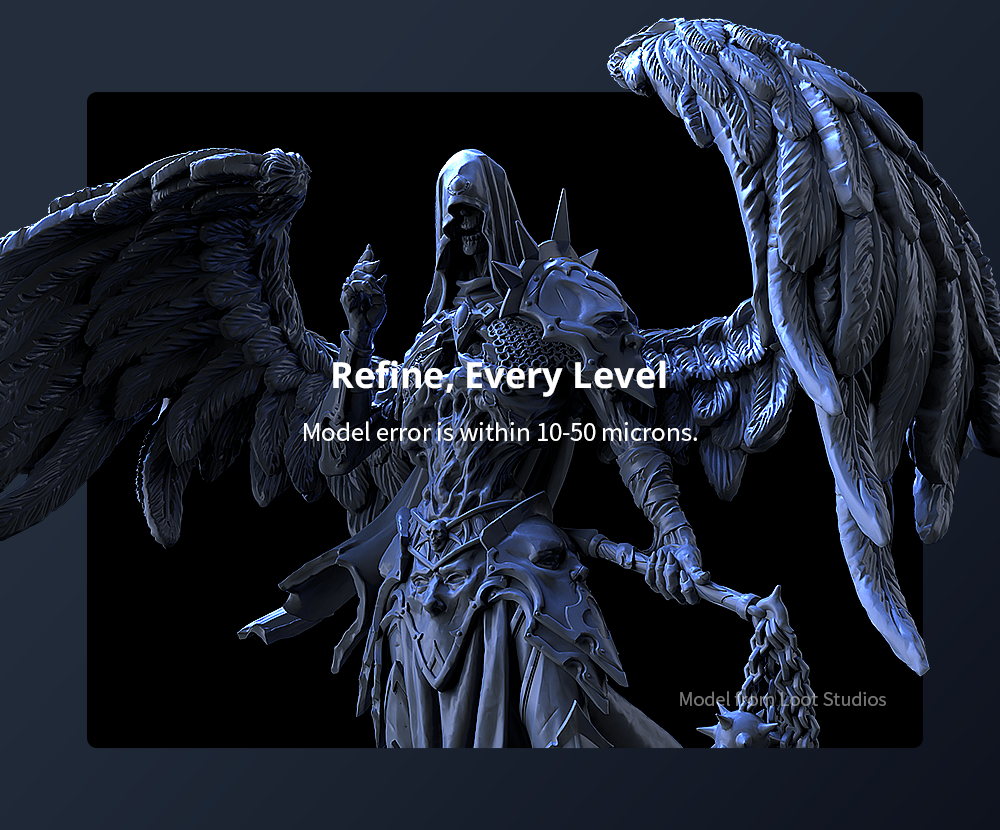
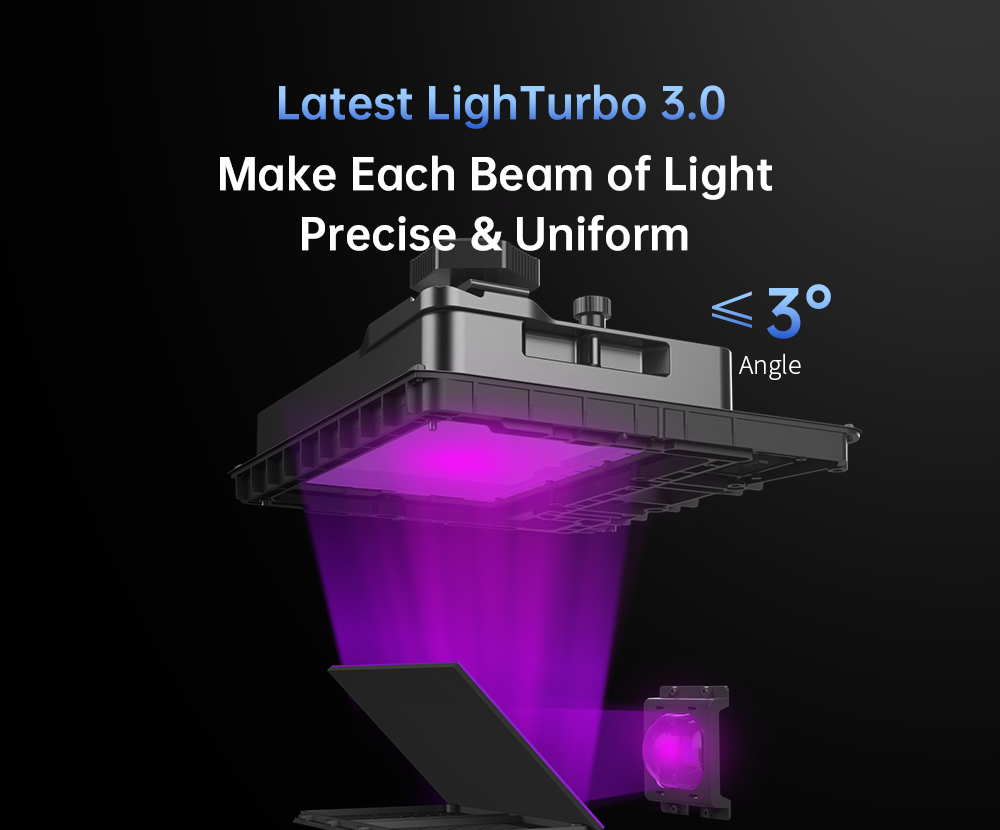
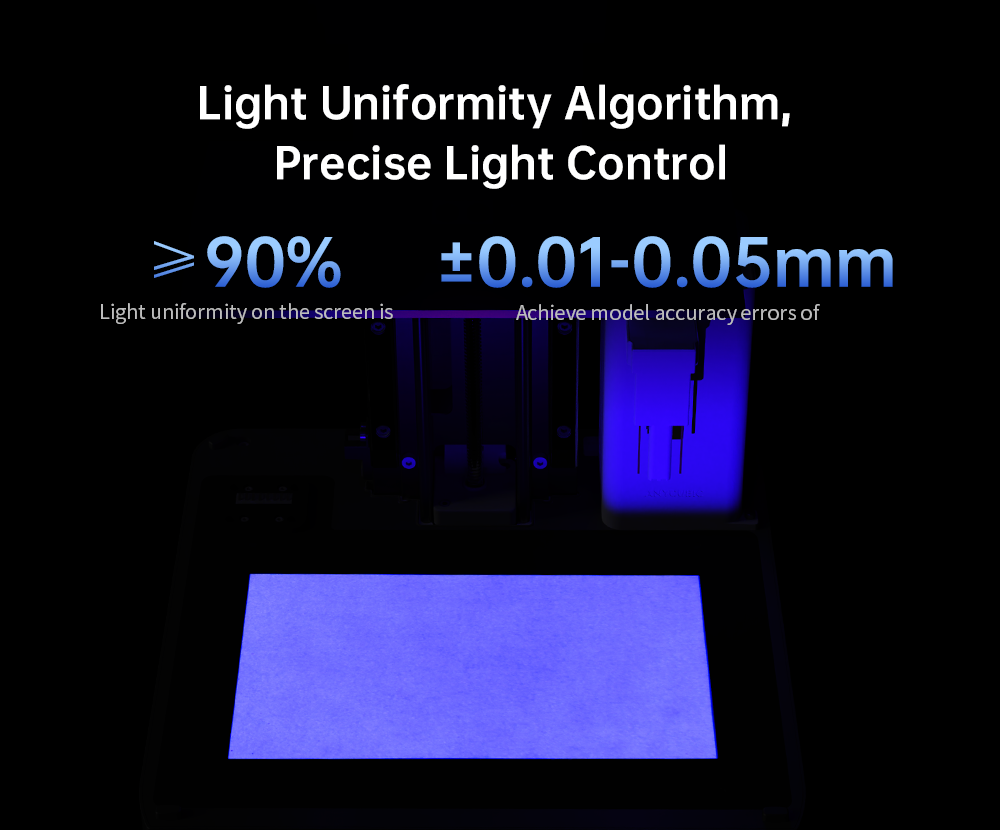
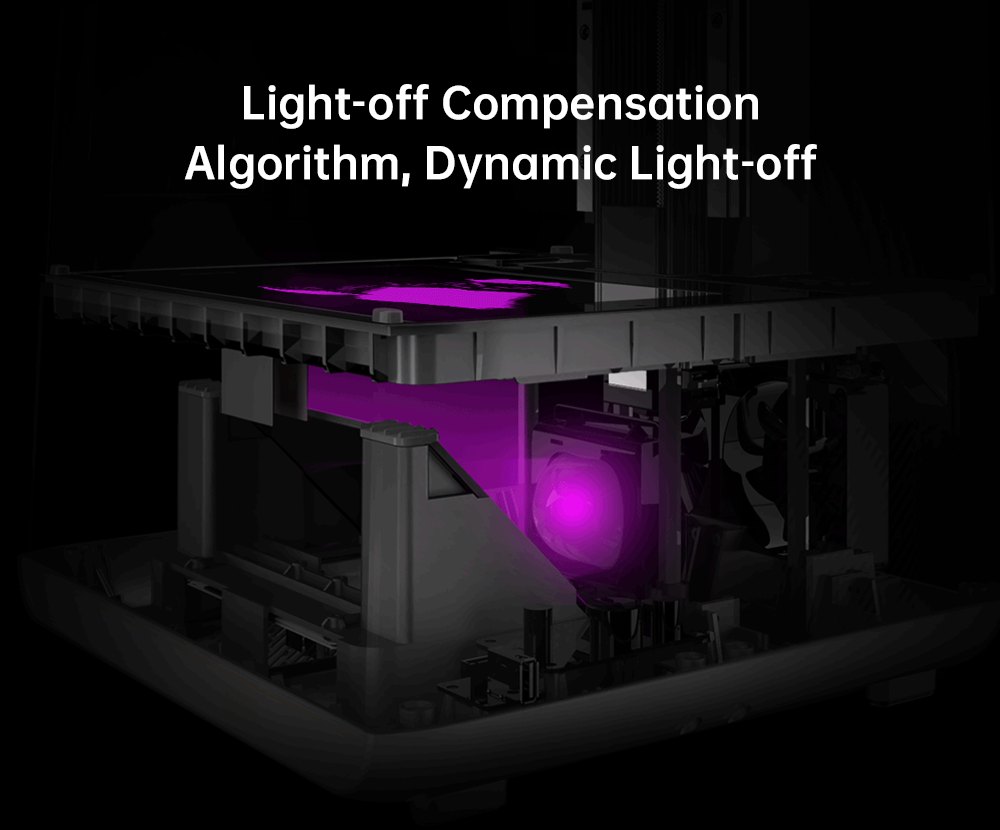
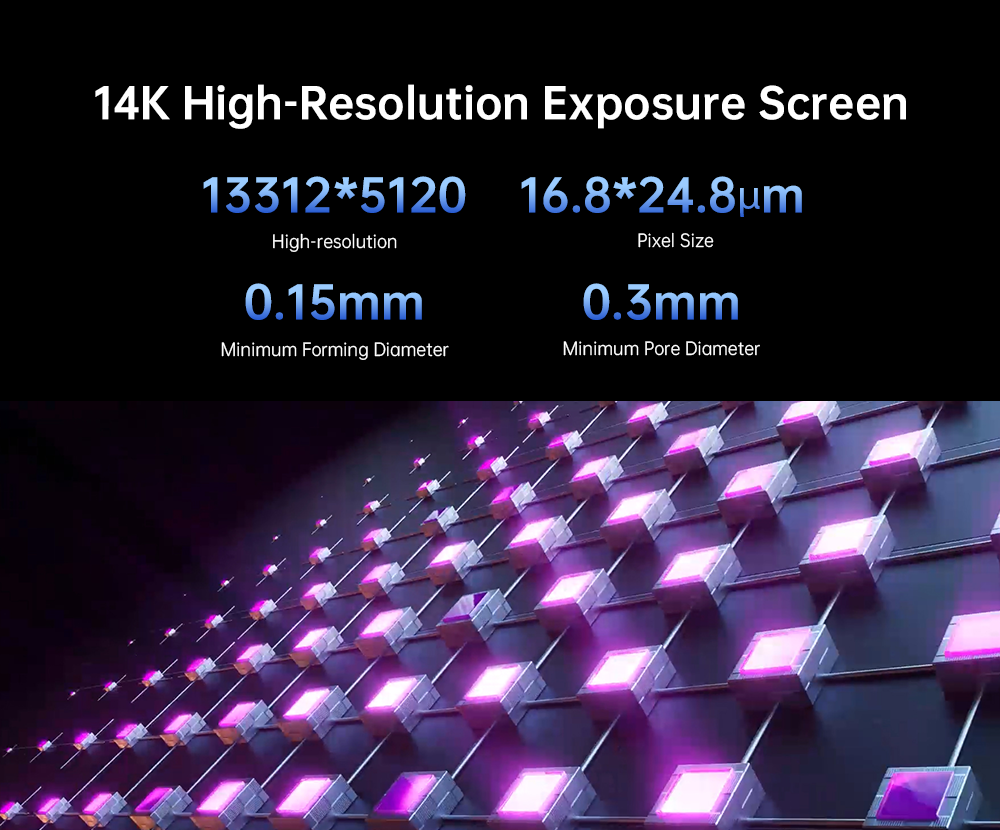
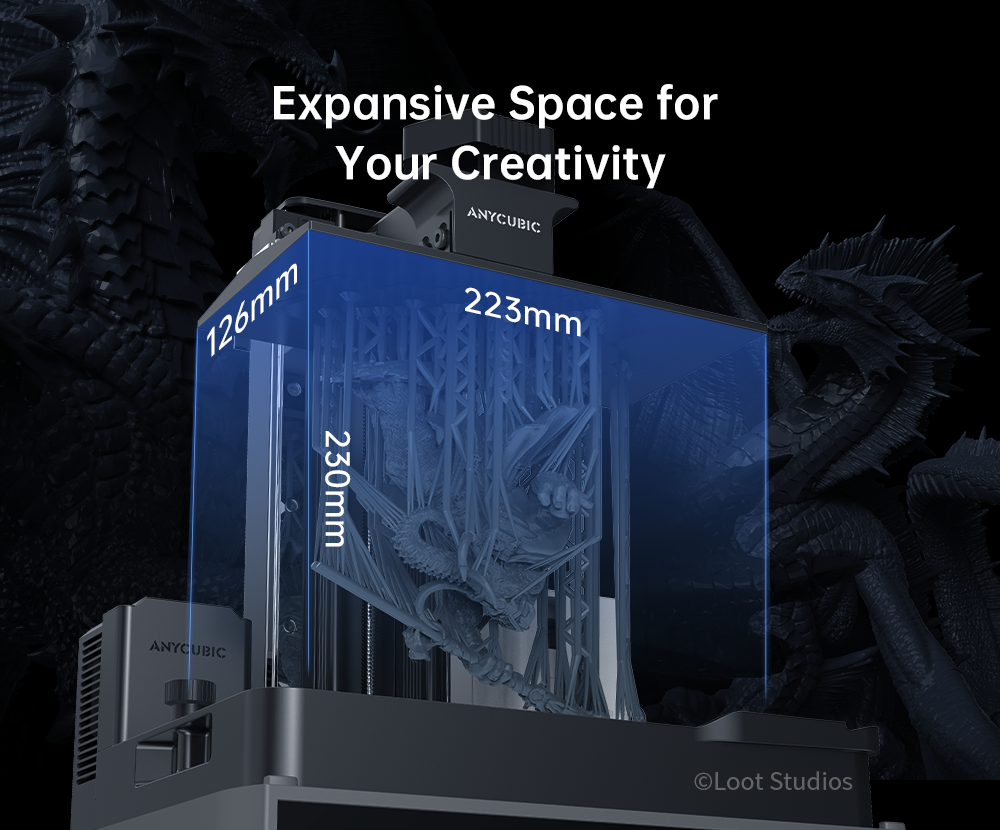
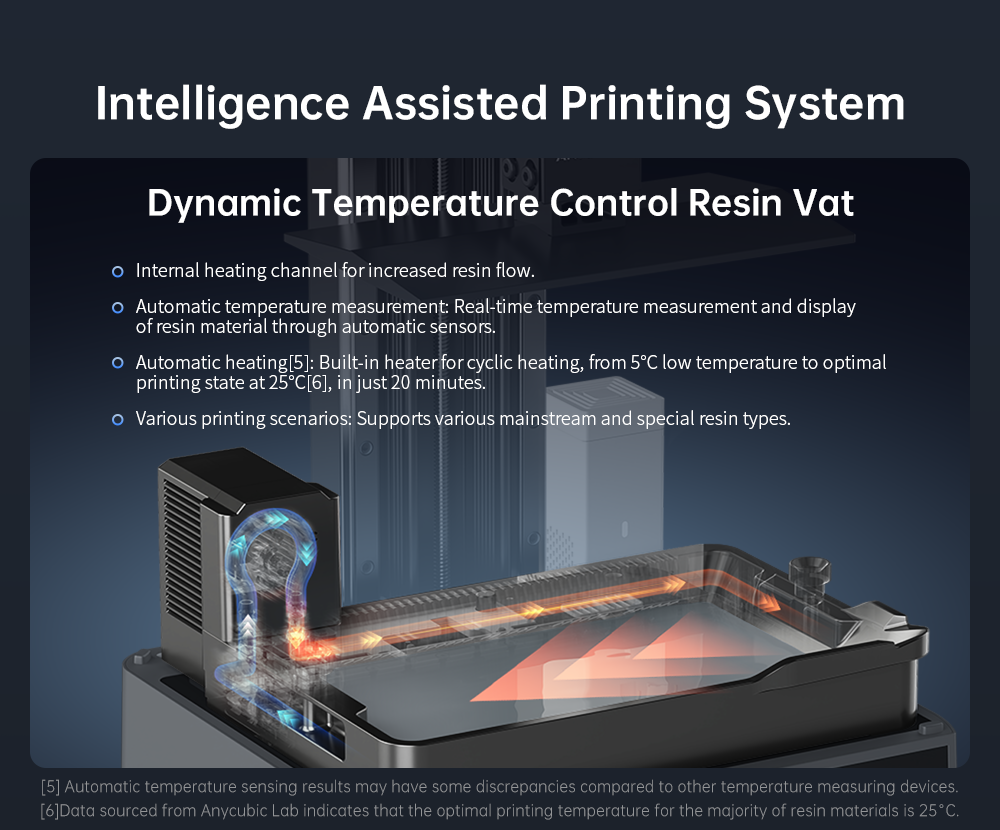
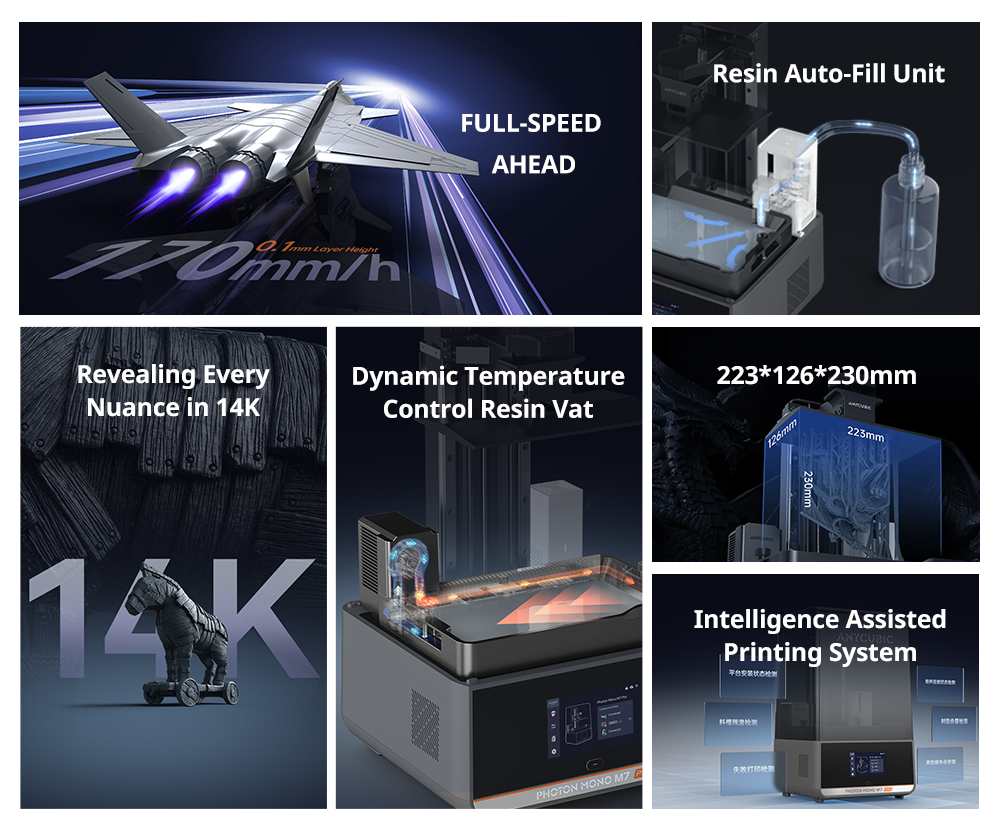
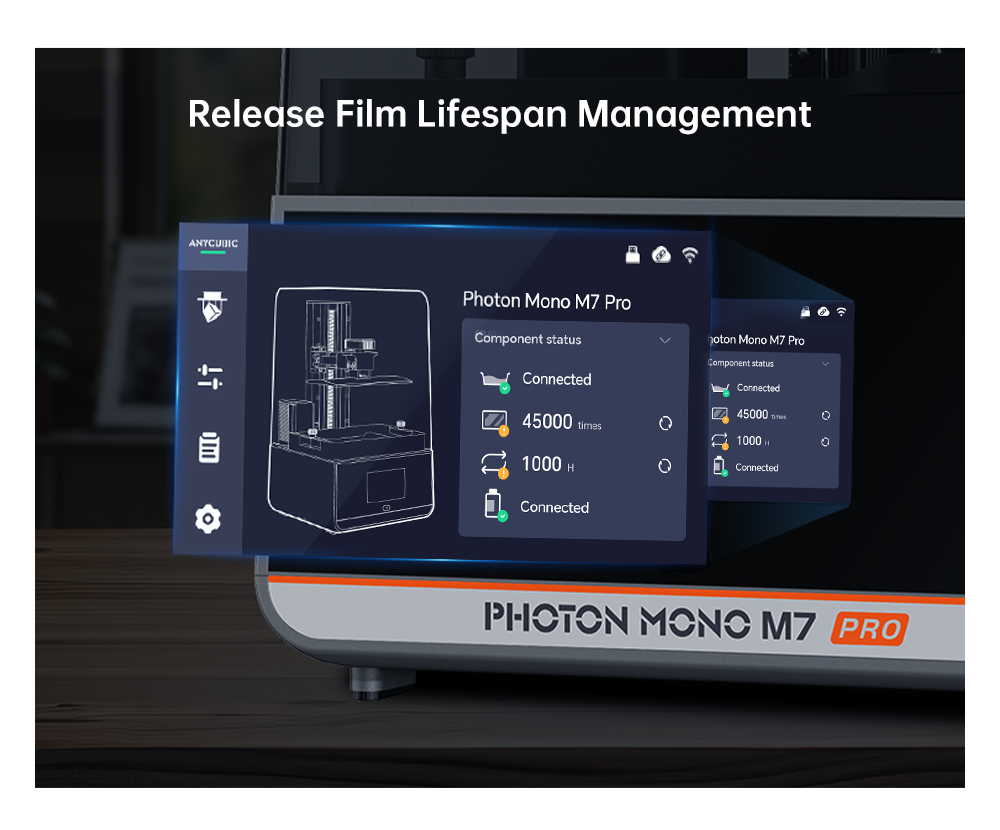
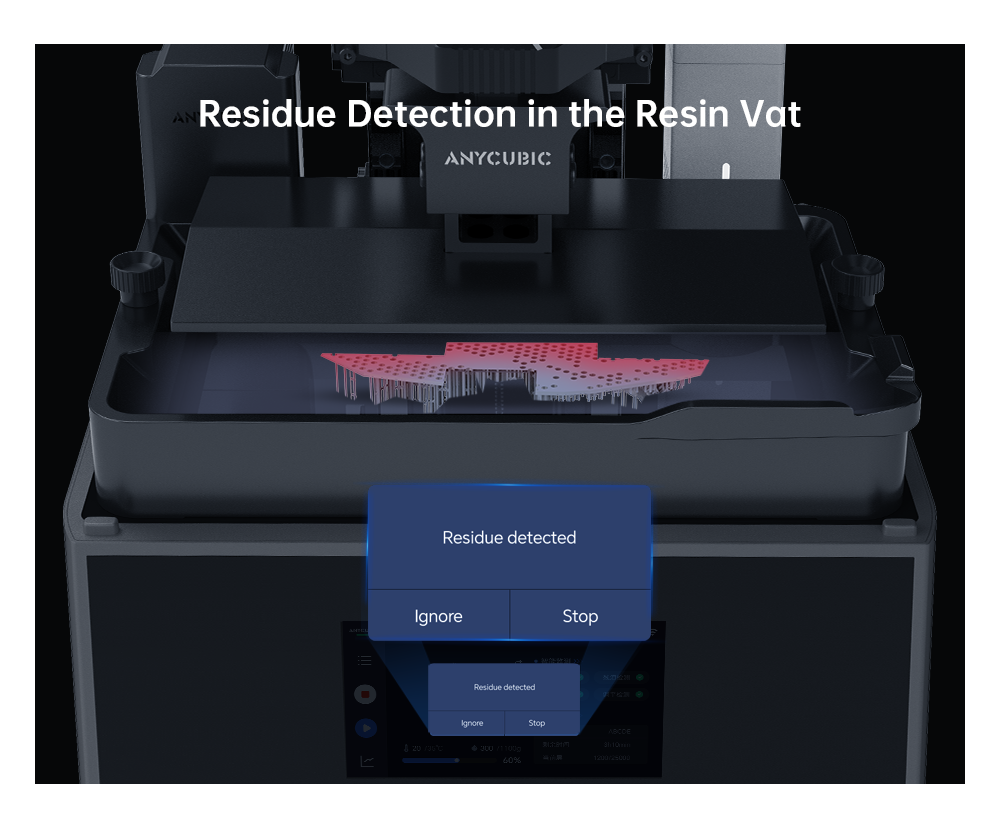
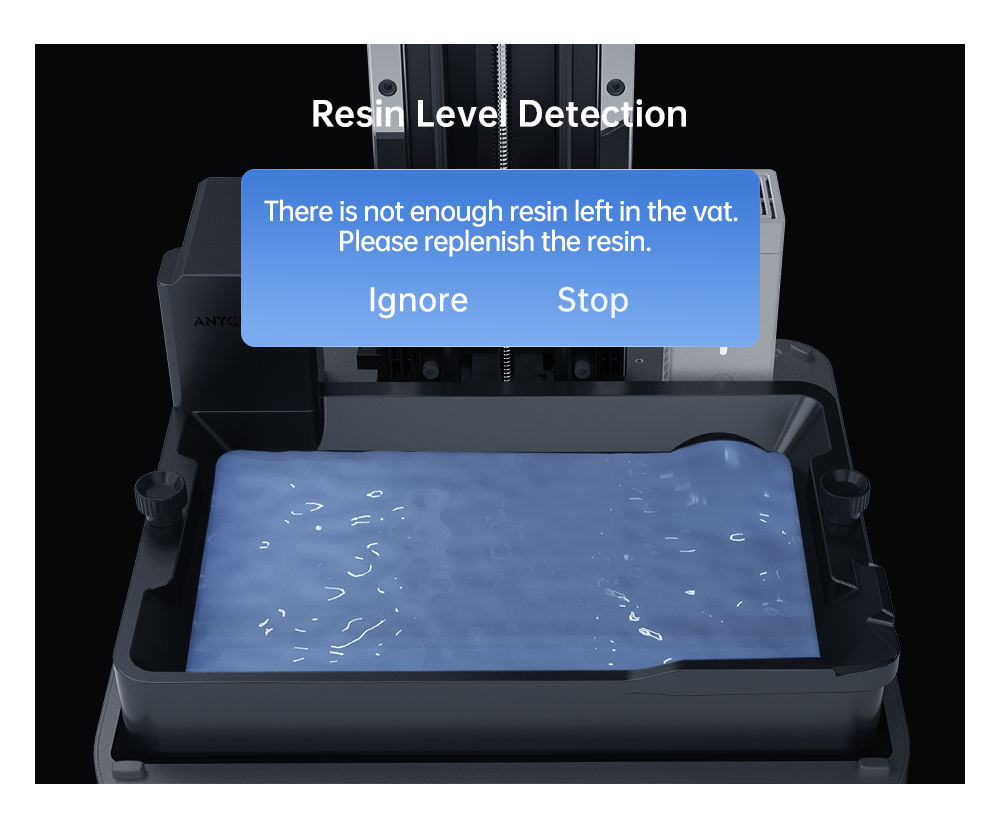
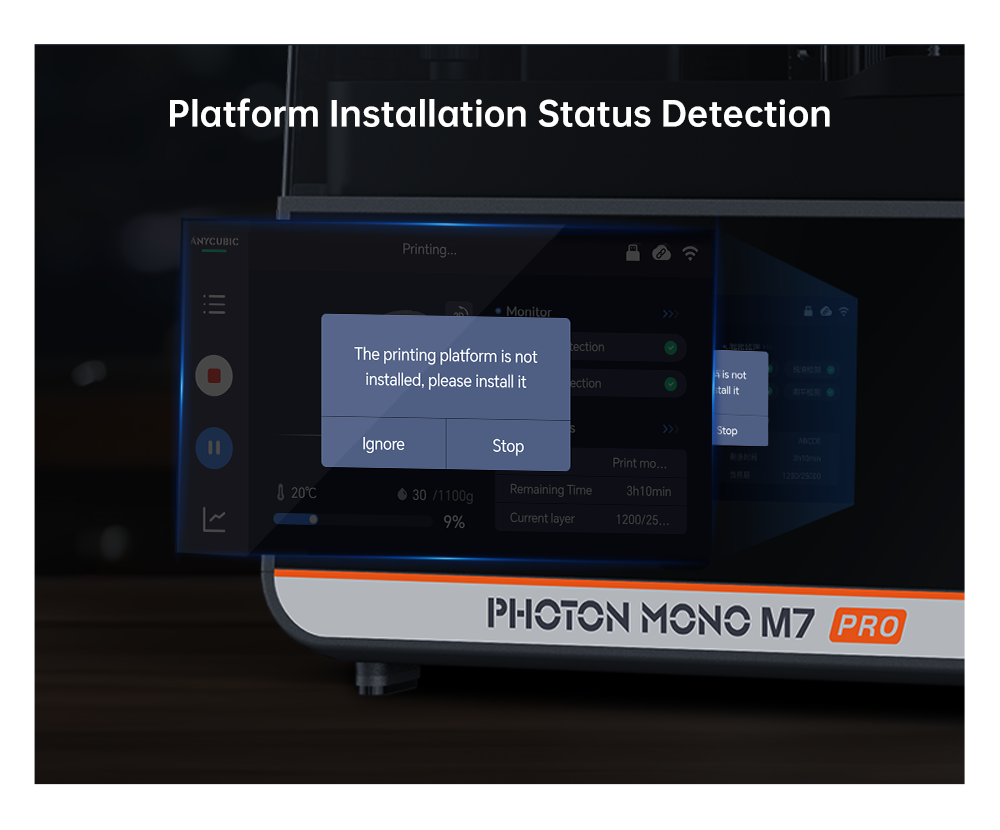
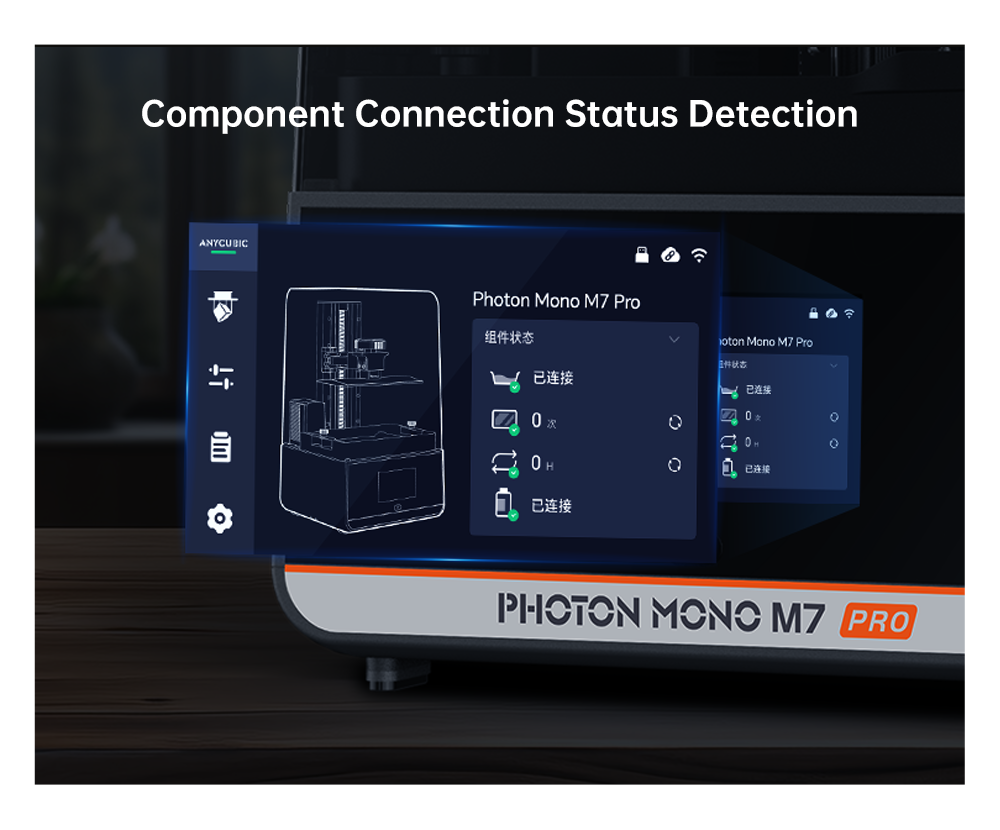
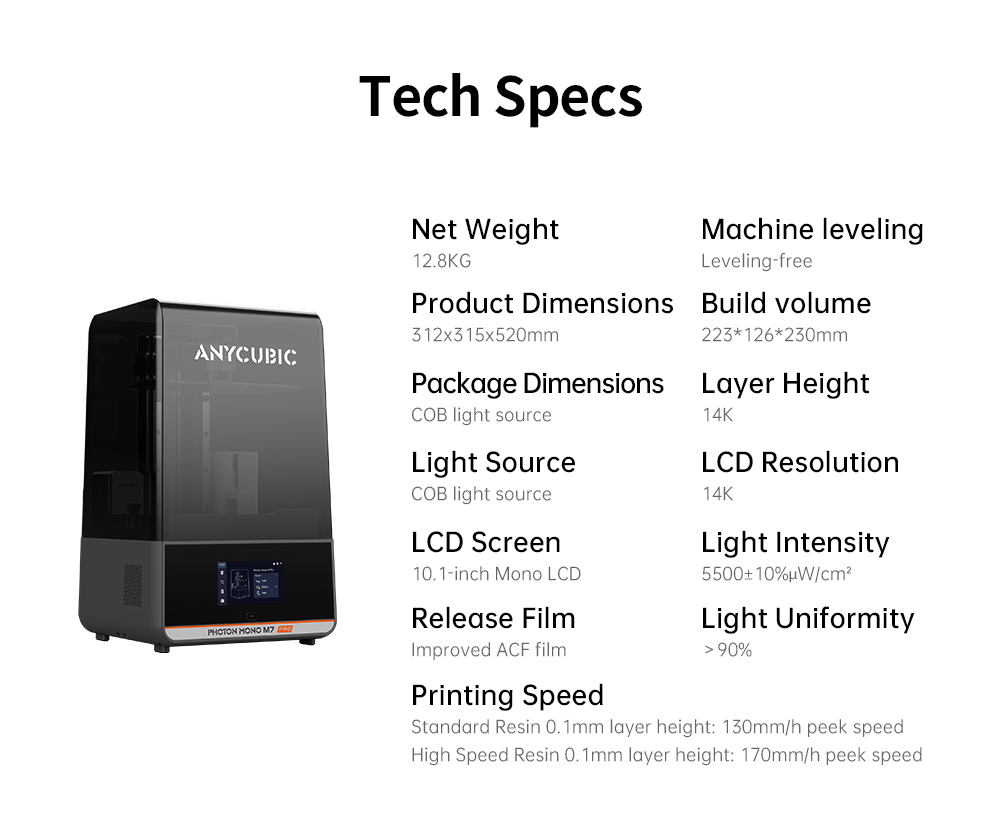
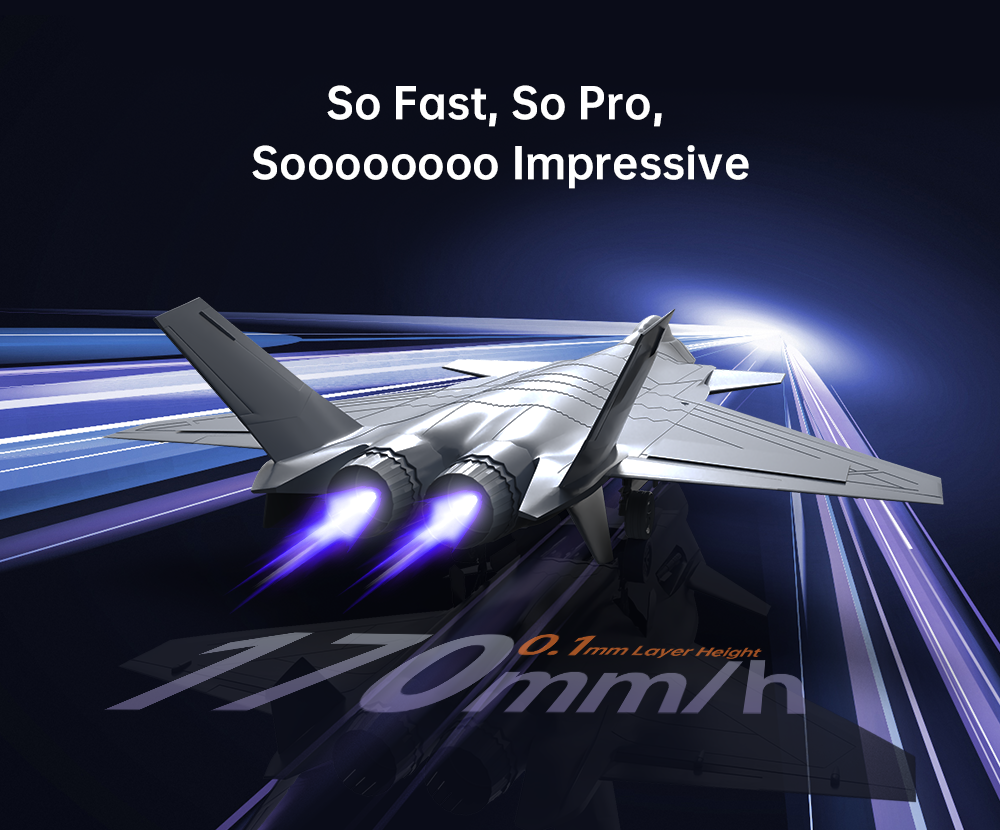
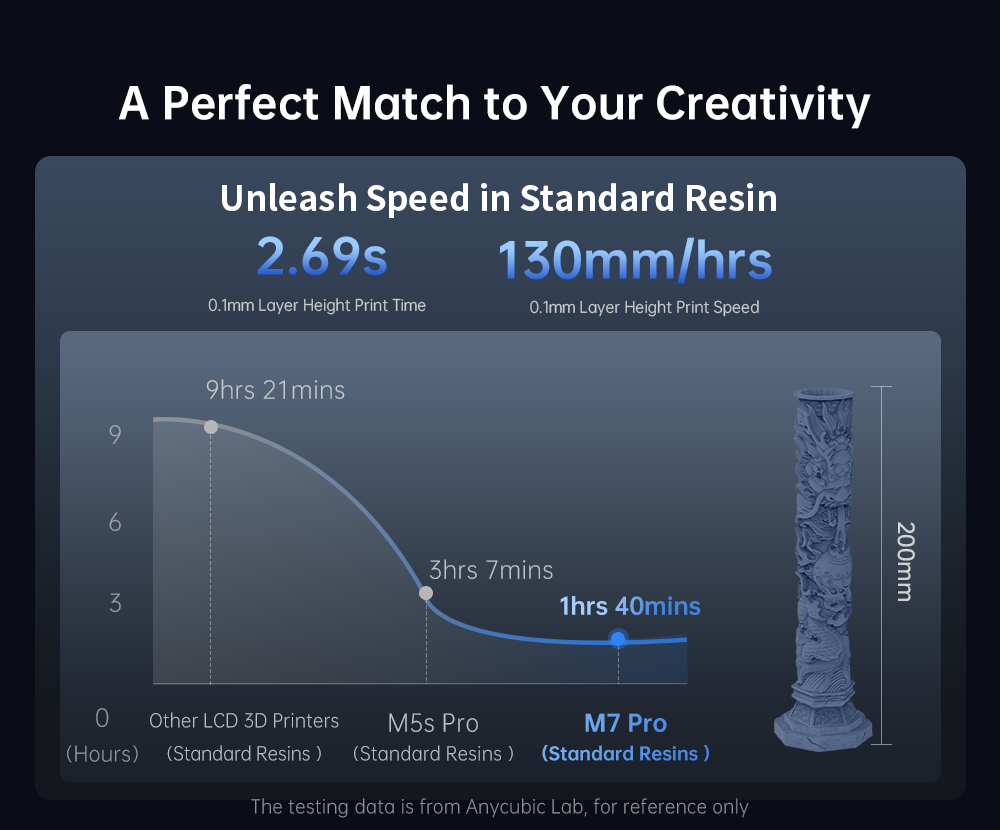
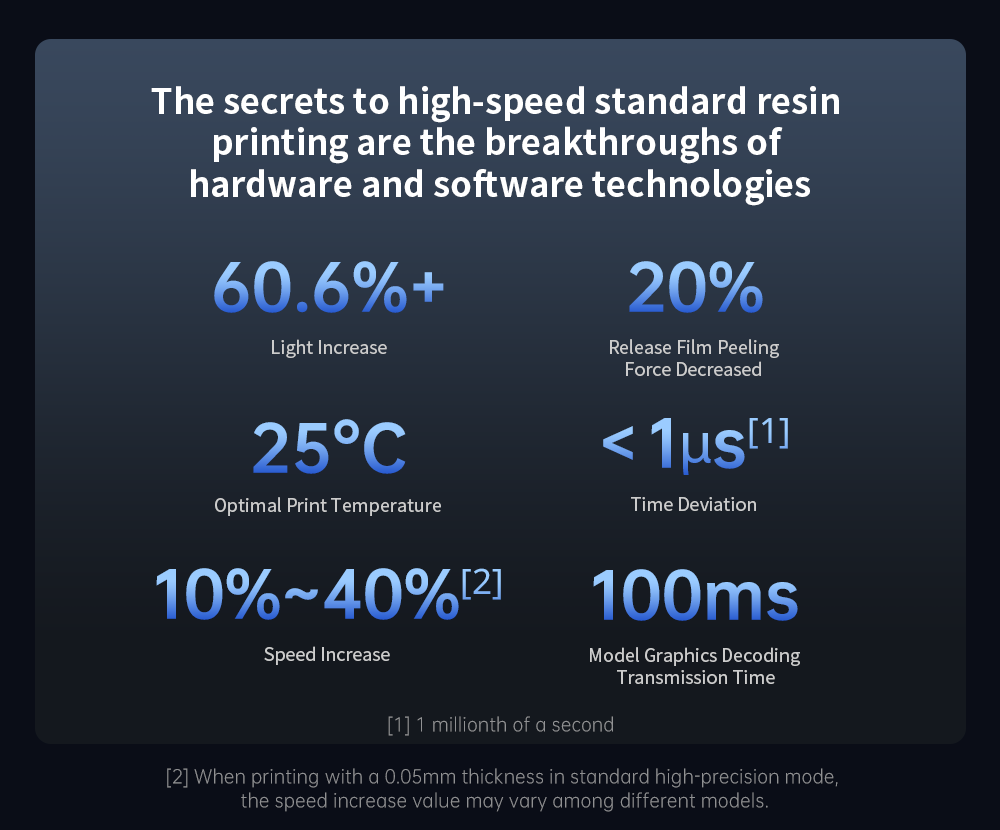
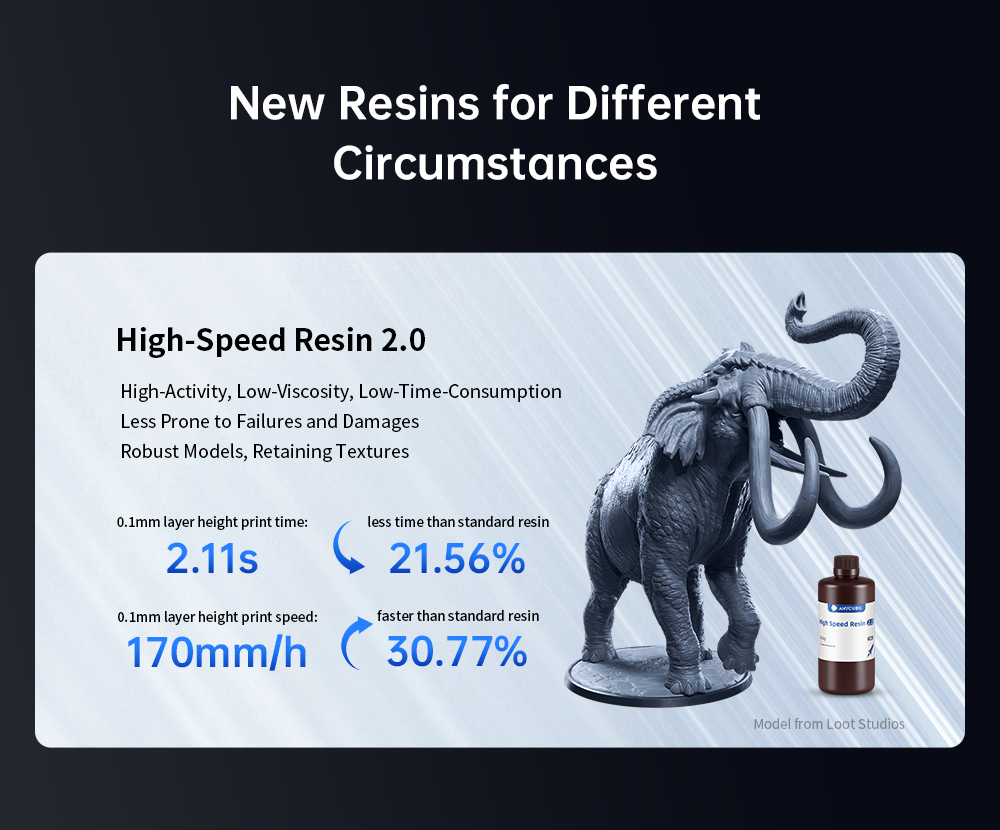
The is a professional high-speed resin 3D printer engineered for extreme precision, high productivity, and intelligent automation. Featuring a maximum printing speed of up to 170 mm/h with high-speed resin , a 10.1-inch monochrome 14K display (13320 × 5120) , and the LightTurbo 3.0 lighting system (COB + Fresnel lens) , this machine delivers outstanding surface detail and ultra-high output performance. With auto-adaptive temperature control with heating management , automatic resin refill and withdrawal , and intelligent workflow-assist printing technology , the Photon Mono M7 Pro provides a fully automated, stable, and efficient production experience. It is ideal for professional applications such as industrial manufacturing, dental labs, engineering, prototyping, model production, and commercial printing environments where speed, precision, and reliability are critical
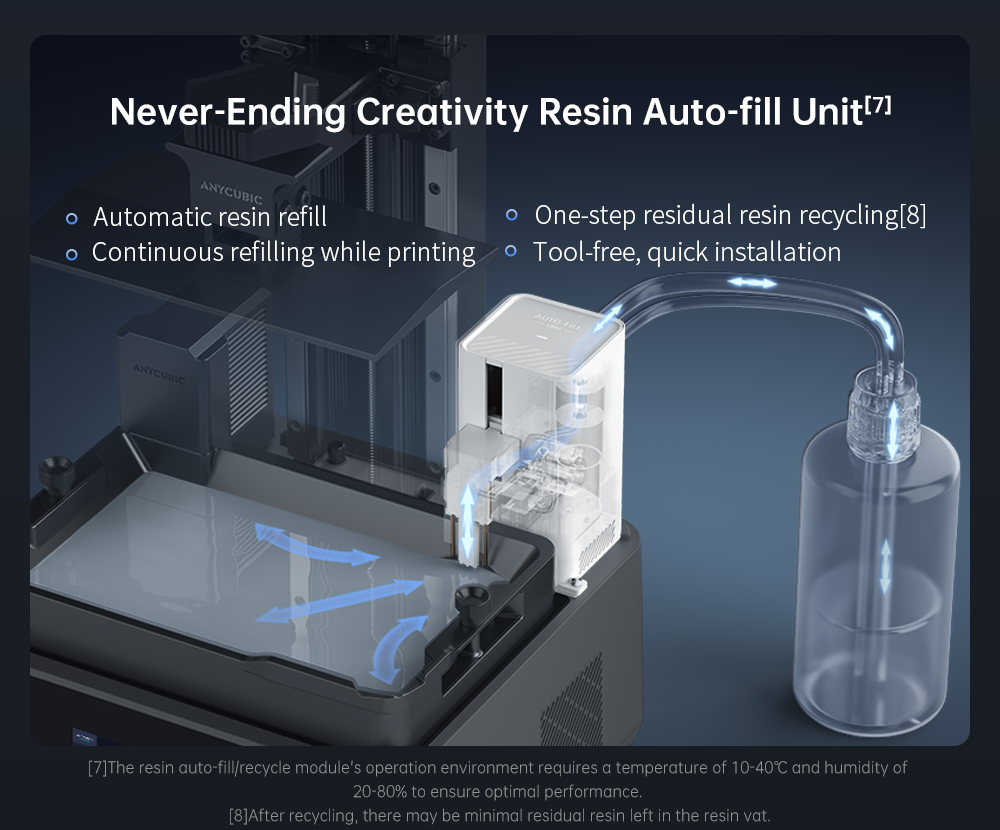
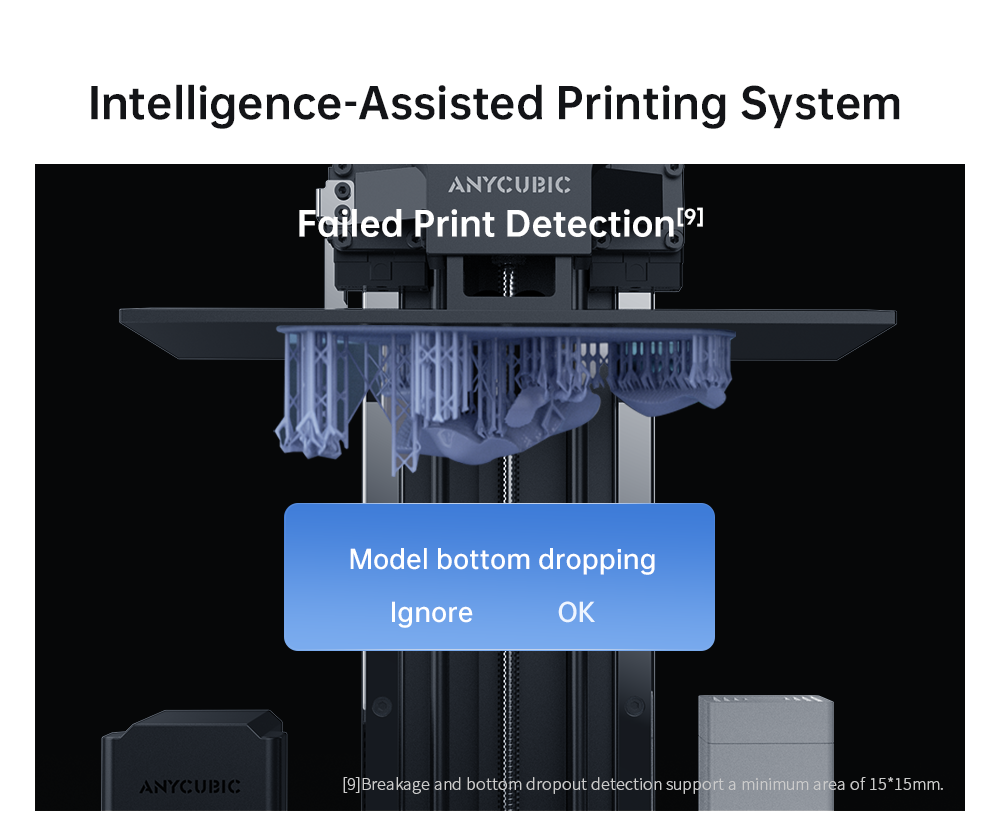
● 170 mm/h with high-speed resin ● 10.1-inch, 14K (13320 × 5120) LightTurbo 3.0 (COB + Fresnel Lens) ● Auto-adaptive technology with temperature control heating ● Auto resin refill and withdrawal ● Intelligent workflow-assist printing
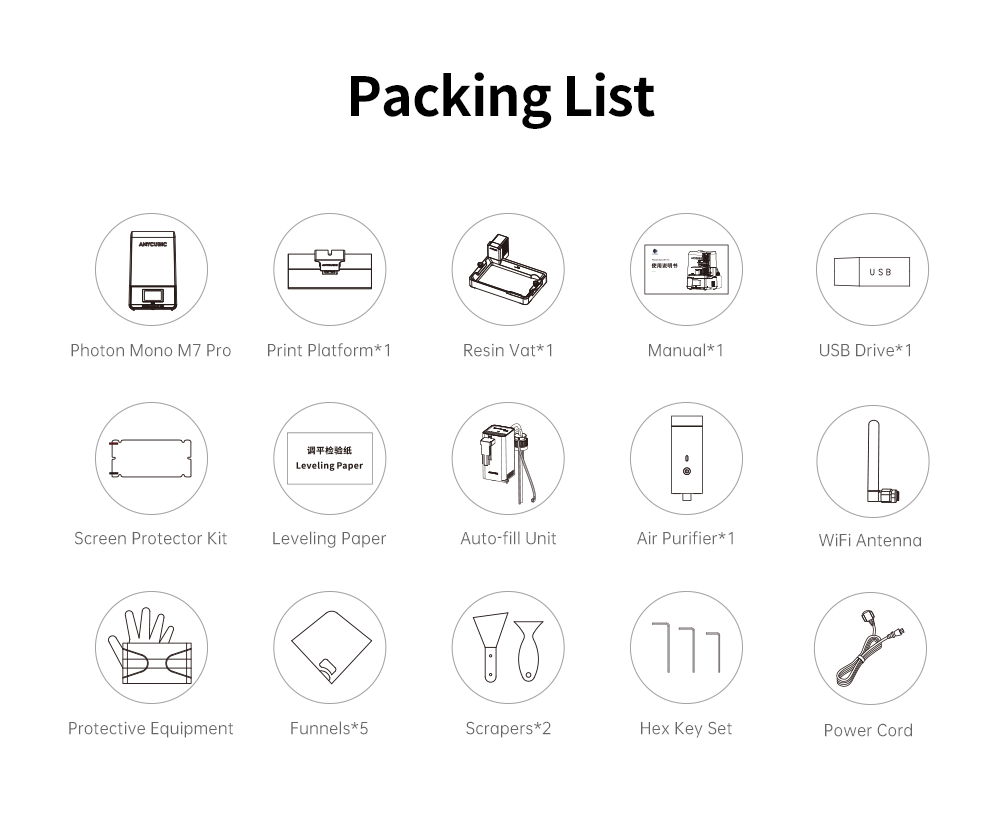
ANYCUBIC-STORE Photon Mono M7 Pro | ANYCUBIC-STORE Print Platform ×1 | ANYCUBIC-STORE Resin Vat ×1 | ANYCUBIC-STORE WiFi Antenna | ANYCUBIC-STORE Hex Key Set | ANYCUBIC-STORE Protective Equipment | ANYCUBIC-STORE Filter ×5 | ANYCUBIC-STORE Scrapers ×2 | ANYCUBIC-STORE Leveling Paper | ANYCUBIC-STORE Manual ×1 | ANYCUBIC-STORE USB Drive ×1 | ANYCUBIC-STORE Power Cord | ANYCUBIC-STORE Screen Protector Kit | ANYCUBIC-STORE Auto-fill Unit
Manufacturer: Shenzhen Anycubic Technology Co., Ltd Email: official@anycubic.com Address: 101-501, Bldg 11, Yinhai Industrial Park, Yinhe Community, Yuanshan Str., Longgang District, Shenzhen, China
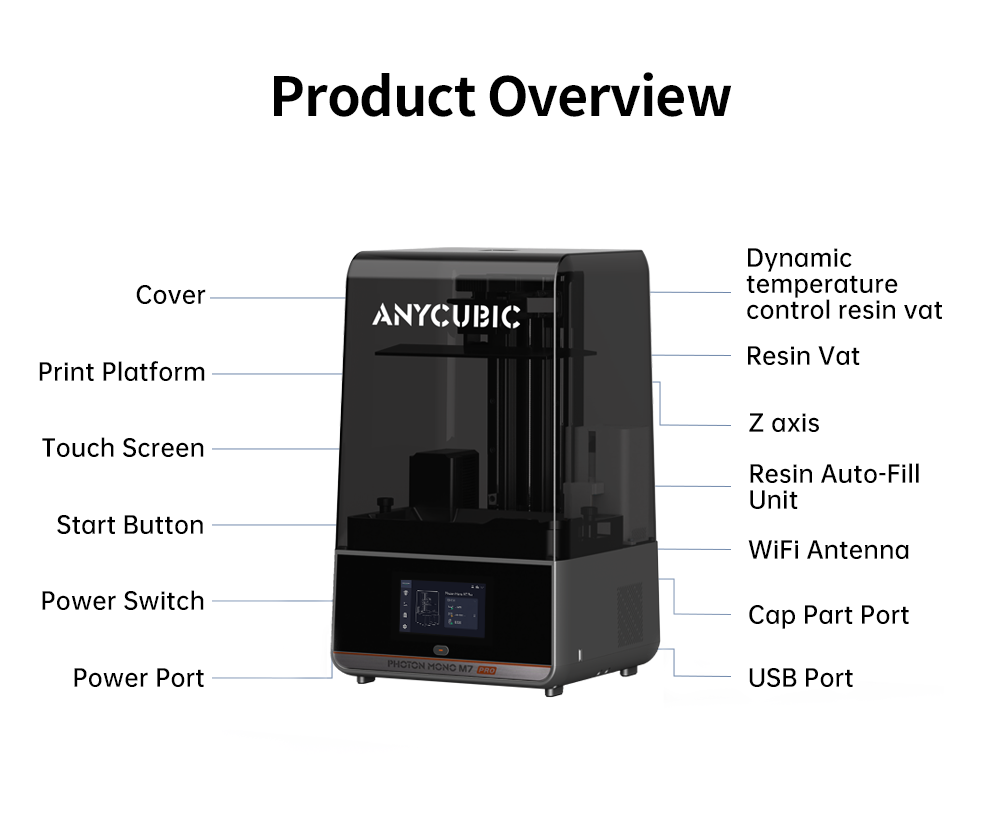
Cover, Print Platform, Resin Vat, Touch Screen, Start Button, Z axis, Auto-fill Unit, USB Port, Antenna, Cap Part Port, Power Port
1.Unbox, and take out the machine and its accessories.
2. Install the screen protector.
3. Install the antenna.
4. Check the input mode of power voltage first. The one shown as "230" is suitable for 200V-240V; and the other one shown as "115" is suitable for 100V-120V. Then, connect to the power adapter and press the start button to turn on the printer. To power off, hold down the start button for 2s.
5. Set the system language and choose server location. Users in mainland Chinese please select "China", users in other countries and regions please select "Global". Then, complete the on-screen setup steps.
6. Install the print platform.
7. Install the resin vat.
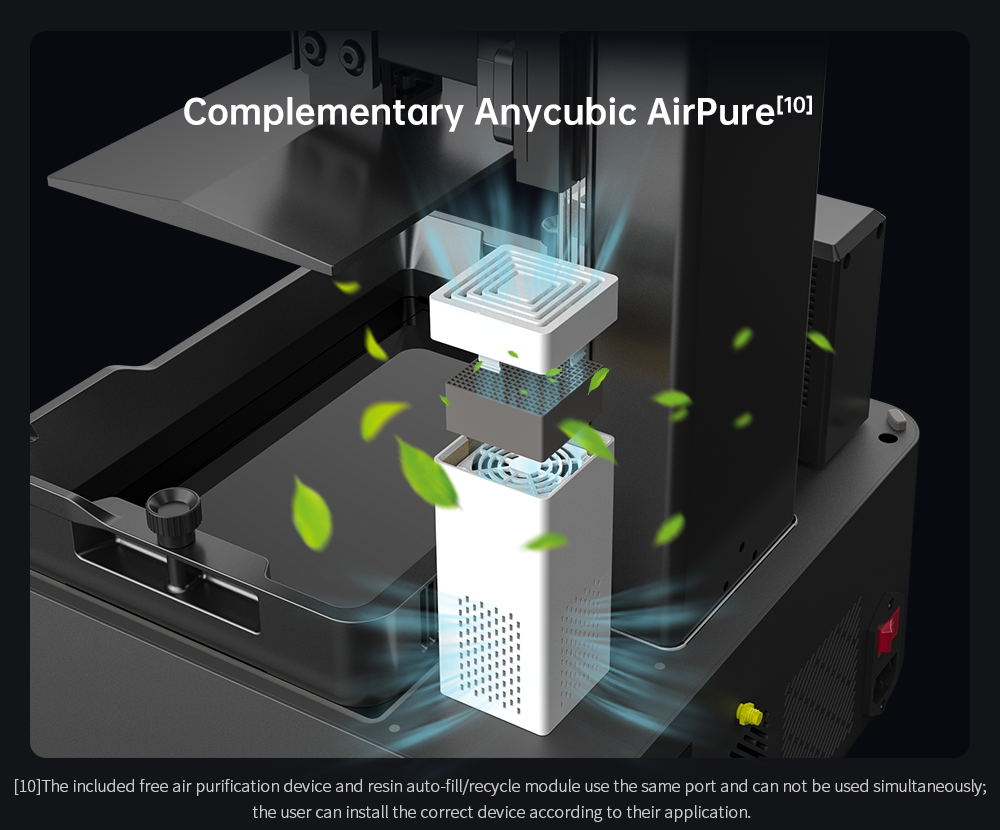
8. Install the auto-fill unit (optional). Please remove the seal from the resin bottle first, as any residual seal on the bottle mouth may cause poor air tightness and affect the automatic feeding.
- Clean the print platform: Clean platform with alcohol and paper towel.
- Protect LCD screen: If there is resin being cured on the screen protector, please replace the protector immediately.
- Clean the body of printer: Clean the body of the printer with alcohol.
1.Please contact our Customer Service if you have any issues after receiving the products.
2. In case of emergency, please immediately cut off the power of the 3D printer and contact our technical support.
3. UV light is harmful to the eyes; please avoid direct contact. When operating, wear protective equipment such as anti-UV goggles and gloves.
4. Anycubic 3D printer includes components that can cause injury. Be cautious when using the scraper, and make sure to orient the sharp parts of machine and tool away from people.
5. Keep the Anycubic 3D printer and its accessories out of the reach of children.
6. Vapors or fumes may be irritating at operating temperatures. Always use the Anycubic 3D printer in an open and well ventilated area.
7. Do not expose Anycubic 3D printer to any water or rain environment.
8. Use Anycubic 3D printer in an environment with a temperature of 5°C-40°C and a humidity of 20%-80%. For optimal performance, do not exceed this range. Also, avoid direct sunlight exposure.
9. Do not disassemble Anycubic 3D printer, please contact technical support if you have any questions.
· : WSJ PRODUCT LTD
· : Unit 1, Alsop Arcade, Brownlow
· : Michael
· : +44 1519470193
· : info@wsj-product.com
| Country of origin | China |
|---|---|
| UK Manufacturer’s Warranty | 1 Year Manufacturer's Warranty |
| Model | Photon Mono M7 Pro |
4.0
24 reviews