


Product Description
Shortcut Operation The AKP153 macro keyboard allows for shortcut operation, enabling you to assign tedious and hard-to-remember shortcuts to a single key, which recognizes and activates them instantly, avoiding mistakes and simplifying operations such as movie editing, photo processing, music/game creation, image and medical programming, etc.
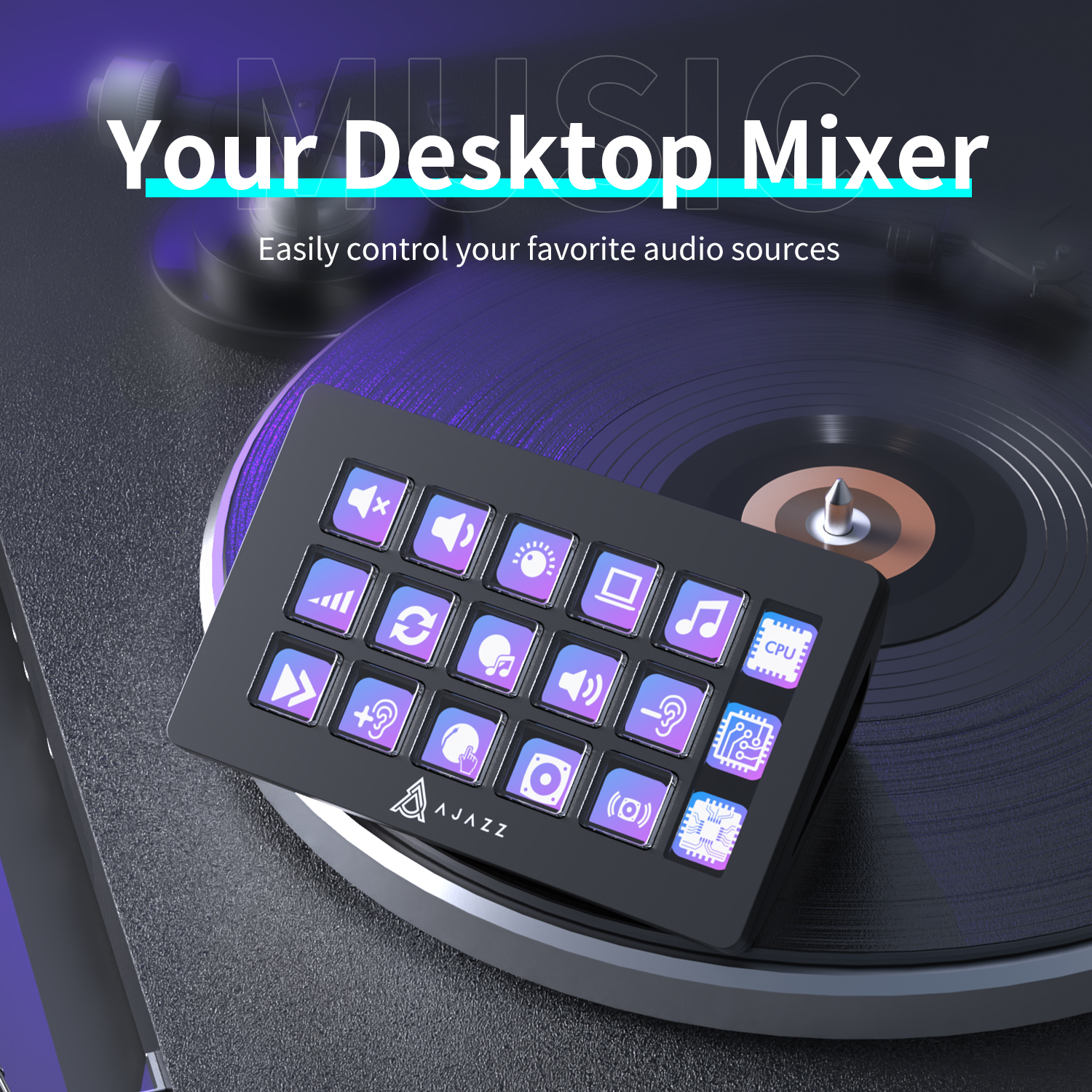
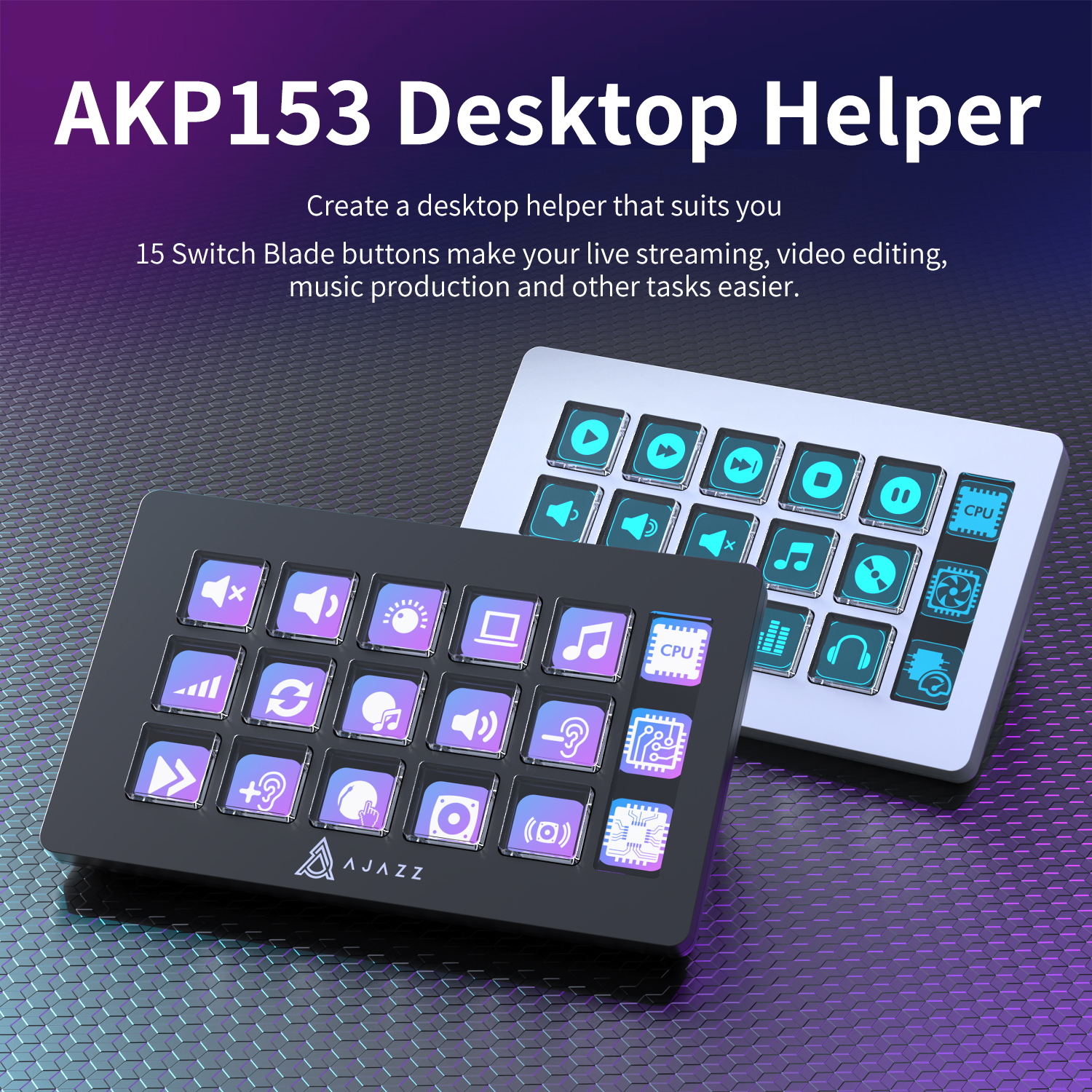
Customizable LCD Buttons The AKP153 console features 15 customizable LCD buttons. You can access the symbol library anytime, choose the latest symbol package, and activate commands and functions with a single touch. Control applications, tools, and platforms in real-time, making your live streaming, video editing, chatting, audio, and more much easier.
ONE-TOUCH CONTROL: Start your live stream or get ready to create with the touch of a single button. Includes individual or multiple actions such as publishing social media posts, volume adjustment, microphone muting, lighting activation, and more—quick and easy. Create your ultimate shortcut by linking any number of actions to one button sequence, activating them in order or simultaneously.
CUSTOM BUTTON ICONS: Intuitive software. You can set fun button icons and easily adjust the settings, adding GIF images or titles at any time to make the actions more fun and intuitive, enjoying easy visual navigation with custom icons. Make your desktop assistant.
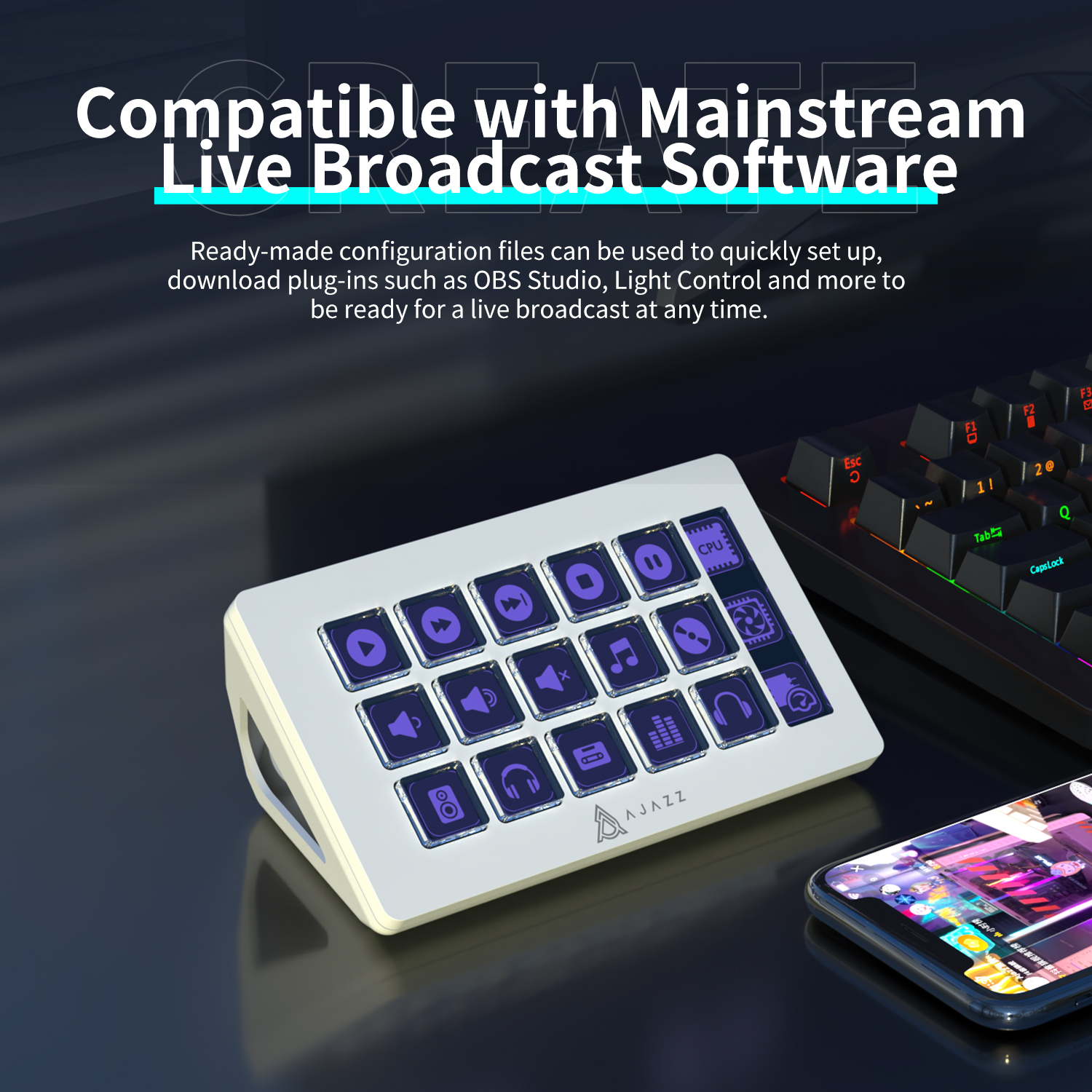
Powerful Plug-ins: Customize the LCD keyboard, and real-time display of computer CPU, memory, and other information on the side screen. Widely compatible with Elgato 4KCU, OBS, Twitch, Zoom, YouTube, Twitter, Discord, Spotify, Photoshop, Adobe Creative Apps, PowerPoint, Word, Excel, etc. Supports Windows, Android, iOS, Mac, and more.
Safety Warning
Safety Warning: This product is an electronic device, not a toy. Keep out of reach of children. Do not allow children to play with or put the device in their mouths. Do not spill liquids into the device. Disconnect the USB cable before cleaning. Do not open or modify the device yourself. Only use under adult supervision for its intended purpose.
Usage
Connect the device to your computer via USB (Windows/Mac OS supported).
The device is plug-and-play; install the accompanying driver software for the first use if required.
Customize macros, shortcuts, or scene changes for the 15 buttons in OBS, Twitch, or other supported software.
Each button can be assigned a custom icon and function (e.g., scene switch, mic toggle, sound effect playback).
Do not press the buttons excessively hard during use.
When cleaning, disconnect the USB cable and wipe the surface with a dry cloth, avoiding liquid entry into button gaps.
Store in a dry place when not in use for extended periods.