



Product Description
LGA 1851
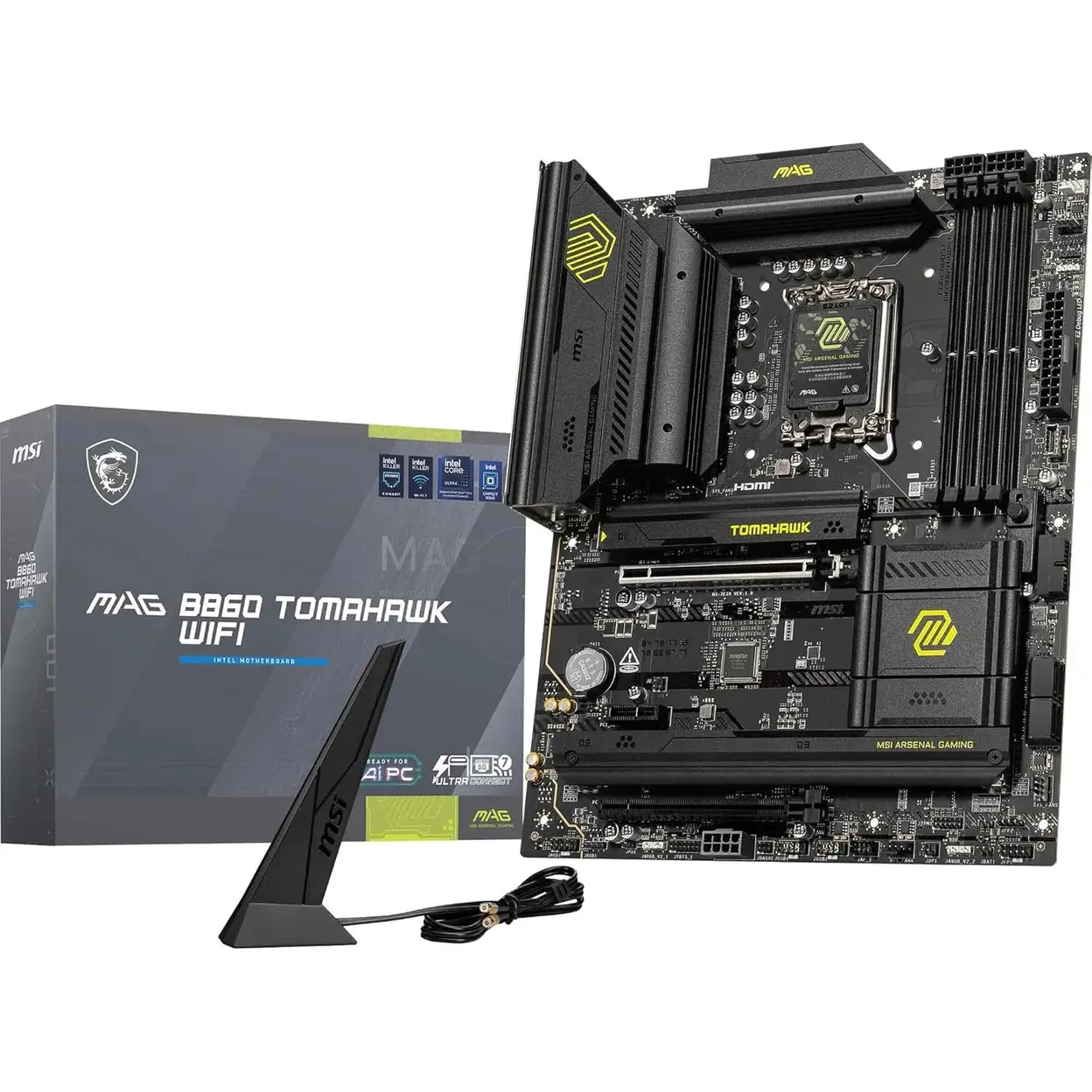
The MSI MAG B860 TOMAHAWK WIFI is a powerful and future-ready ATX motherboard built for Intel’s latest processors. Designed for gamers, creators and performance-focused users, it supports high-speed DDR5 memory , PCIe 5.0 graphics , efficient cooling solutions and fast wireless connectivity through integrated Wi-Fi . With its robust power delivery, expanded storage options and signature TOMAHAWK durability, it provides a stable and feature-rich foundation for modern Intel-based builds
Good to know
Built on the Intel B860 chipset with support for next-generation LGA 1851 CPUs.
Supports high-speed DDR5 RAM for improved throughput and enhanced system responsiveness.
PCIe 5.0 x16 slot delivers maximum bandwidth for the newest GPUs.
Multiple M.2 slots (PCIe 4.0) allow fast NVMe SSD storage expansion.
Premium power delivery and extended heatsinks ensure stable performance under heavy loads.
Integrated Wi-Fi provides fast, reliable wireless connectivity for gaming and streaming.
2.5G LAN offers low-latency wired networking ideal for competitive gameplay.
MSI Click BIOS 5 offers intuitive controls for setup, updates and hardware monitoring.
Why we love it
The MAG B860 TOMAHAWK WIFI brings together cutting-edge Intel platform support, top-tier build quality and gamer-friendly features at a strong value. With PCIe 5.0 readiness, DDR5 performance and excellent cooling, it’s an ideal choice for building a fast, stable and upgrade-friendly gaming PC.
Safety Warning
Use only as intended and according to the manufacturer’s instructions. Keep out of reach of small children to prevent choking hazards from small parts. Avoid exposure to moisture, extreme temperatures, or direct sunlight. Use only approved components and accessories. Do not attempt to disassemble, modify, or repair the motherboard unless qualified. Unplug the system and discharge static electricity before installation or maintenance. Clean with a soft, dry cloth.
Usage Instructions
Unplug your computer and discharge static electricity before handling the motherboard.
Install the motherboard into a compatible ATX PC case according to the user manual.
Connect all necessary components (CPU with Intel LGA 1851 socket, DDR5 RAM, storage, power supply, etc.) as instructed.
Attach cables and peripherals, including Wi-Fi antennas if required.
Power on the system and follow on-screen instructions for BIOS setup and configuration.
Install drivers and software updates from official sources only.
Clean the motherboard gently with a soft, dry cloth; avoid using liquids or harsh chemicals.
Store unused components in a cool, dry place.
Country of origin
China