Key Features & Benefits
Satellite capabilities
Use Emergency SOS via satellite when mobile service or Wi-Fi isn’t available. If there’s a serious car crash, iPhone can connect to emergency services automatically. STRONGER CONNECTIVITY. SUPERFAST SPEEDS. Keep in touch with Wi‑Fi 7, 5G, Bluetooth 6 and seamless eSIM at blazing speeds.
Product Details
iPhone 17 Pro mobiles
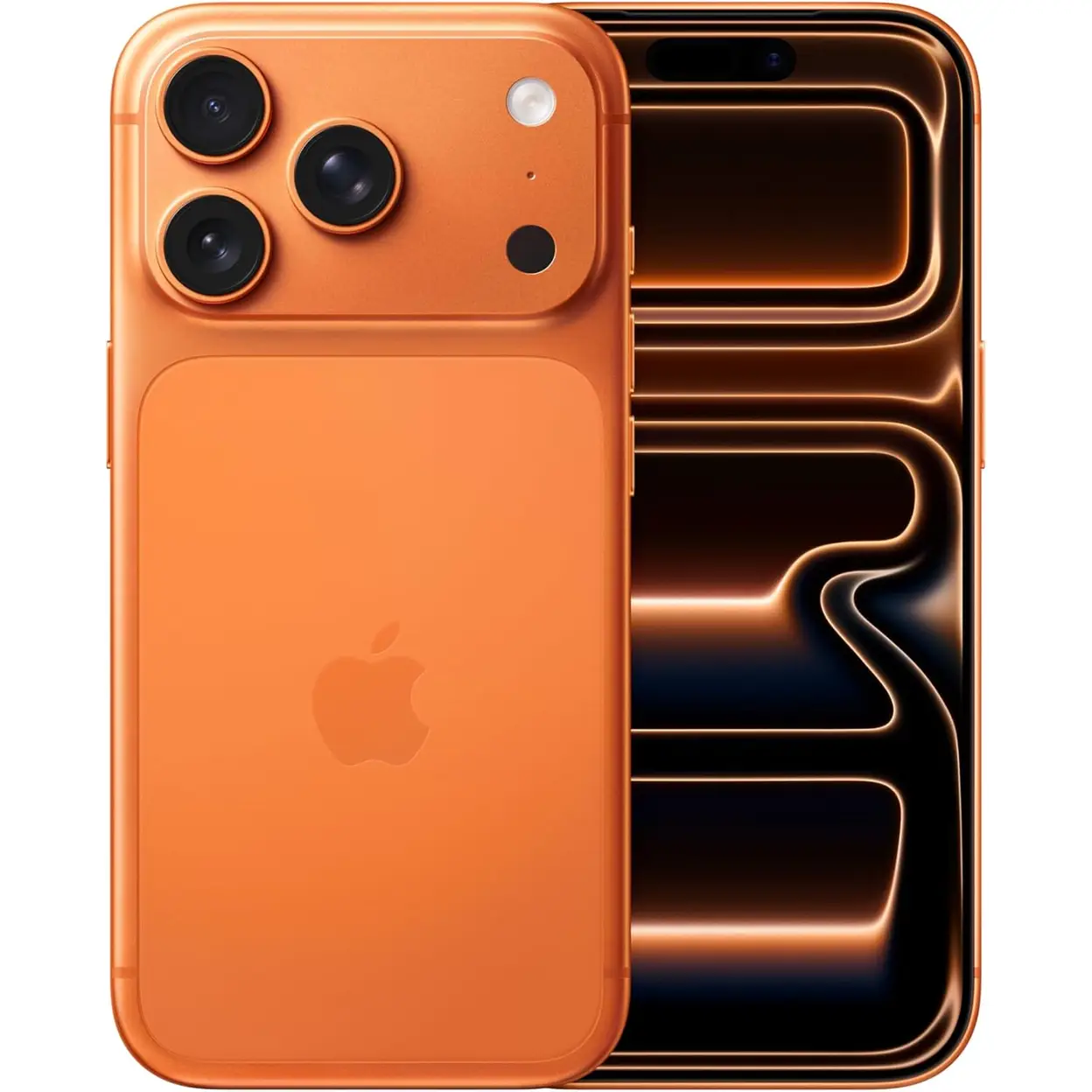
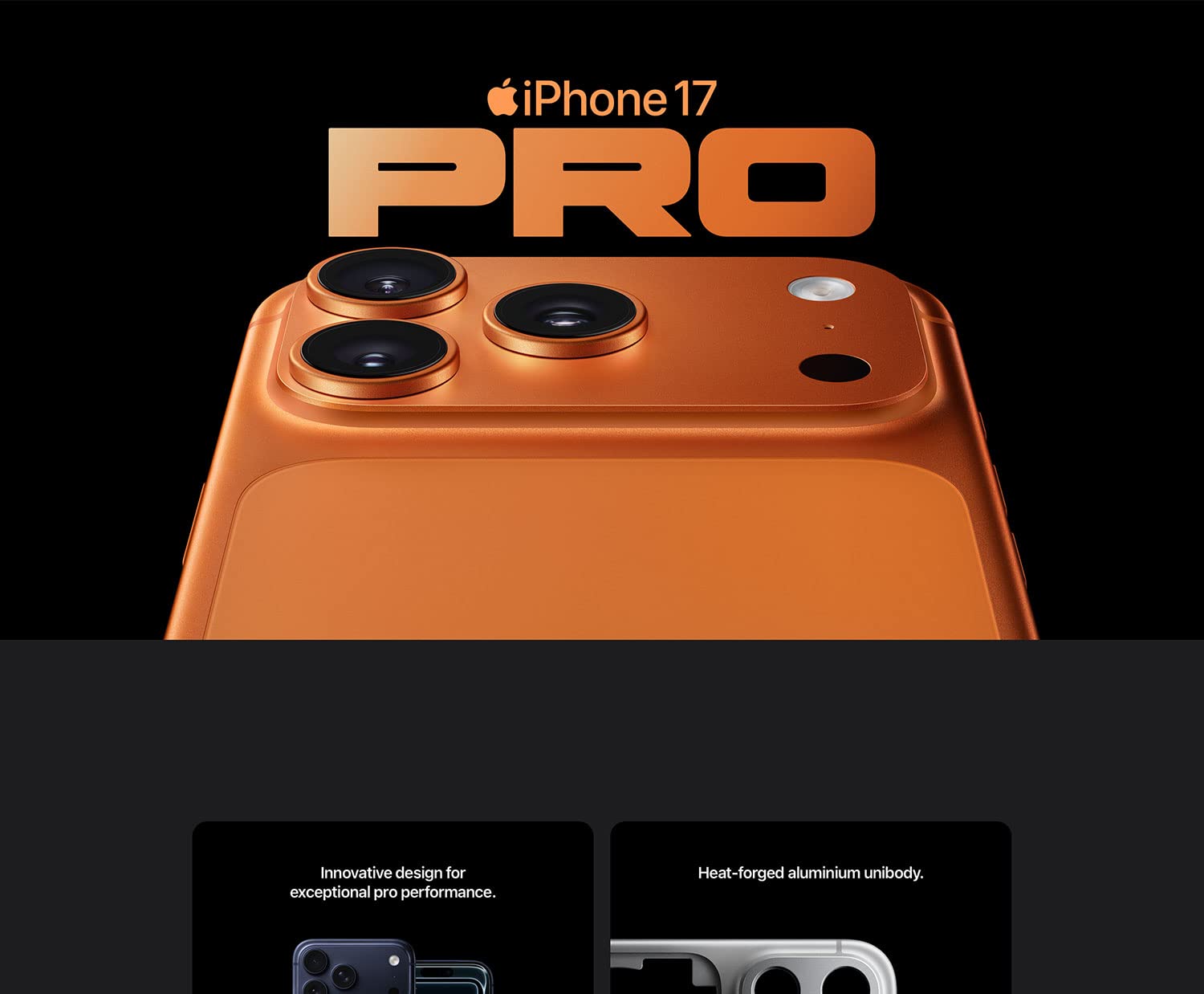
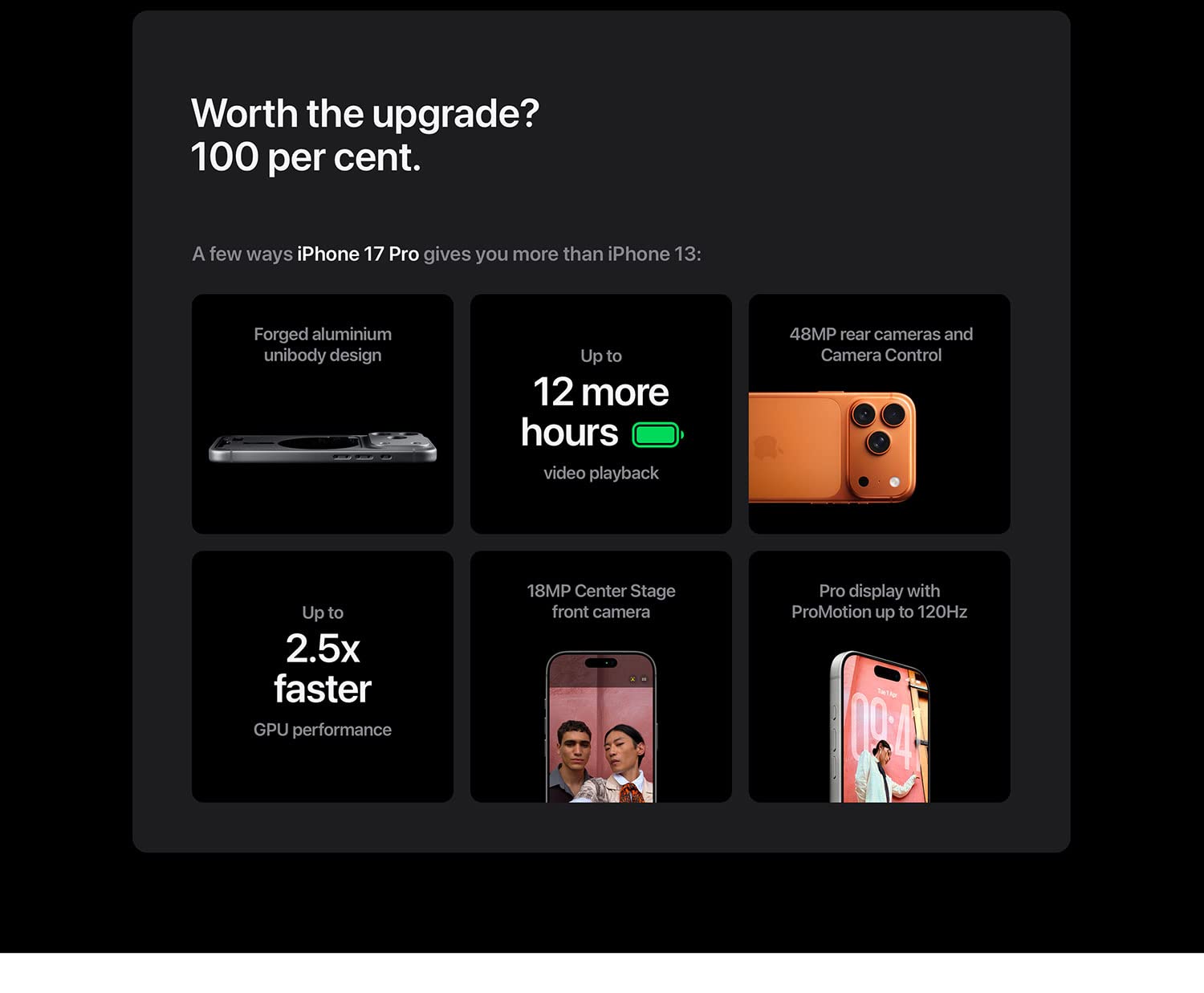
Apple’s strongest iPhone to date pairs a brilliant 6.3-inch display and aluminium unibody with all-new 48MP rear cameras, the A19 Pro chip and breakthrough battery life. Exceptional power from a unibody design: using heat-forged aluminium, iPhone 17 Pro delivers seamless strength, style and iPhone performance at its most powerful. Ceramic Shield on both sides: at the rear, Ceramic Shield gives crack resistance that is 4× greater; up front, the all-new Ceramic Shield 2 offers 3× better scratch resistance.
Advanced Professional Camera Setup
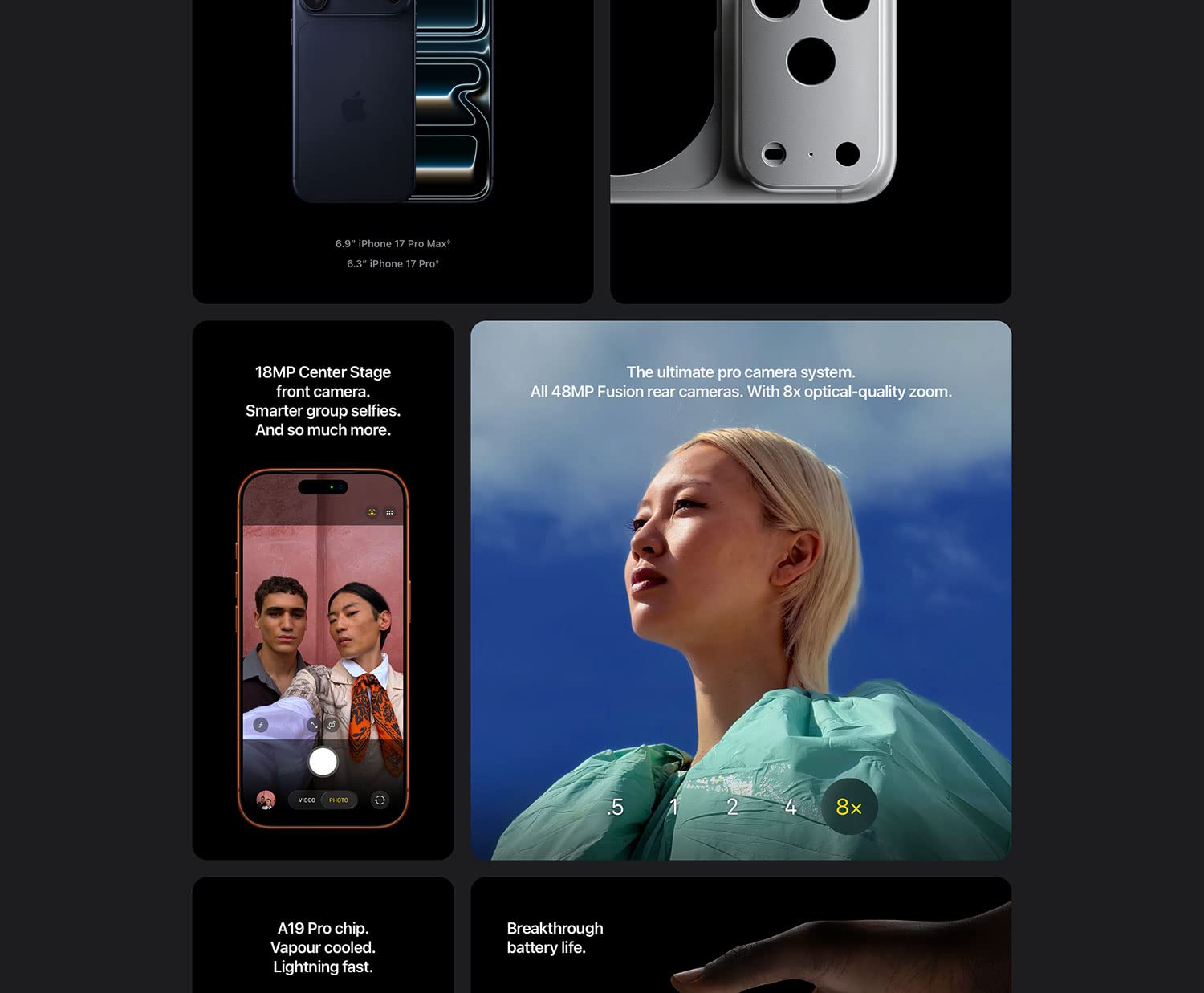
Three rear cameras, all advanced 48MP, deliver optical-quality zoom up to 8× and iPhone’s widest zoom range ever—like pocketing 8 pro lenses.
18MP front camera with Center Stage
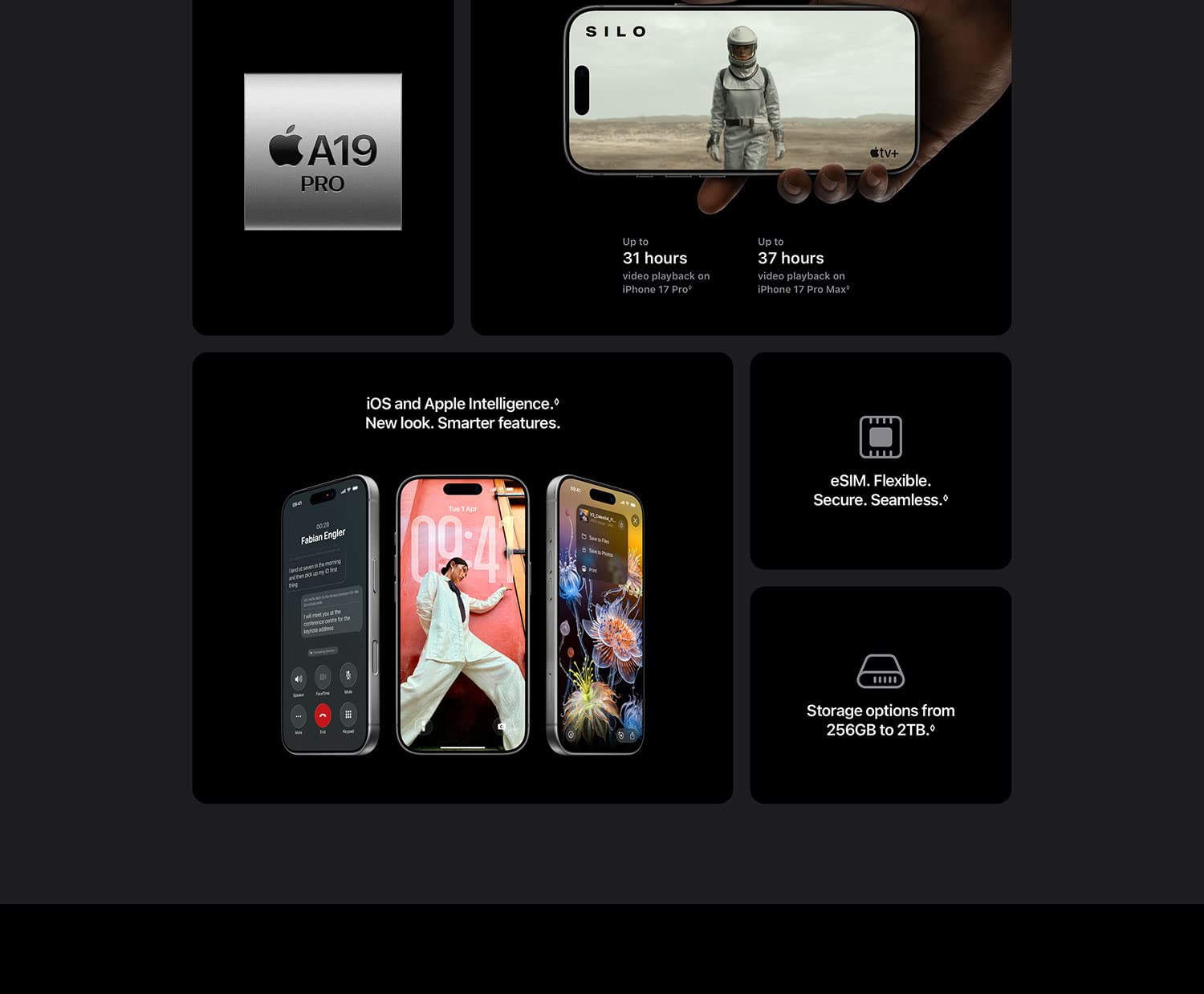
— Smarter group selfies, more adaptable framing and Dual Capture video let you film with the front and back together. LIGHTNING FAST. VAPOUR COOLED. A19 PRO CHIP. — Using advanced vapour cooling, the fastest iPhone chip yet delivers up to 40% better sustained performance.
Revolutionary battery longevity
— Fast charging lets the battery reach 50% in just 20 minutes, while video playback runs for up to 31 hours. iOS 26. EVEN MORE MAGIC. NEW LOOK. — Liquid Glass refreshes the design, with a vibrant Lock Screen, customisable wallpapers, polls in Messages, Call Screening, and more.
Optimised for Apple Intelligence
— Personal, private tools with the power to write, create and complete tasks easily.
Adaptable and protected eSIM
— Travel internationally with less hassle and protect your privacy using secure, convenient eSIM connectivity. PRIVACY. BUILT IN. — Privacy and security sit at the core of iPhone 17 Pro’s design.
Safety Warning
Use only as intended and according to the manufacturer’s instructions. Keep out of reach of small children. Avoid exposure to moisture, extreme temperatures, or direct sunlight. Use only approved chargers and accessories. Do not attempt to disassemble or modify the device. Unplug before cleaning or maintenance. Clean with a soft, dry cloth.
Returns Information
Please note: once this product has been opened, it is no longer eligible for return or exchange. Notice: *To ensure fair access for everyone, this product is limited to one unit per customer. Joybuy may review orders and cancel additional purchases if it reasonably determines that multiple units of the same product have been ordered by or on behalf of the same customer. This limit applies across all accounts, addresses, and ordering methods. *Trustpilot rating taken on 26/01/2026.
Setup, Usage & Compatibility
Usage Instructions
Charge the device using the supplied or approved charger and cable.
Press and hold the side button to switch it on.
Use the prompts shown on screen to configure your device.
Install apps and software updates from official sources only.
Keep the screen and device clean; use a soft, dry cloth for cleaning.
When unused, keep the device somewhere dry and cool.