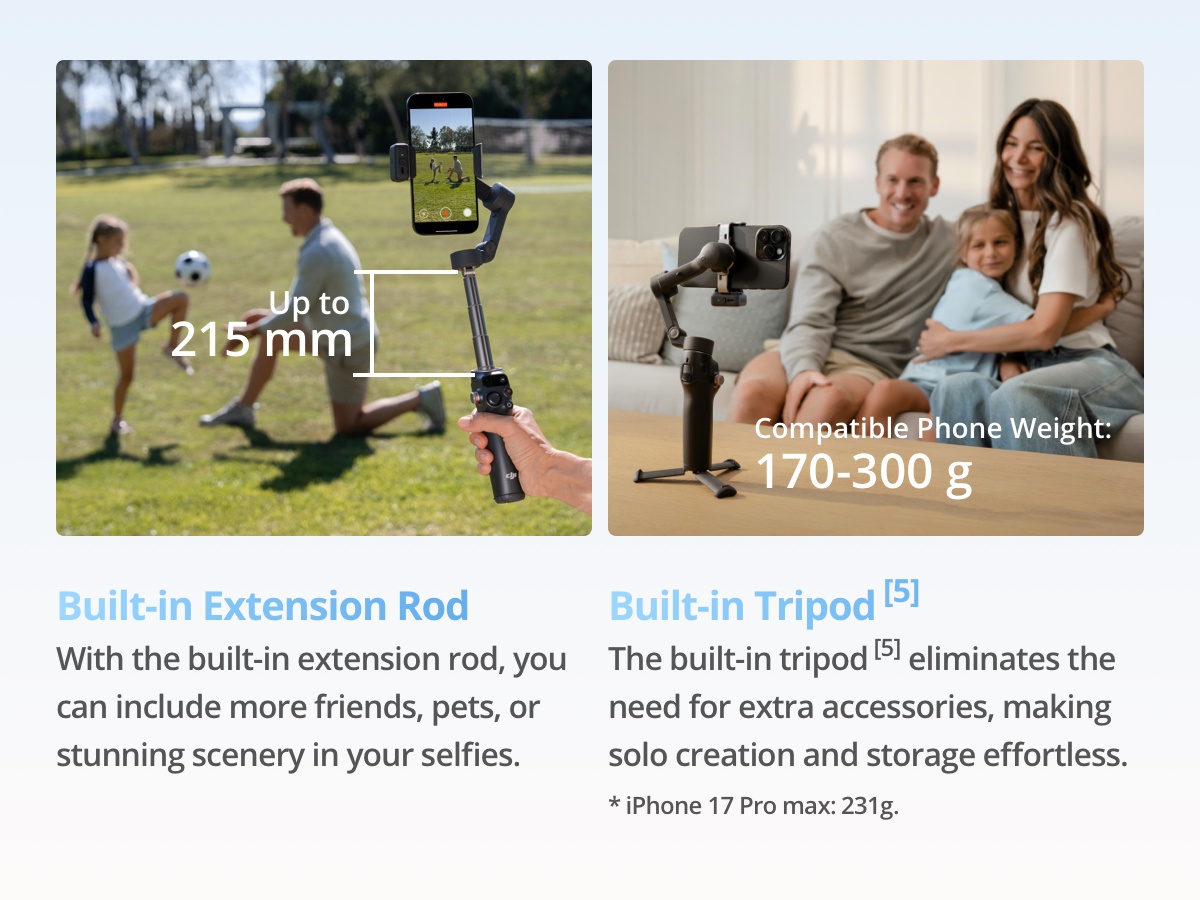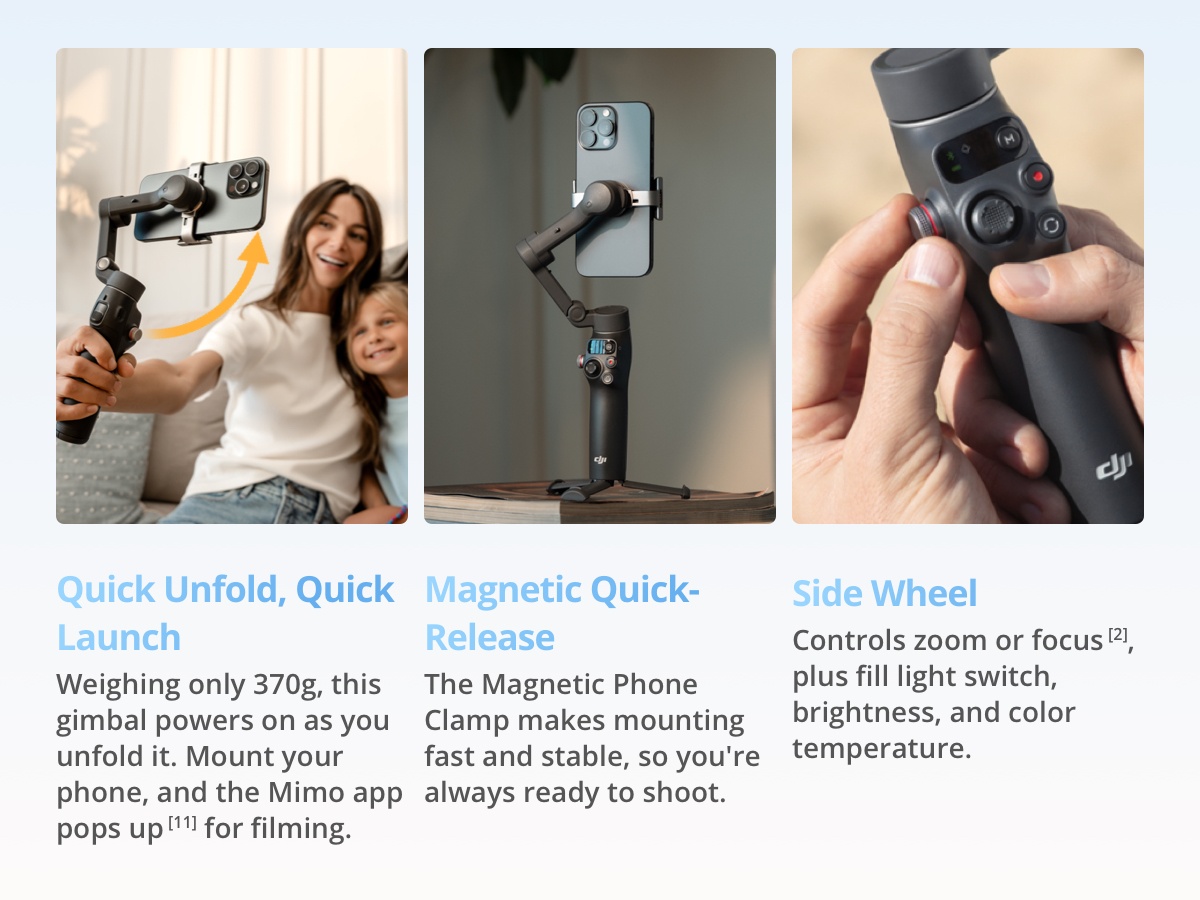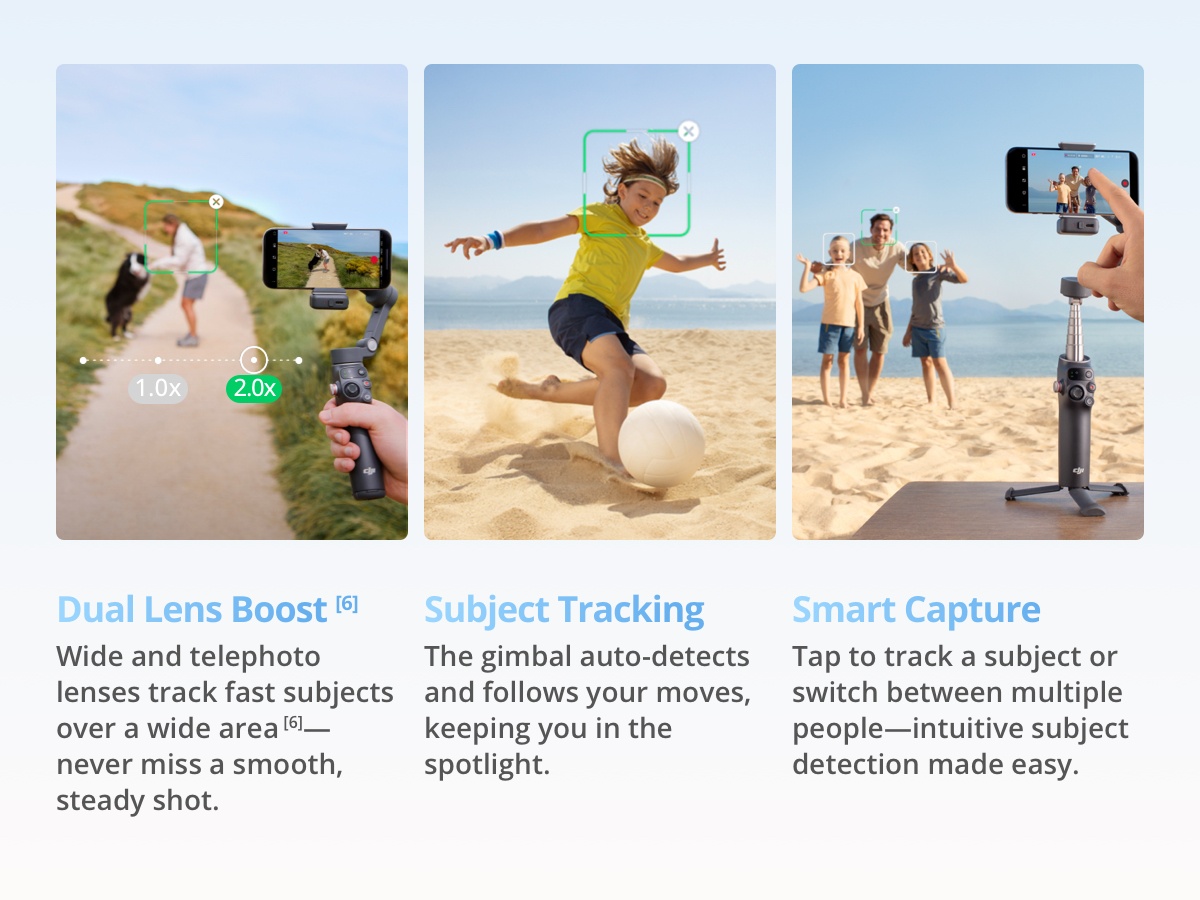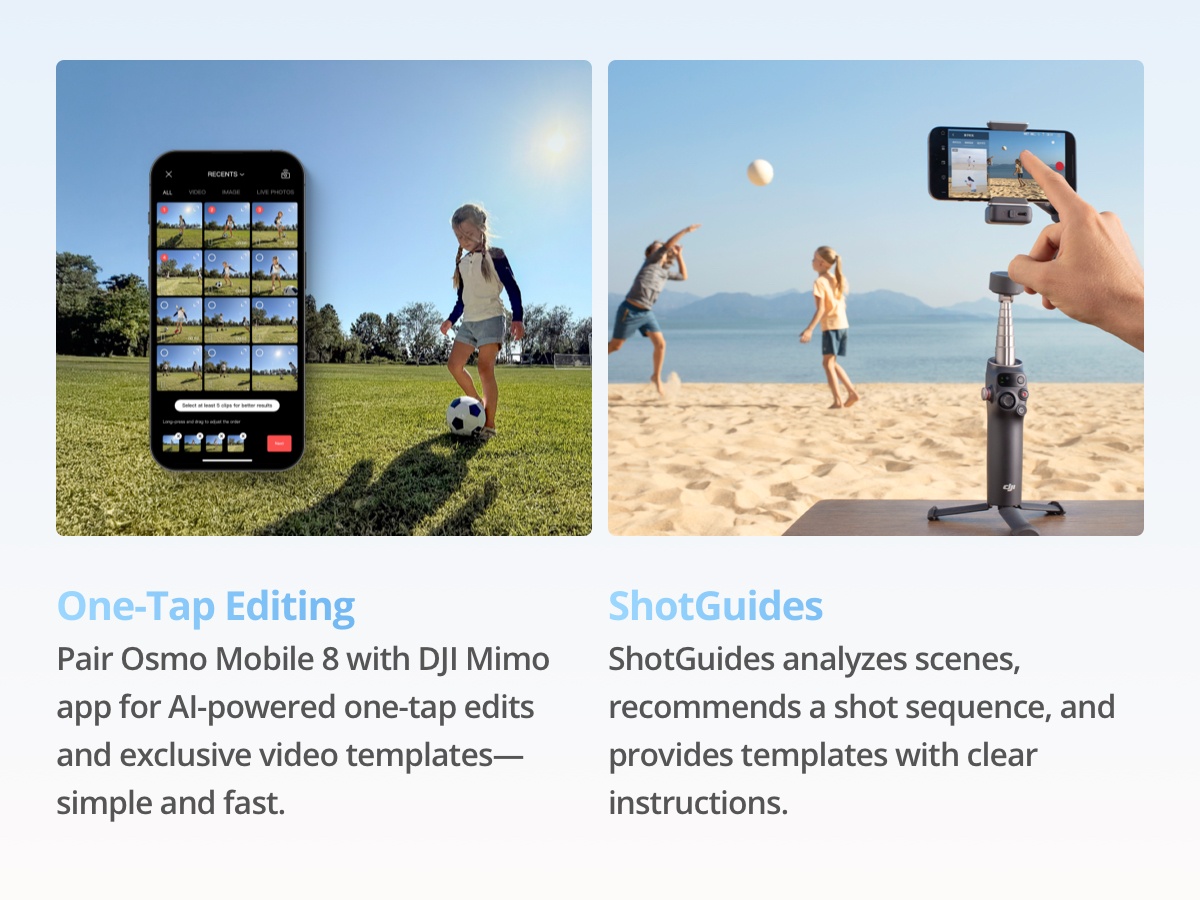
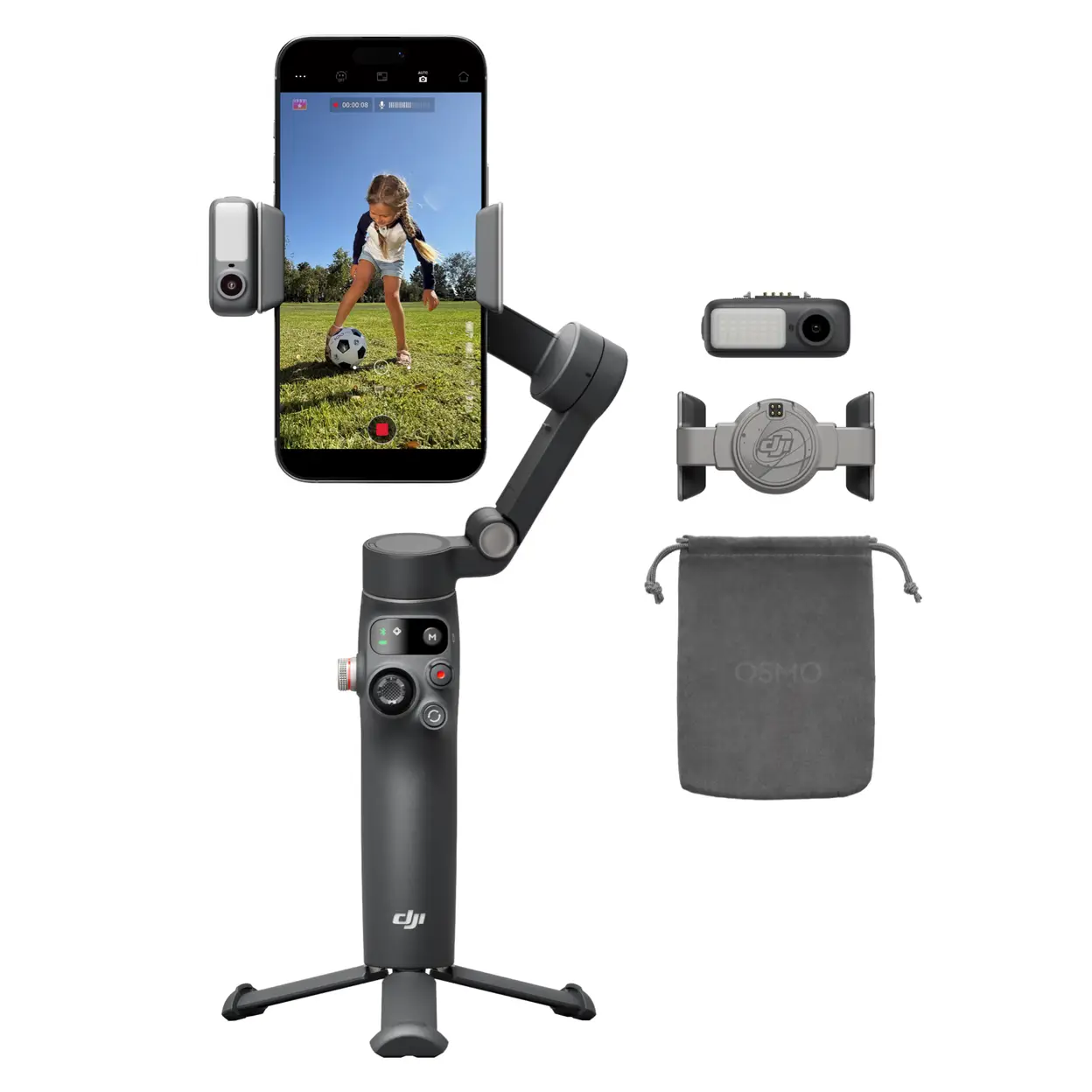

【Black Friday Mega Deals】DJI Osmo Mobile 8 Gimbal Stabilizer for Phone, Native Tracking with Audio & Lighting, 360° Pan, Built-in Extension Rod & Tripod, 10h Battery, Robust 3-Axis Stabilization

4.0161+ sold
【Black Friday Mega Deals】DJI Osmo Mobile 8 Gimbal Stabilizer for Phone, Native Tracking with Audio & Lighting, 360° Pan, Built-in Extension Rod & Tripod, 10h Battery, Robust 3-Axis Stabilization

$135.00

DJI Osmo Mobile 8

Quantity
1

Delivery & service promise

Sold and shipped by

We support

  • American Express
  • Visa
  • Mastercard
  • UnionPay
  • PayPal
  • WeChat Pay
  • Google Pay
  • Apple Pay
  • Klarna

Product details

Product Details

Product regulatory details

Manufacturer Details Manufacturer's Name:SZ DJI TECHNOLOGY CO.,LTD. Postal Address:Lobby of T2, DJI Sky City, No. 53 Xianyuan Road, Xili Community, Xili Street, Nanshan District, 518055 Shenzhen China Electronic Address:WWW.DJI.COM

Safe Use Advice

Thank you for choosing our product. To ensure safe operation, please read the following precautions carefully before use. Do not charge the device immediately after use—allow it to cool down first. Always charge in a dry, well-ventilated area away from flammable materials. Keep the device away from water unless it is specifically rated as waterproof. For waterproof models, ensure all ports are securely closed before use in wet conditions. If used in saltwater, rinse with fresh water and dry thoroughly afterward. Drones should be flown in open areas away from crowds, buildings, and restricted zones such as airports. Maintain visual line of sight during flight and avoid adverse weather like rain or strong winds. Regularly inspect the device for damage, and clean with a soft dry cloth—do not use liquid cleaners. Keep small parts away from children. By using this product, you agree to assume all responsibility for safe operation. For more details, visit our official website.
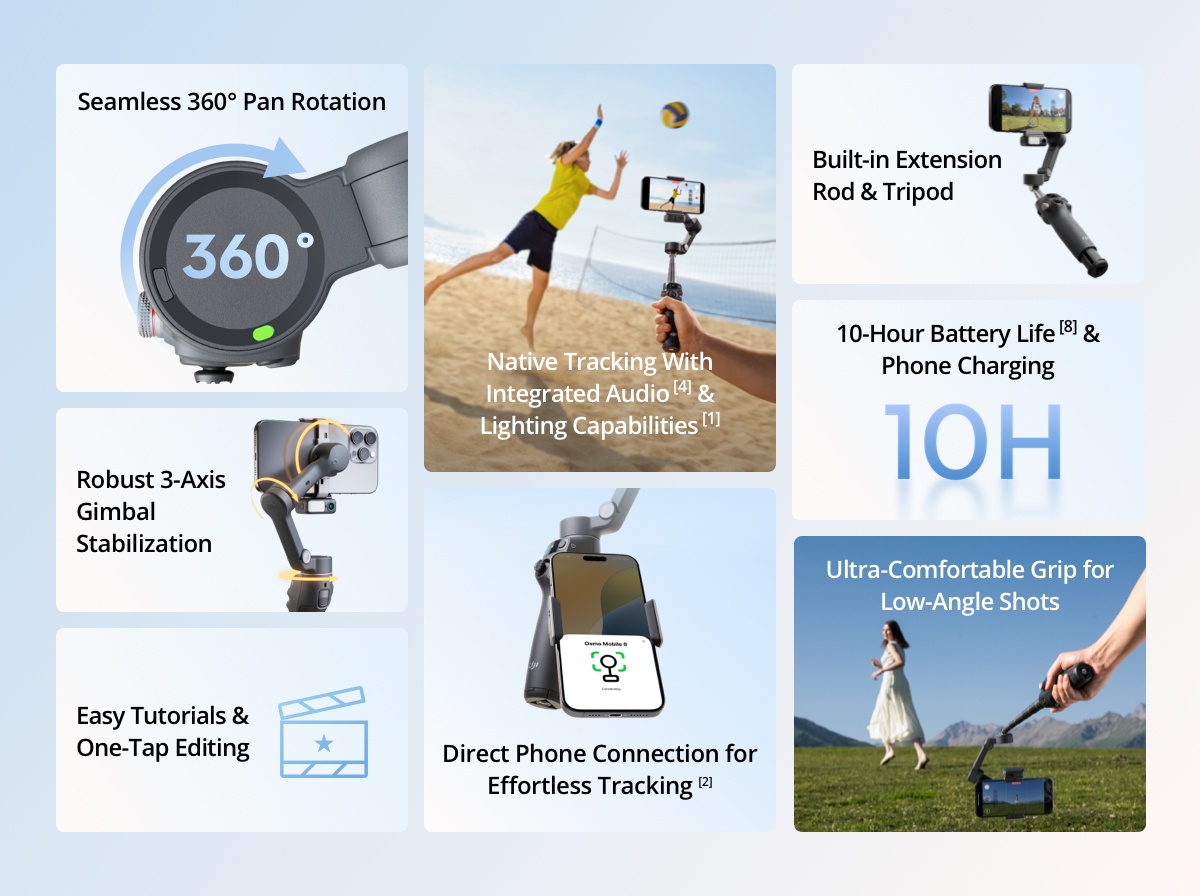
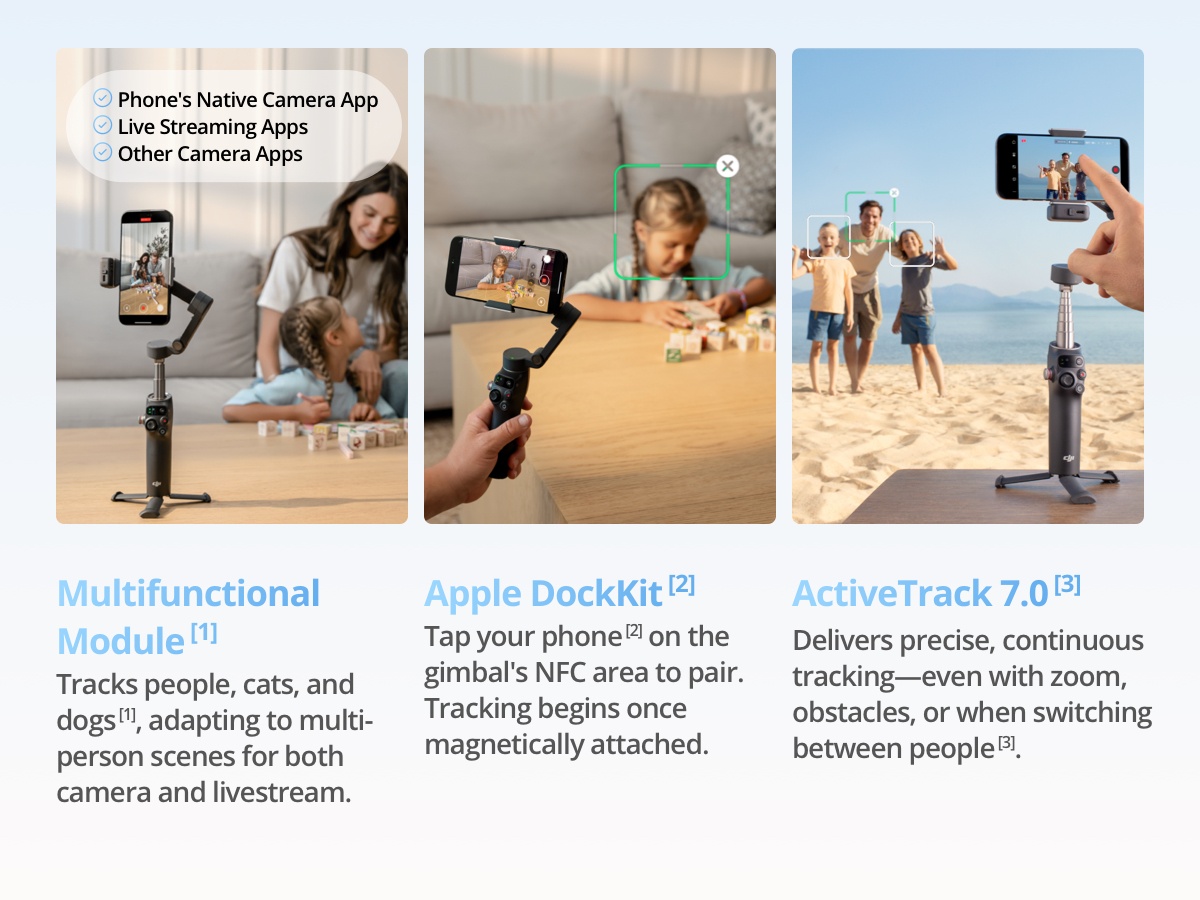
Product Details 1Product Details 2Product Details 3Product Details 4Product Details 5Product Details 6Product Details 7Product Details 8Product Details 9Product Details 10Product Details 11Product Details 12Product Details 13Product Details 14Product Details 15Product Details 16Product Details 17Product Details 18Product Details 19Product Details 20

Setup, Usage & Compatibility

Product User Guides

Thanks for selecting DJI. Use the official charger to fully charge the battery before initial operation, and update the firmware to the newest version through the DJI Fly app. With drones, switch on the remote controller before the aircraft, then allow the home point to register prior to takeoff. While flying, monitor battery status in the app and keep the drone in visual line of sight. For cameras, fit a compatible SD card, then adjust options including resolution and frame rate via the touchscreen or app. When finished, turn the device off, remove the battery for long-term storage, and wipe the lens and body using a soft, dry cloth. Store the product somewhere cool and dry, out of direct sunlight. For full guidance, see the user manual or go to www.dji.com.

Specifications

Technical Specifications

Mounting TypeTripod Mount
UK Manufacturer’s Warranty1 Year Manufacturer's Warranty
Modelosmo mobile 8
Country of originChina
ConnectivityBluetooth
Battery PropertiesRechargeable Battery
Suitable ForSmartphones,Action Cameras
ColourBlack
FeaturesPortable,Image stabilisation
Power Modebattery powered/usb dual use
SizeSmall

Reviews

4.0

24 reviews