


Product Details
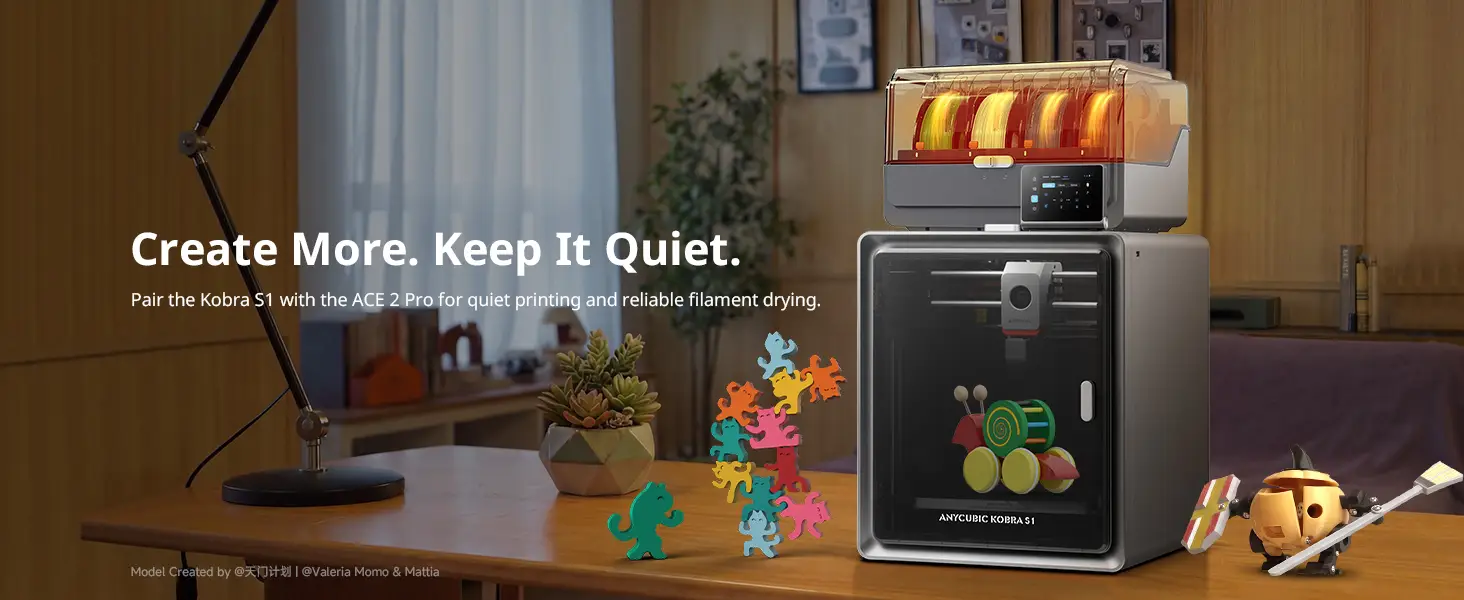
Anycubic Kobra S1 ACE 2 Pro Combo – JOYBUY Version
Product Features
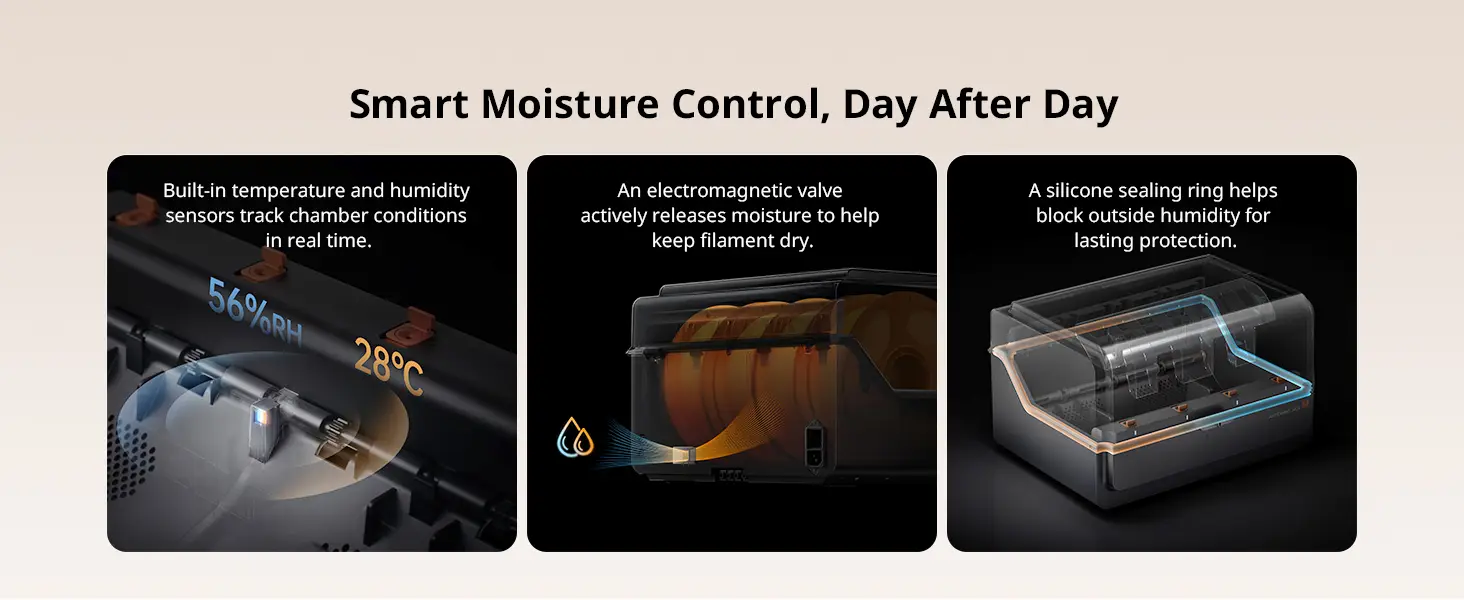
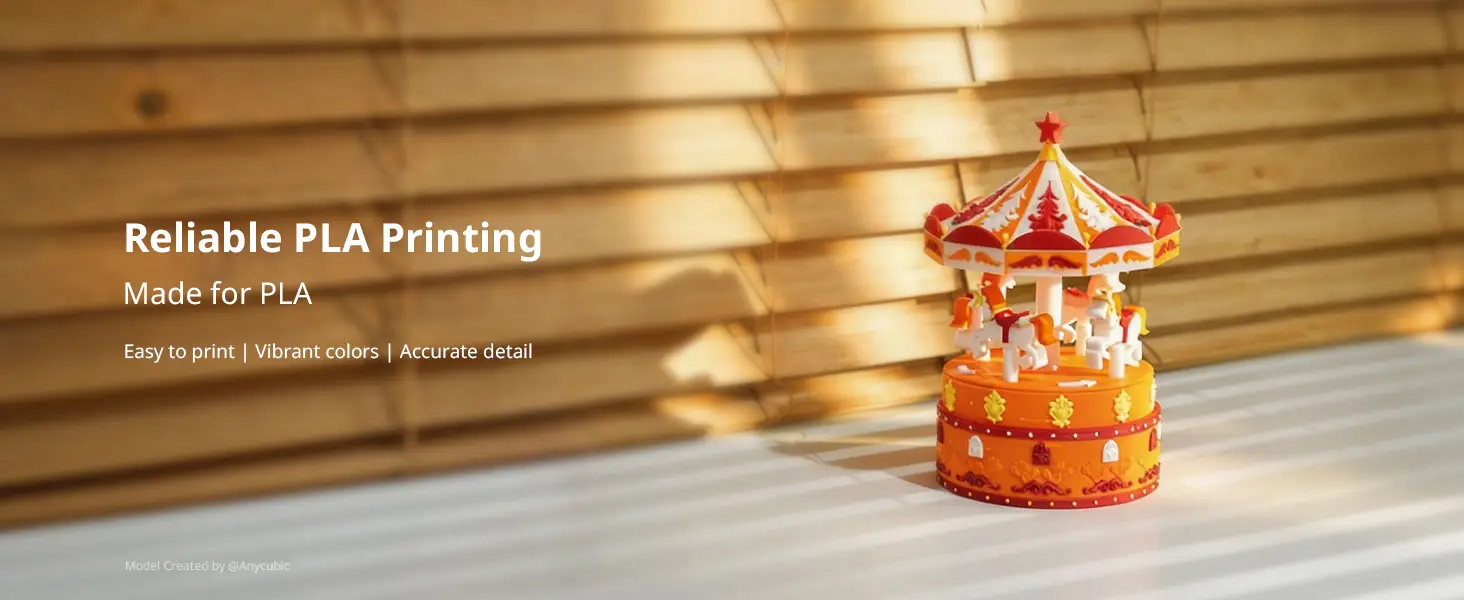
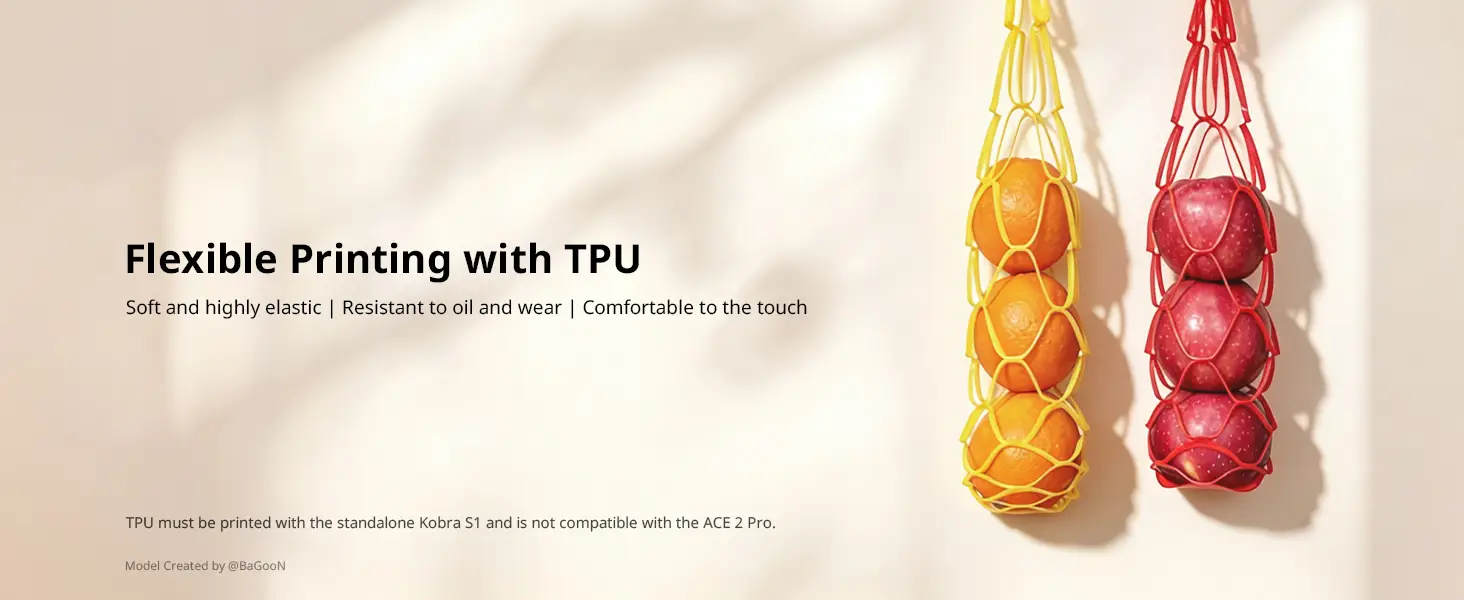
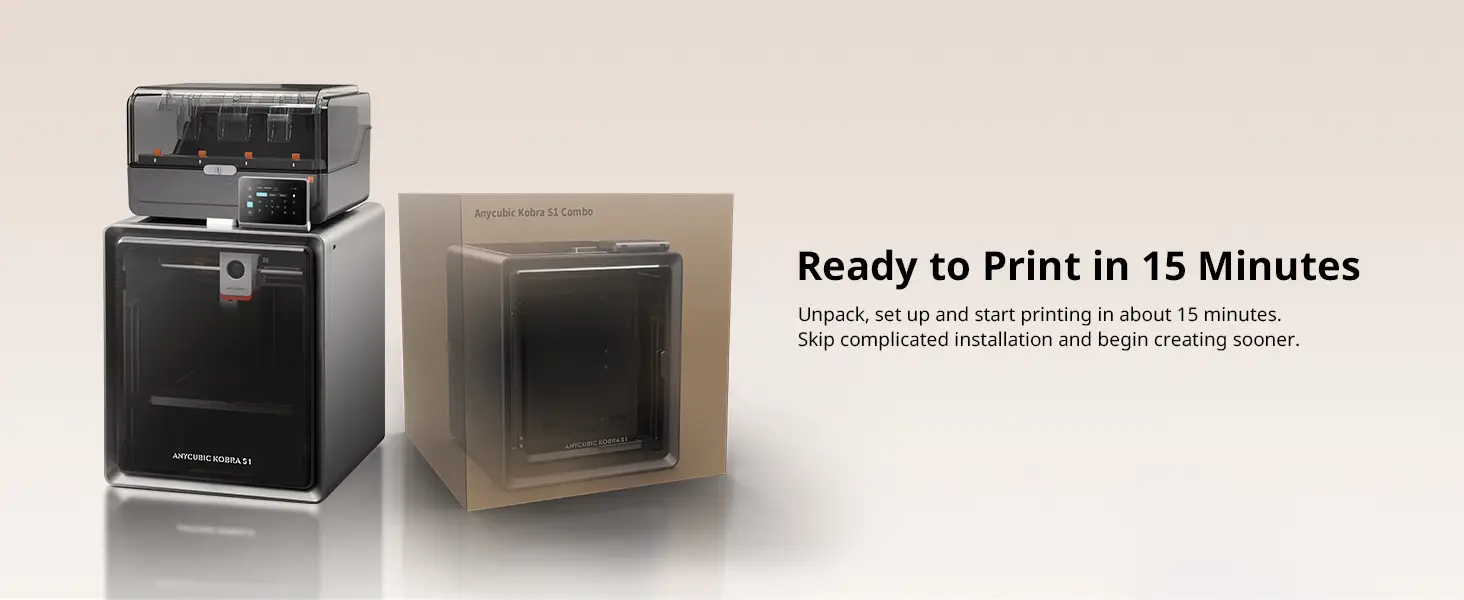
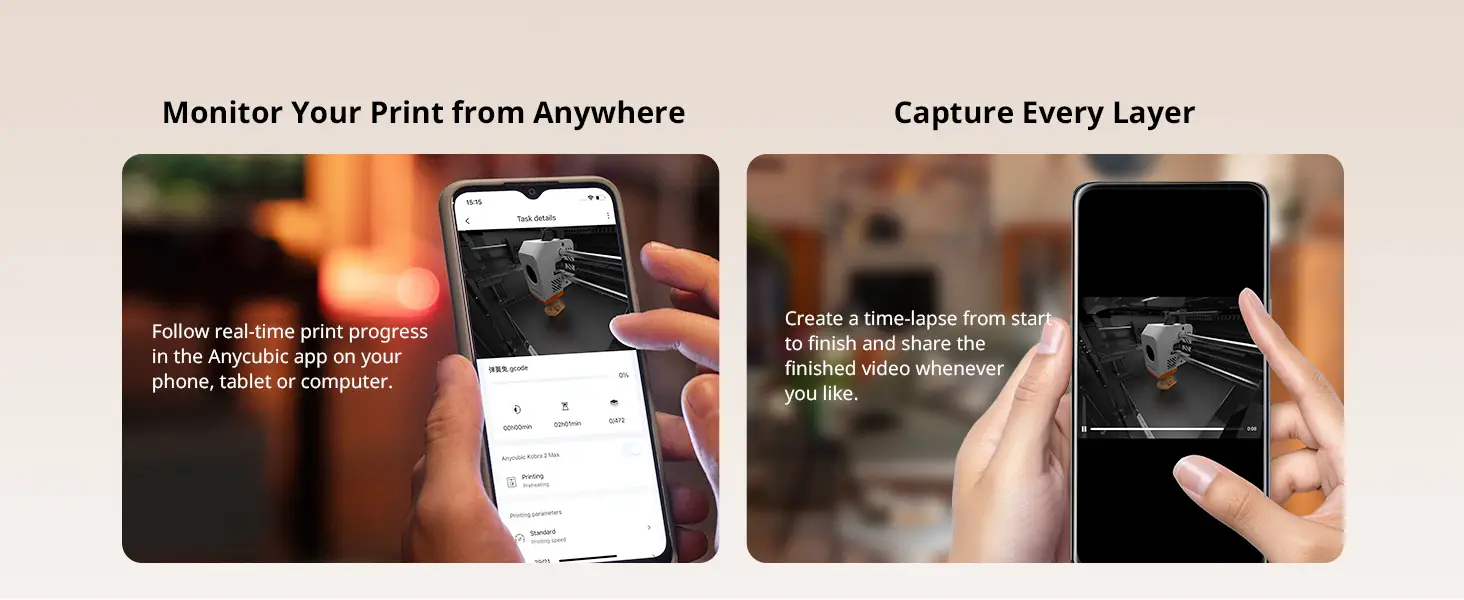
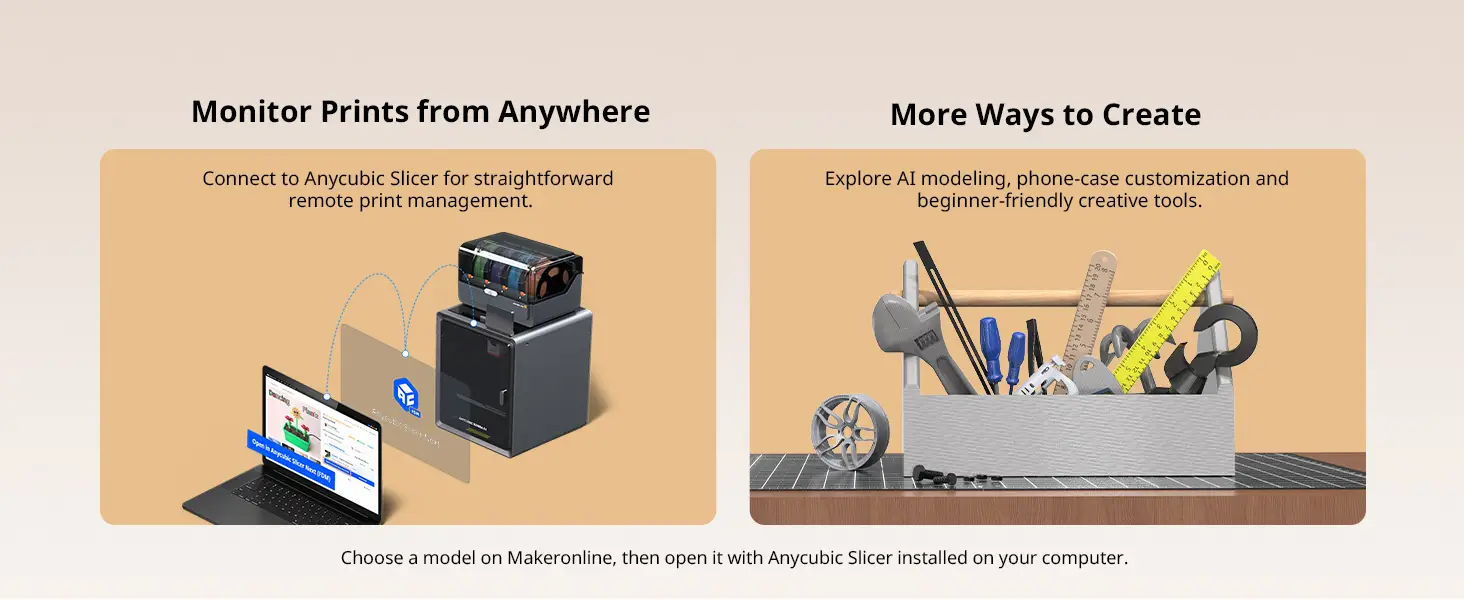
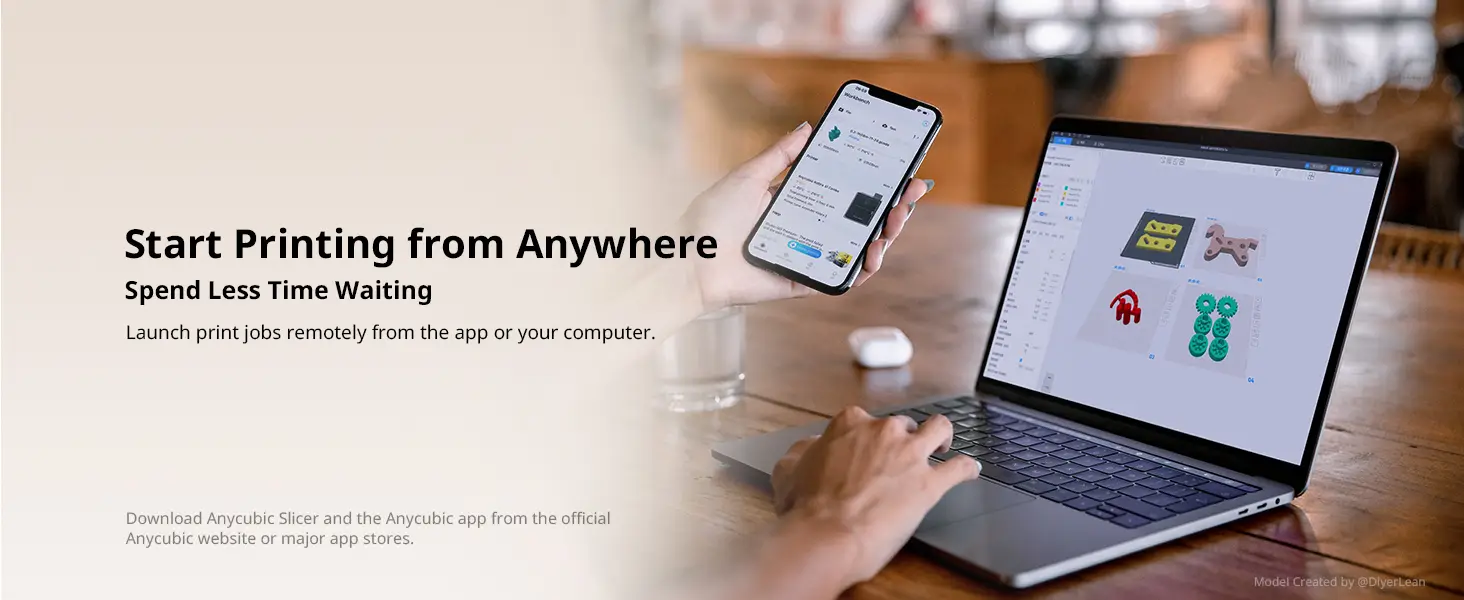
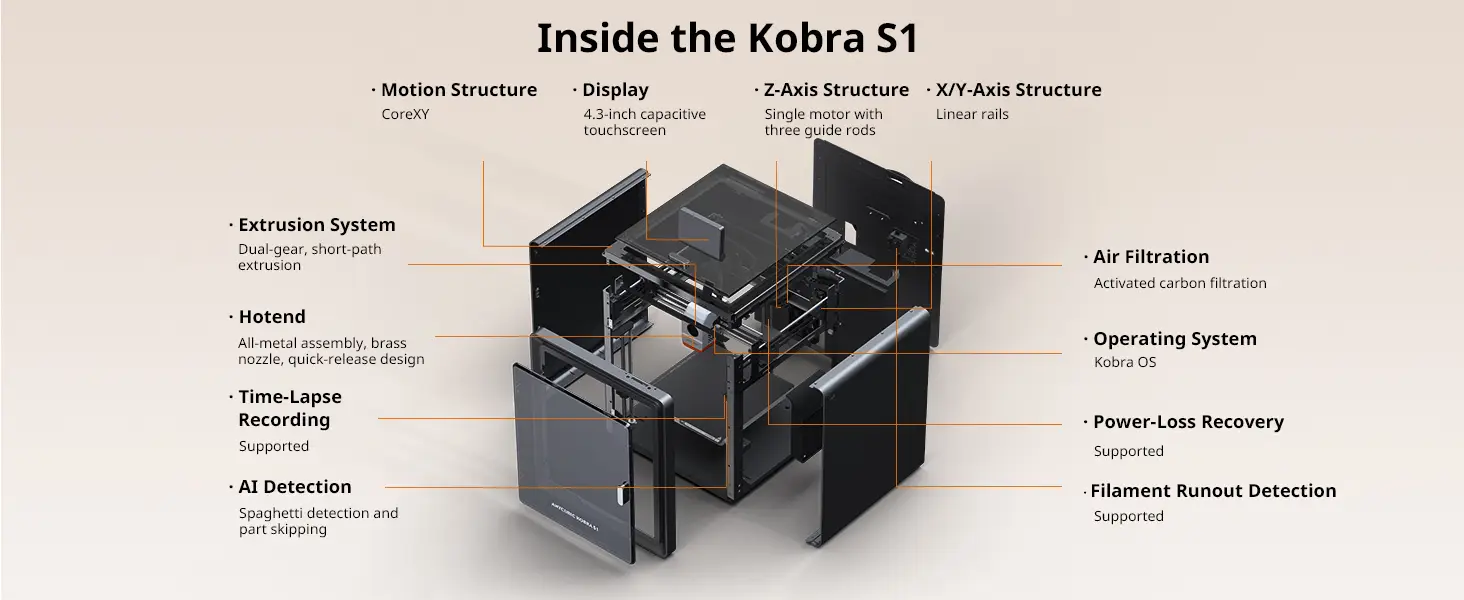
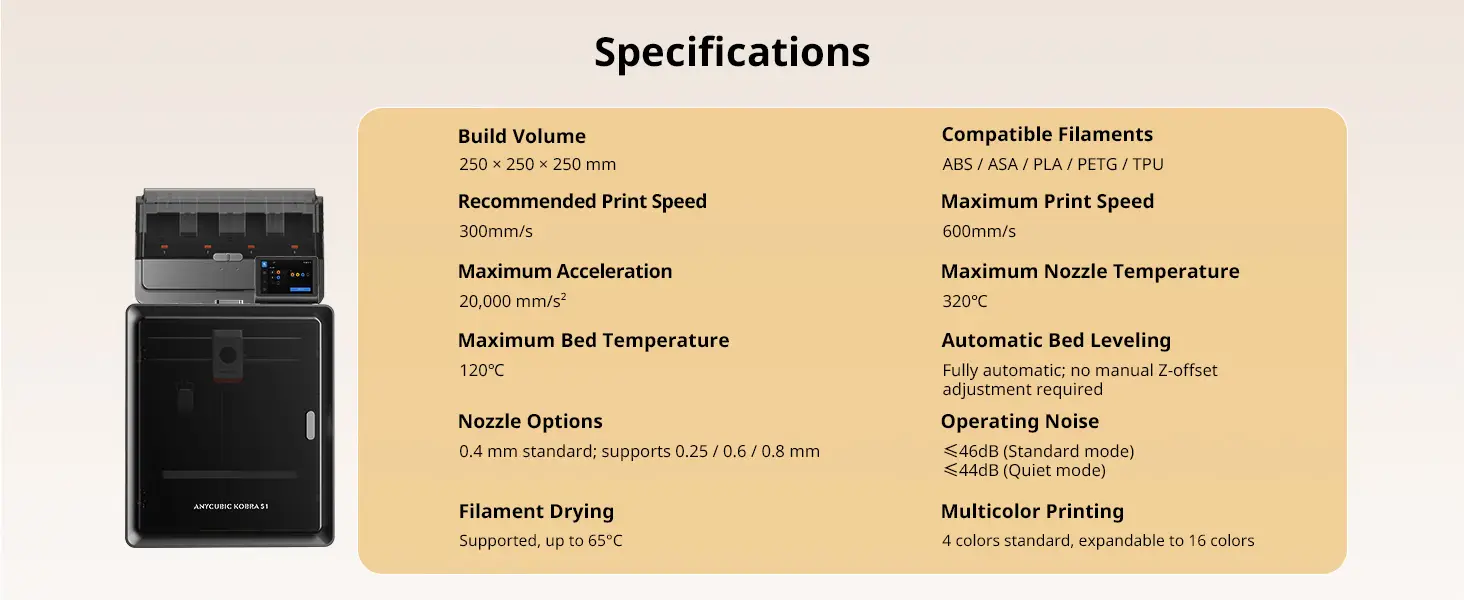
Enhanced Kobra S1 Combo: Upgraded with the new-generation ACE 2 Pro. Up to 16-Color Printing: Supports four-color printing as standard and can be expanded to a maximum of 16 colors with additional compatible ACE 2 Pro units. Powerful Filament Drying: Supports active drying at temperatures up to 65°C, including drying during printing. Upgraded Hotend: Delivers reliable high-temperature printing with a maximum nozzle temperature of 320°C. Fully Enclosed CoreXY Structure: Provides enhanced stability and a 250 × 250 × 250 mm³ build volume. Broad Filament Compatibility: Supports PLA, PETG, TPU (95A), ABS, and ASA. Ultra-Fast Printing: Reaches a maximum printing speed of 600 mm/s and acceleration of up to 20,000 mm/s². Quiet Operation: Quiet mode operates at noise levels as low as 44 dB. Intelligent Monitoring: Includes automatic leveling, filament detection, filament entanglement detection, AI spaghetti detection, and video monitoring.
Detailed Product Description
Manufacturer’s Address
Shenzhen ANYCUBIC Technology Co., Ltd. Building 11, Yin Hai Industrial Park, Longcheng Street, Longgang District, Shenzhen, China.
Basic Components
Kobra S1 Printer, ACE 2 Pro, Print Head, 4.3-inch Touchscreen, Integrated Camera, Cooling Fan, Heated Build Plate, Top Cover, Filament Tubes, Signal Cable, Return Detection Module with 4-in-1 Filament Hub, Spool Holder, Power Cables, Filament Output Port, and Activated-Carbon Filter.
Quick Start Steps
6. Install the Activated-Carbon Filter Remove the activated carbon from the accessory box. Open the vacuum-sealed package. Insert the activated carbon into the printer’s filter compartment. Close the filter compartment securely. 7. First Start-Up Place the printer on a stable, heat-resistant, and well-ventilated surface. Confirm that all transport locks, screws, cable ties, foam, and protective materials have been removed. Connect the printer and ACE 2 Pro to suitable grounded electrical outlets. Switch on the printer and follow the on-screen setup instructions. Select the required language and network settings. Perform automatic leveling and the required calibration procedures before the first print. Load compatible filament and select the correct material profile before starting a printing task.
Safety Warnings
UK REP
Name: WSJ PRODUCT LTD Add: Unit 1, Alsop Arcade, Brownlow Contact: Michael Tel: +44 1519470193 E-mail: info@wsj-product.com