


Product Description
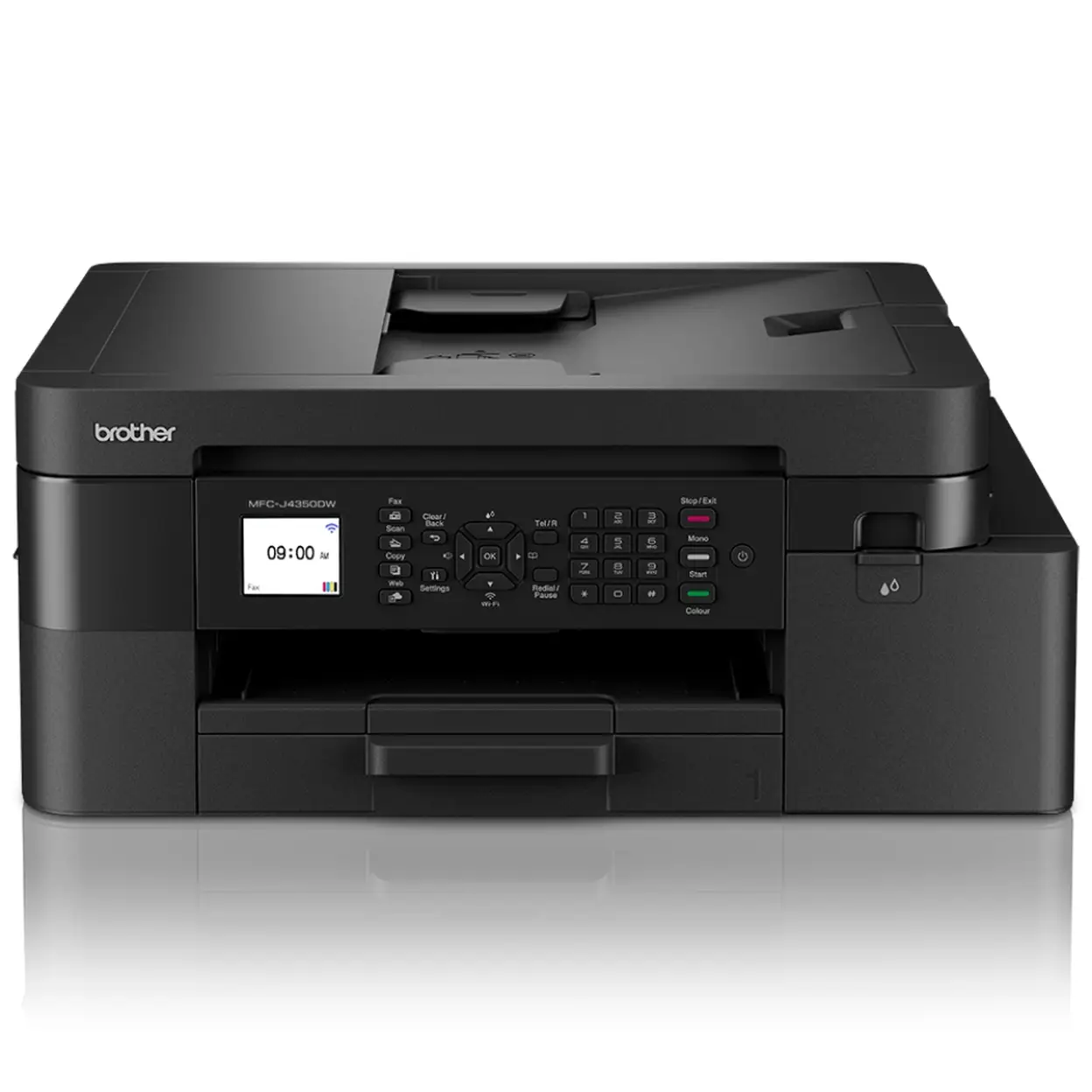
The Brother MFC-J4350DW is a versatile all-in-one inkjet printer designed for small offices and home businesses that demand high-quality, efficient printing without compromising on space. This compact powerhouse combines print, copy, scan, and fax capabilities with professional-grade pigment ink that delivers sharp text and vivid colours on a variety of media. With its high-yield ink options and robust connectivity, it's built to handle your everyday document needs with ease and reliability.
High-Speed Printing & Professional Quality
Print at impressive speeds of up to 20 pages per minute in black and 19 pages per minute in colour (based on ISO/IEC 24734 standards). The printer delivers a maximum print resolution of 1200 x 4800 dpi, ensuring crisp text and detailed images on everything from plain paper to glossy photo paper. Professional-grade pigment ink ensures your documents resist water, fading, and smudging, making them ideal for business reports, presentations, and archival-quality prints.
Versatile Paper Handling & Automatic Duplex
With a 150-sheet paper tray and a 20-page automatic document feeder (ADF), the MFC-J4350DW can handle a wide range of media sizes, from A4 envelopes to photo paper. Automatic duplex printing saves paper and time by printing on both sides of the page without manual intervention. The output tray holds up to 100 sheets, reducing the frequency of paper refills during larger jobs.
Comprehensive Connectivity & Mobile Printing
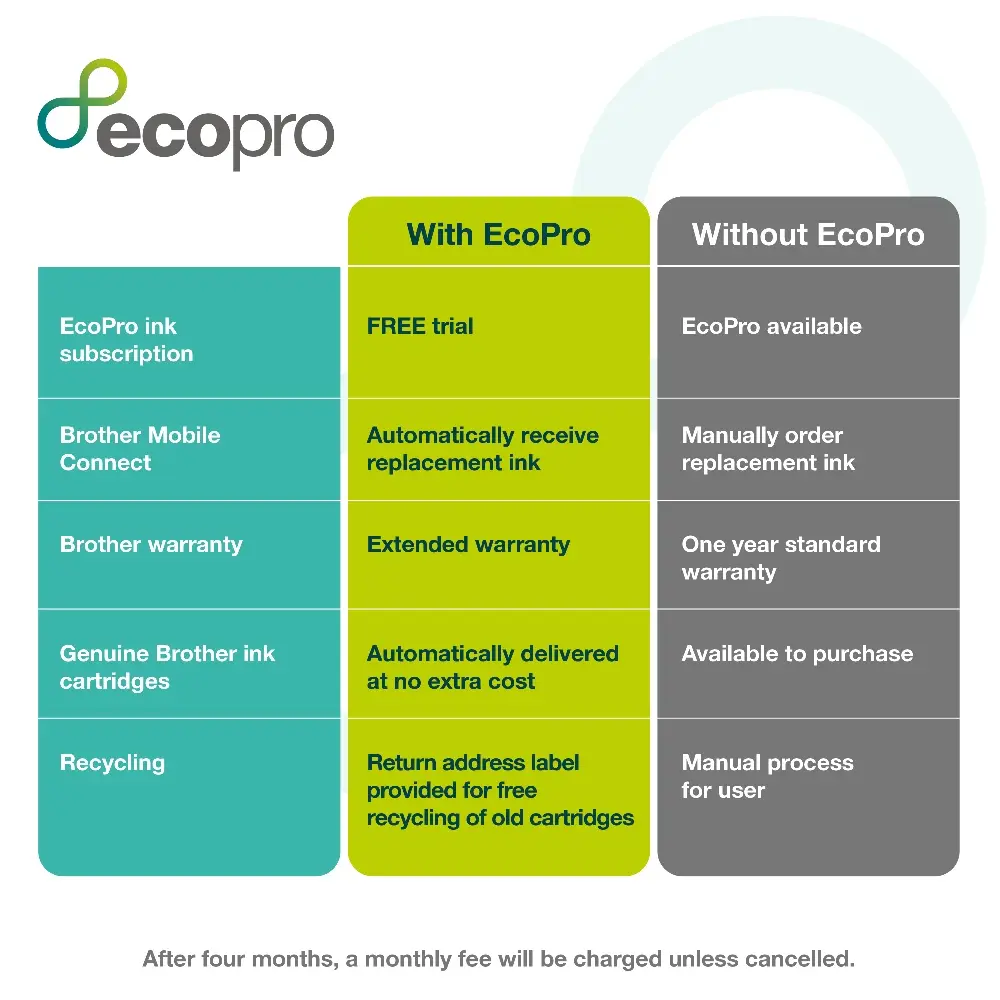
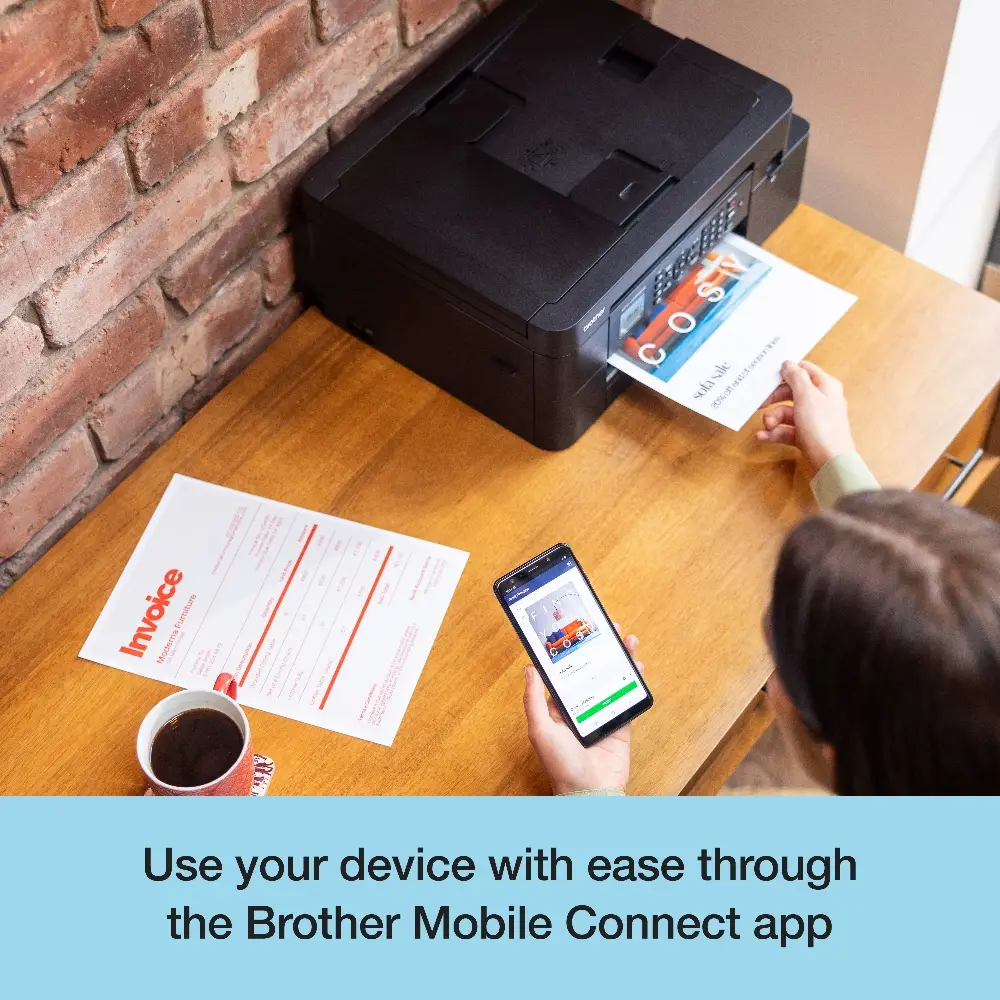
Stay connected with dual-band 2.4/5.0 GHz Wi-Fi, Wi-Fi Direct, and Hi-Speed USB 2.0. The printer supports mobile printing solutions including Brother Mobile Connect, AirPrint, and Mopria, allowing you to print directly from your smartphone or tablet. Scan and share documents via the Brother Mobile Connect app with ease.
Reliable Everyday Performance & Security
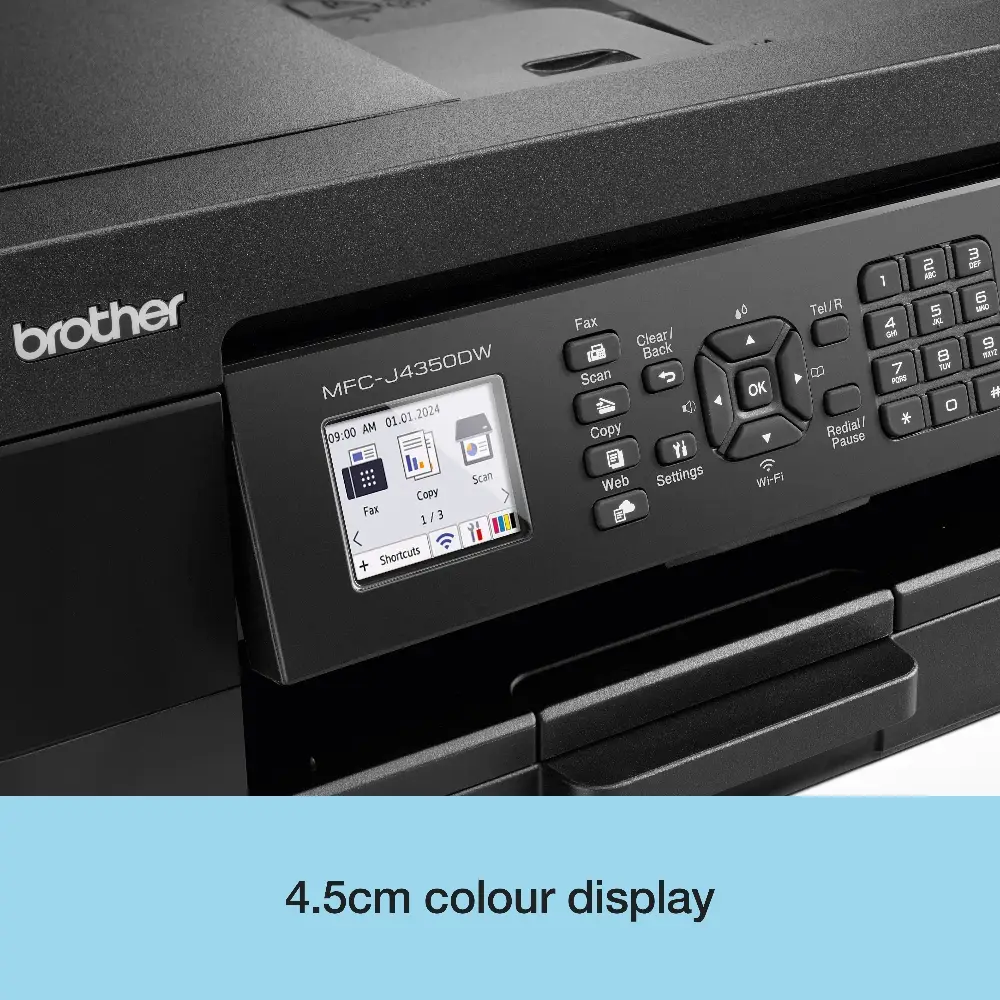
With 256 MB of memory and a 1.8-inch colour LCD display, the MFC-J4350DW offers intuitive operation and efficient handling of large print jobs. Built-in wireless network security (WEP, WPA-PSK, WPA2-PSK) and ongoing firmware updates help keep your data and network safe.
High-Yield Ink Options & Sustainability
Choose from standard or high-yield LC556 ink cartridges to suit your printing volume. The high-capacity black cartridge can print up to 6,000 pages, while colour cartridges yield up to 5,000 pages. The printer is designed with sustainability in mind, featuring a compact, lightweight construction that reduces material use and shipping weight, and recyclable ink cartridges with improved pressure-release structures for easier disassembly and recycling.
What's in the Box
1 x Brother MFC-J4350DW Multifunction Printer
1 x Set of LC556 Starter Ink Cartridges (Black, Cyan, Magenta, Yellow)
1 x Power Cord
1 x Quick Setup Guide
1 x Product Safety Guide
USB cable not included.
Usage Instructions
Setup: Unpack the printer, remove all protective tape, and install the starter ink cartridges. Follow the on-screen instructions on the 1.8-inch LCD display to complete the initial setup and alignment.
Paper Loading: Place paper in the 150-sheet tray, adjusting the paper guides to fit the paper size. For envelopes and photo paper, use the manual feed slot at the rear.
Connecting: Connect to your network via Wi-Fi using the printer's WPS function or through the 1.8-inch colour display. For wired connections, use a USB cable (sold separately).
Mobile Printing: Download the Brother Mobile Connect app to print, scan, and check ink levels from your smartphone or tablet.
Maintenance: Use only Brother genuine LC556 series ink cartridges for optimal print quality and to avoid potential issues covered by the warranty.
Safety Warnings
Ink Safety: If ink comes into contact with eyes, rinse immediately with water. If skin contact occurs, wash with soap and water. Seek medical attention if irritation persists.
Handling: Do not touch the ink cartridge insertion slots or the nozzle area of cartridges. Avoid shaking cartridges once installed.
Environment: Operate the printer between 10°C and 35°C, with humidity between 20% and 80%.
Power: Ensure the power cord is securely connected and avoid overloading electrical outlets. Unplug the printer during extended periods of non-use.