



Product Description
Product Overview
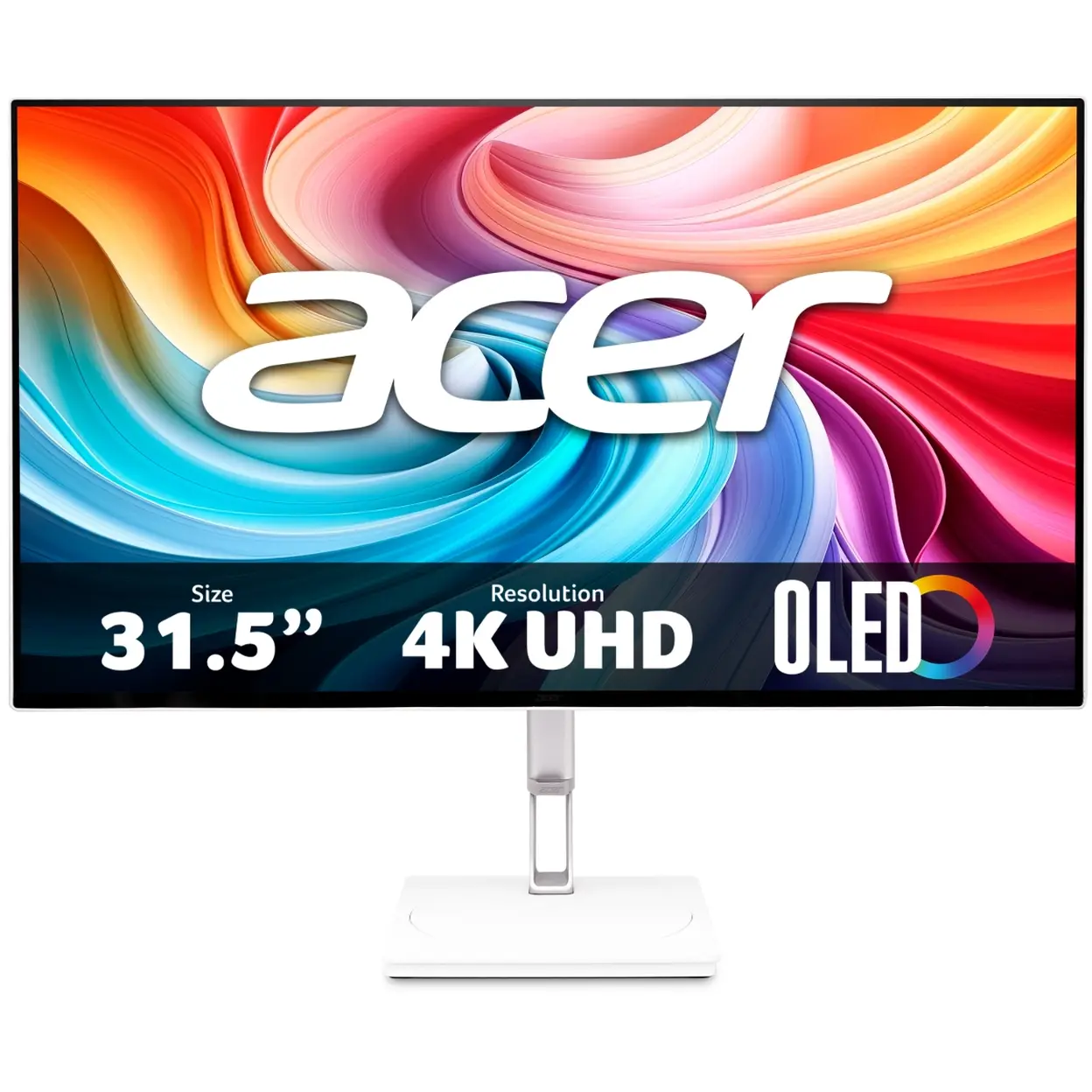
The Acer CE320QK X is a 31.5-inch Ultra HD monitor that combines stunning QD-OLED technology with professional-grade performance. Featuring 4K resolution and a remarkably fast 165Hz refresh rate, this monitor delivers exceptional clarity and responsiveness for both creative work and gaming. Its sleek ZeroFrame design and white minimalist aesthetic make it a stylish addition to any workspace .
Exceptional Visual Quality
The 31.5-inch QD-OLED panel delivers 4K UHD resolution (3840 x 2160) with native 10-bit colour depth for stunning image quality . With VESA DisplayHDR True Black 400 certification and a peak brightness of 1000 nits, it produces deep blacks and vivid contrast for lifelike visuals. The monitor covers 99% of the DCI-P3 colour gamut with Delta E < 2 colour accuracy, making it ideal for colour-critical creative work .
Ultra-Fast Performance
With a 165Hz refresh rate and an incredible 0.03ms (GTG) response time, this monitor delivers exceptionally smooth motion with virtually no input lag . AMD FreeSync Premium Pro technology synchronises the monitor's refresh rate with your graphics card, eliminating screen tearing and stuttering for fluid gameplay .
Premium Design and Ergonomics
The ZeroFrame design maximises screen real estate for an immersive viewing experience. The ErgoStand offers full ergonomic adjustment including tilt, swivel, and height adjustment for comfortable extended use . VESA mounting capability provides flexible placement options.
Versatile Connectivity
Connectivity options include 2 x HDMI 2.1 ports, 2 x DisplayPort 1.4 ports, and audio out . The monitor also features built-in 3W speakers for convenient audio.
What is in the Box
1 x Acer CE320QK X Monitor
1 x Stand Base and Column
1 x Power Cable
1 x HDMI Cable
1 x User Manual
Usage Instructions
Setup: Connect the monitor to your PC using the included HDMI cable or a DisplayPort cable for optimal performance.
Adjustment: Use the ErgoStand to tilt, swivel, and adjust height for your most comfortable viewing position.
Gaming: Ensure your PC can output high frame rates and enable AMD FreeSync in your graphics driver settings for tear-free visuals.
Manufacturer:
Colour Calibration: For professional work, consider calibrating the monitor using the built-in settings for accurate colour reproduction
Acer UK Limited Ground Floor West Wing Heathrow Boulevard 4 280 Bath Road West Drayton UB7 0DQ United Kingdom Company Registration Number: 02252821 VAT Number: GB494075326 Website: https://www.acer.com/gb-en
Safety Warnings
Placement: Place the monitor on a stable, level surface. Ensure adequate ventilation around the device.
Power Supply: Use only the supplied power cable. Do not use damaged power cords or adapters.
Handling: Avoid touching the display panel directly. When moving the monitor, hold it by the base or edges.
Cleaning: Turn off and unplug the monitor before cleaning. Use a soft, dry microfiber cloth. Do not use liquid or aerosol cleaners.